Setting up the Printer
The following environmental considerations must be kept in
mind when selecting a location for the Address Printer. Doing
otherwise may affect the operation and performance of the
Address Printer.
Choosing a
Good
Location for
the Printer
1. Place the printer close enough to the computer for the
parallel cable to reach.
2. Place the printer on a flat, stable surface.
Note: AB switches are
not recommended for
operation with this
printer.
3. Use a grounded, dedicated outlet for the printer only.
Note: Do not use an adapter plug.
4. Avoid locations near direct sunlight, excessive heat,
high humidity, moisture, or dust.
5. Keep the entire system away from large motors or
other appliances that might disturb the power supply or
create potential interference.
Removing
Protective
Materials
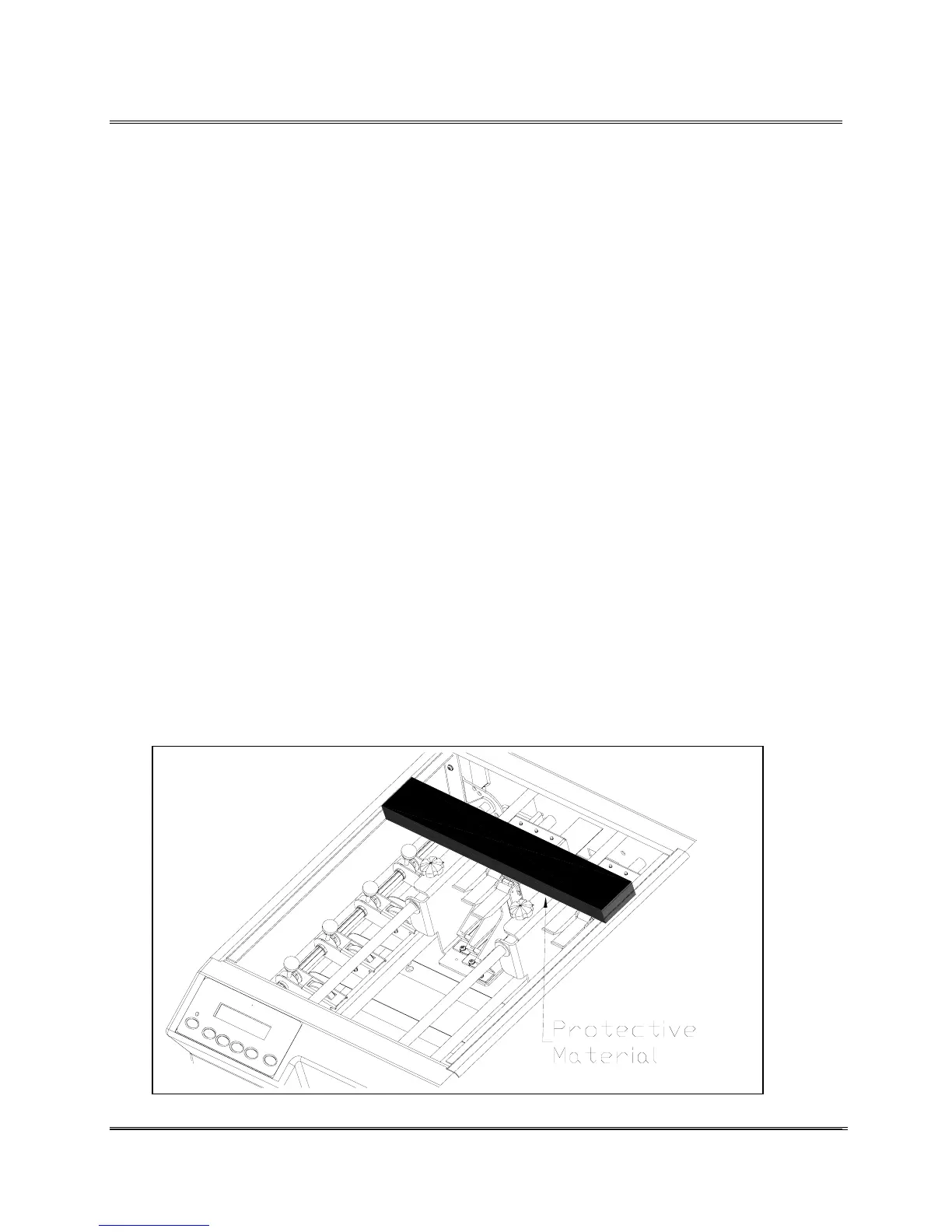
The printer is protected during shipping with corrugated
cardboard around the Head Print Carriages.
1. Remove the Top Cover to gain access to the inside of
the printer.
2. Remove the styro-foam protective insert.
Revision C 30K USERS MANUAL Section 3 -
P/N 90-00203-001
1



 To Next Page