Setting up the Printer
The power cord is plugged in, the printer is connected to the
computer. Now you can turn the power on.
Power On
· Press on the printers' ON/OFF (I/O) power
switch. The switch is located on the side of the
printer next to the line cord receptacle. Press on
the symbol "I" (ON) position. The printer LCD
menu will display the initializing phrase
PRINTER STARTING 1 then PRINTER
STARTING 2 and printer will automatically go
ON LINE.
The Addressing Printer uses up to six black Print Cartridges
for printing. To install the cartridge, do the following:
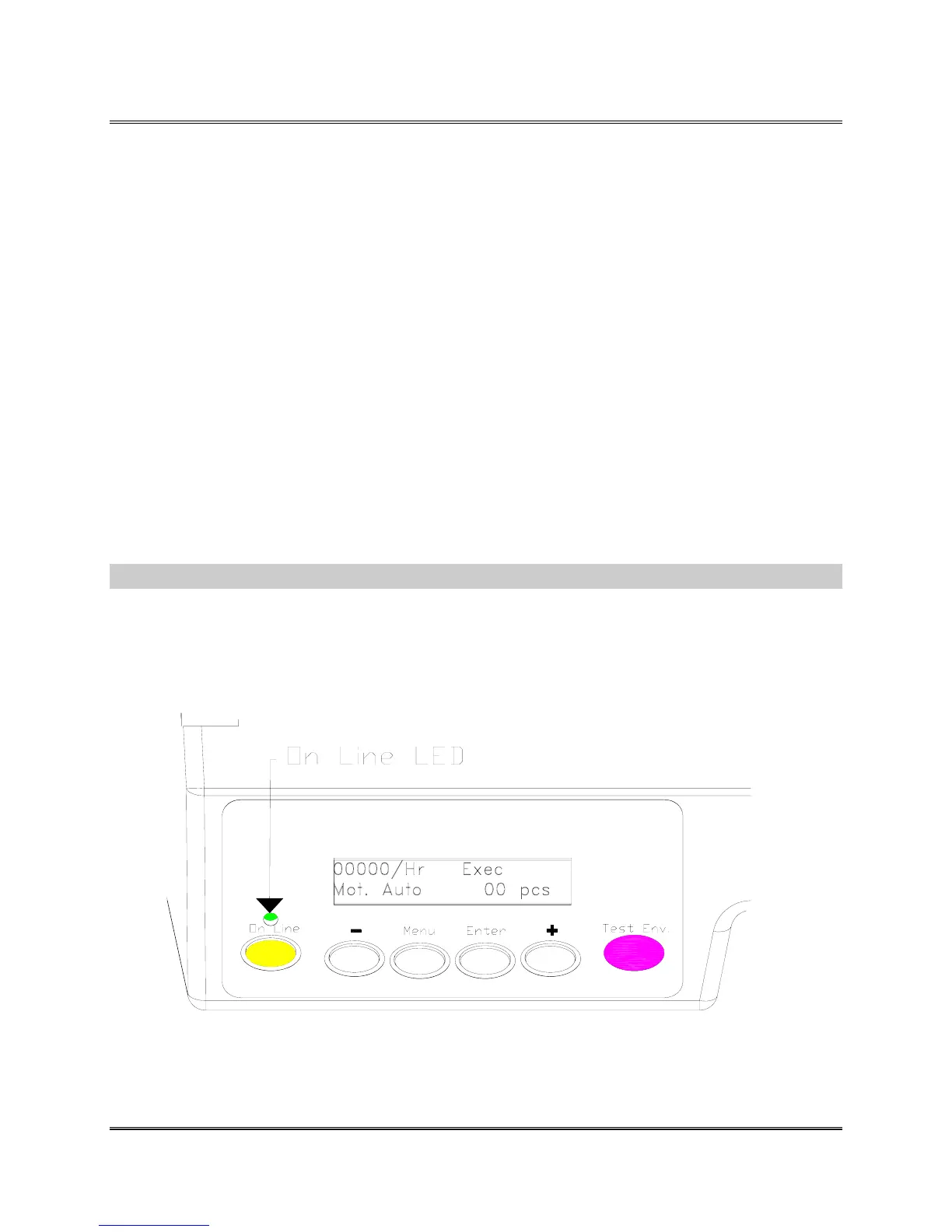
· Verify the LED above the ON LINE button is lit. The
LED is either unlit for OFF LINE or lit for ON LINE.
.
Revision C 30K USERS MANUAL Section 3 - 4
P/N 90-00203-001



 To Next Page