Printer Tips
The example shows Print Cartridge #3 is to high.
• Press the [+] plus or
[ - ] minus buttons to scroll
through the Adjust Print menu options until the HEAD
3 UP DOWN option is displayed on the LCD panel.
• Press the [Enter] button to select this option.
• Press the [+] plus (UP) button to increment the
horizontal line value on the LCD display.
• Press the[ - ] minus (DOWN) button to decrease the
horizontal line value on the LCD display.
• Press the [Enter] button to select the desired value. An
Asterisk (*) will appear in front of the new selection.
Head 3 Bank
Head 2 Bank
Head 1 Bank
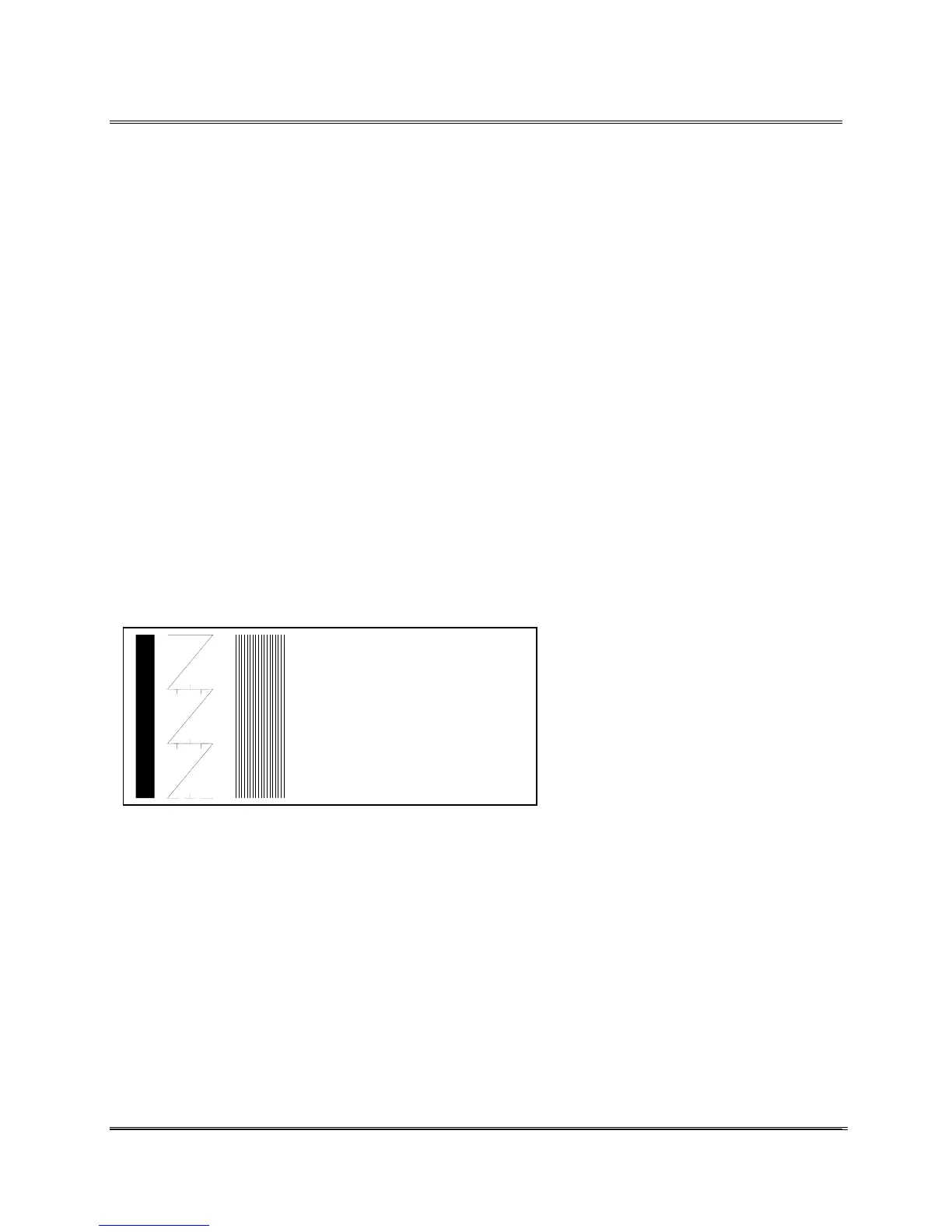
• Press the [Test Env] button to print another Test
Pattern. This time the Test Pattern is printed using the
entered selection. The pattern printed should look like
the following example:
When the correct numeral is selected the center test pattern
will be one long crooked line.
• Press the [Menu] button several times to back out of
the Service Menu.
• Press the [On Line] button; now the printer is ready
for use.
Revision C 30K USERS MANUAL Section 4 -
P/N 90-00203-001
6



 To Next Page