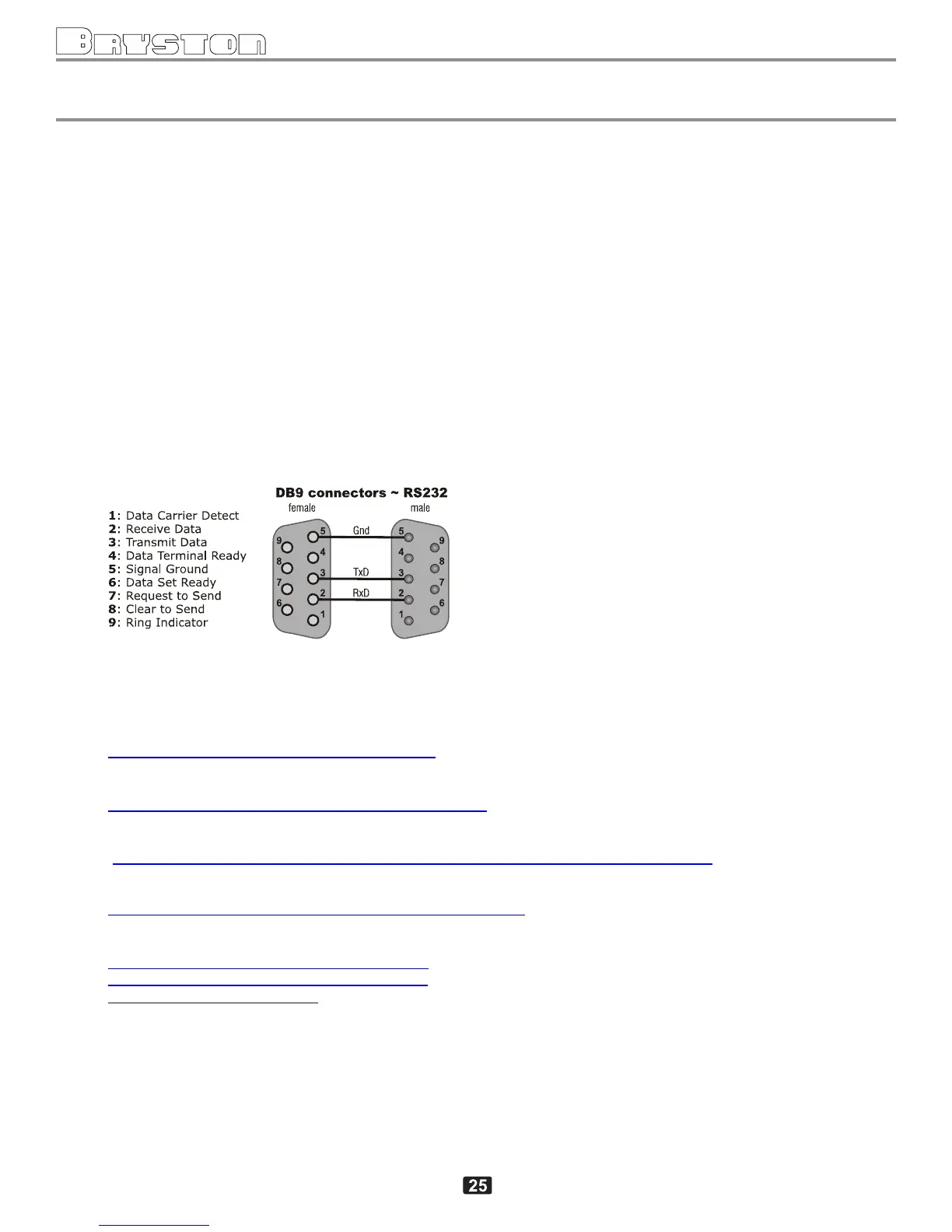
APPENDIX C RS232 SERIAL PORT (DB9) HOOKUP
RS232 Port Notes Pg. 1 of 1
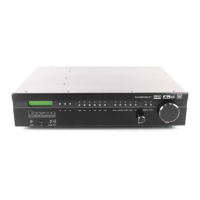
SP3 - RS232 port
(09-Jan-2012, Stan B, Bryston Ltd)
How to enable RS232 port
RS232 parameters can be set in the hidden screen
1
under Miscellaneous The communication format is fixed:
8 bit data, 1 start bit,1 stop bit, no parity, no handshake
There are two configurable parameters:
1) RS232 MODE: OFF/ON/ON+AUTOFB
OFF - RS232 port is disabled
ON - RS232 port is ON without auto-feedback
2
ON+AUTOFB - RS232 port is ON with auto-feedback
3
2) RS232 BAUD: 9600/19200/38400
- baudrate selection (default is 9600)
Connector diagram
Testing of SP3 communication.
The following free RS232 terminal utilities can be used for testing the SP3 communication:
Termite 27 (tested OK, easy and straightforward to use):
http://wwwcompuphasecom/software_termitehtm
Hercules 324 (tested OK, type commands as ##10MSRC03<CR>, no local echo, can use TCP/IP)
http://wwwhw-groupcom/products/hercules/index_enhtml
Other free (untested):
http://downloadcnetcom/Ckubed-Advanced-Terminal-Program/3640-2085_4-10234733html
(note: I used and tested an old version 2 of CKubed on WinXP, however seem to be problems with uninstalling
of the current version 44)
http://realtermsourceforgenet/indexhtml#downloads_Download
Sources for MS VBnet and C#:
http://wwwlvrcom/files/com_port_terminal_vbzip
http://wwwlvrcom/files/com_port_terminal_cszip
1
To unlock the hidden screens: go to Miscellaneous, scroll down to the bottom screen (3-rd from the top). Press ZONE,DVD and TAPE
buttons, one at a time, in this order. A down arrow will appear in the bottom right corner of the screen. Scroll down until you see the
required parameter.
2
RS232 commands sent will still be echoed back using standard reply format described in the helpcmd.txt
3
Auto feedback is the response similar to an RS232 command response described in helpcmd.txt but issued by the SP3 to Host
following a system status change, initiated by non-RS232 action. For example, when DVD front panel button is pressed SP3 would send
#10MSRC00<CR> back to host.



 To Next Page