SP3 PREAMP / PROCESSOR
SP3 IDLE SCREEN EXPLANATIONS Page 1 of 3
SP3 IDLE SCREEN EXPLANATIONS
2011-11-24
SP3 DEFAULT SCREEN
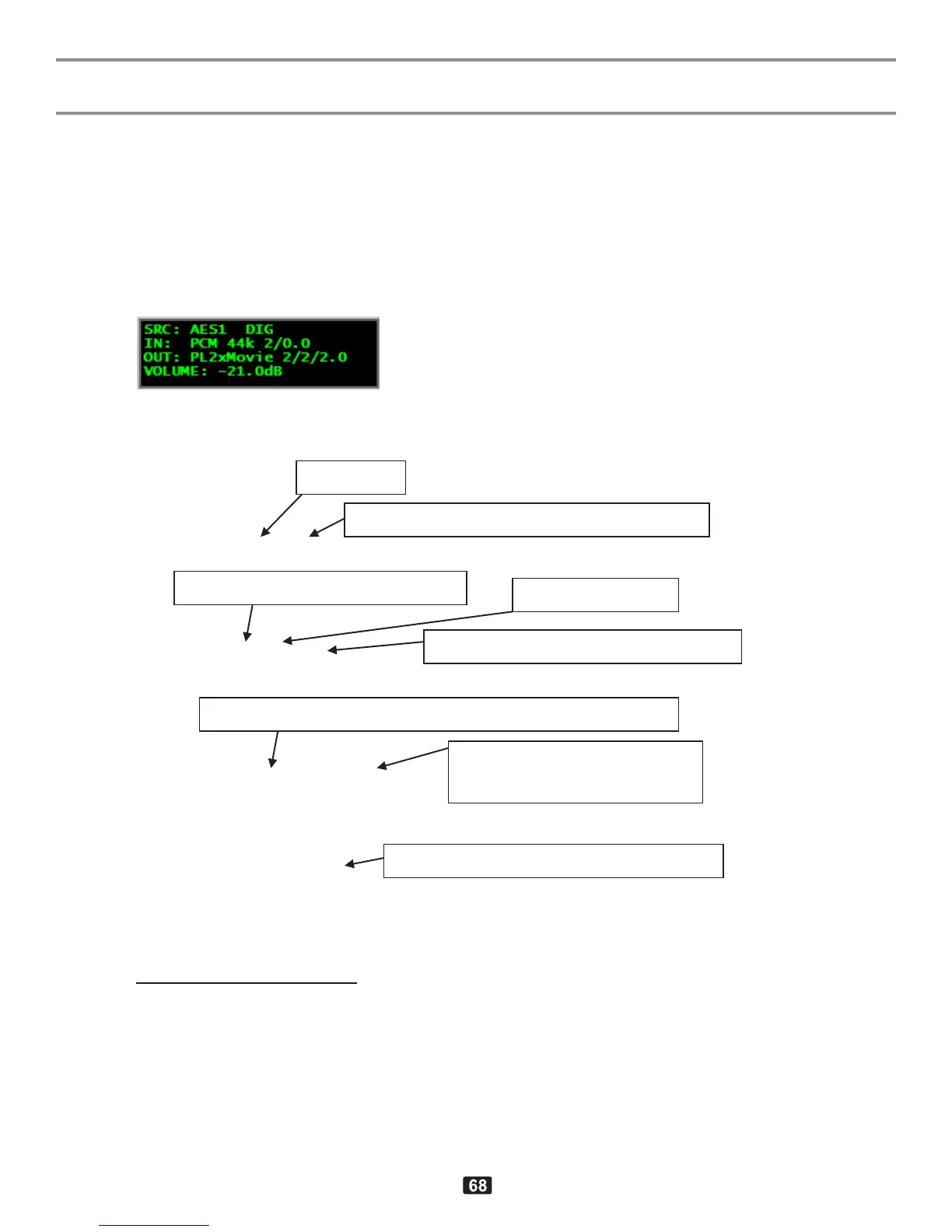
1. Default screen, playing SPDIF input, PCM-encoded 2 channel stream, example
1
1
:
Line1: SRC: AES1 DIG
Line2: IN: PCM 44k 2/0
Line3: OUT: PL2xMovie 2/2/2.0
2
Line4: VOLUME: -21.0dB
1
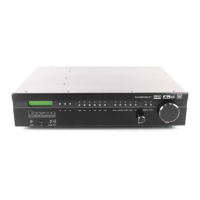
Using SPDIF balanced digital source BAL1+DIGITAL, playing two channel audio file from BDP-1
2
The center speaker was configured as NONE and the rest were declared as LARGE. The “.0” ending
indicates that the subwoofer is not being used (in spite being declared as present), since the bass is
reproduced through the large front speakers. If all speakers including center were present, then the short
7.0 would have been displayed instead of the full 3/2/2.0 in such a case. If the front speakers were declared
as SMALL then the bass would have been reproduced through the subwoofer and 2/2/2.1 would have been
shown instead of 2/2/2.0
Input type (digital, analog, hdmi, bypass)
Program encoding: linear PCM 2ch
Program format (front/surr/back.lfe)
Surround re-creation mode: Dolby ProLogic IIx “Movie”
(front/surr/back.subwoof)
Output volume control (level in dB)
APPENDIX M IDLE SCREEN EXPLANATIONS



 To Next Page