APPENDIX F: WEB INTERFACE GUIDE continued
SP3 Web Interface Guide Page 7 of 7
Remote Communication Commands – displays the list of available RS232 commands, such as #10MPWR01
etc.
Infrared Remote Control Codes - displays the list of available IR remote controller codes. The codes can be
entered in to BR3 remote controller by pressing “Code” button once (which lights the red LED) and then
pressing three numeric buttons
6
in the short succession while the red LED is lit.
Note: some of the help hyperlinks point to embedded files in the SP3, while some other, such
as the user manual, point on-line thus require active internet connection.
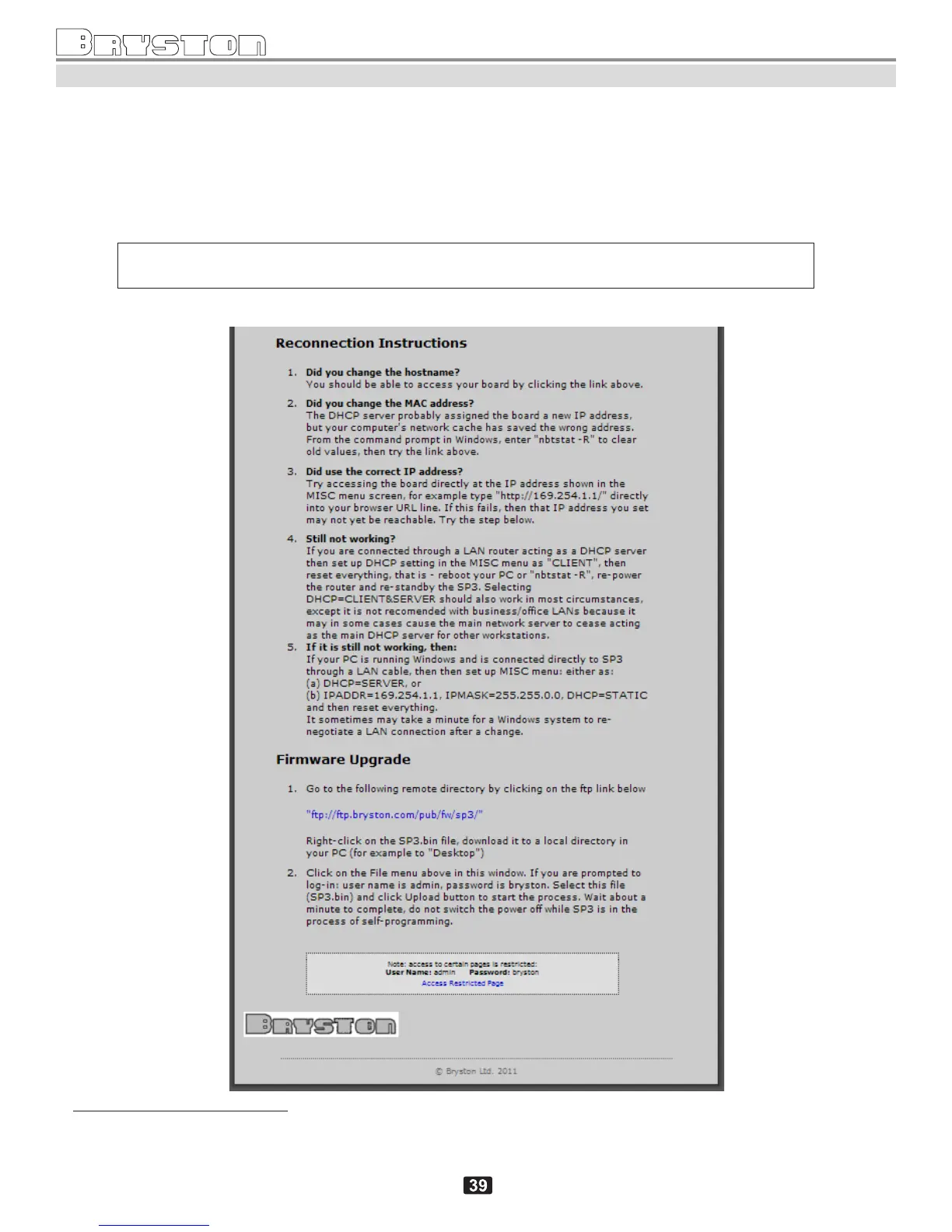
Help screen (bottom part)
6
Numeric buttons 0-9 in the BR3 are assigned to the following buttons, in this order: MUTE=0, TEST=1, DTS=2, DOLBY=3,
2CH=4, HDMI=5, DIG=6, SURR=7, SURR=8, STEREO=9.



 To Next Page