20
Main Band/Sub Band Switch
In standby mode, press the A/B key to switch between the main
frequency band and the sub frequency bands. The highlighted frequency
band is the main band, and the dimmed frequency band is the sub band.
VFO/Channel Switch
Press the V/M key to switch between VFO and channel display.
• In channel mode (MR), the channel number will be displayed.
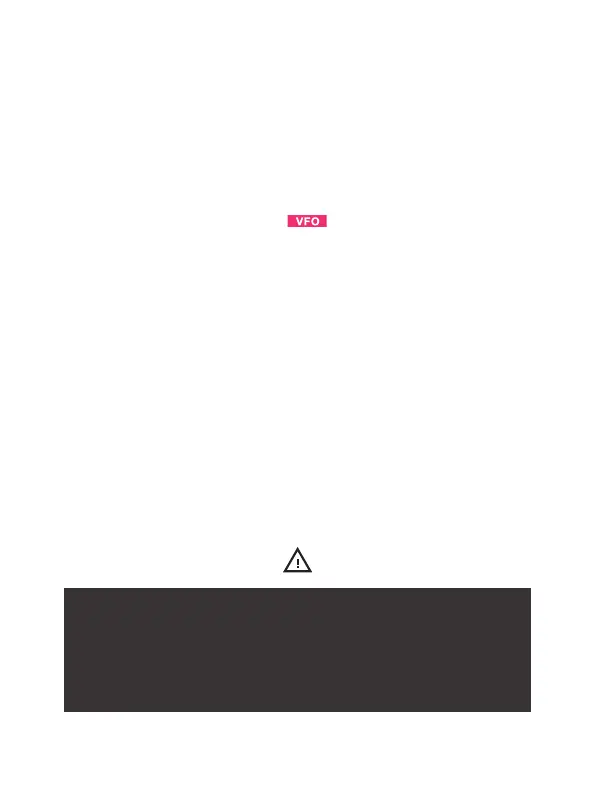
• In frequency mode (VFO), the will be displayed.
Frequency (VFO) mode
In Frequency (VFO) mode, you can navigate up and down the band
using the
or keys. Each press will change the frequency according
to the set frequency step. You can also input frequencies directly on the
numeric keypad with kilohertz accuracy.
Example (using a 12.5 kHz frequency step) Entering the frequency
436.61250 MHz on display A:
1. In standby mode, press the V/M key to switch to Frequency (VFO
mode.
2. Enter [4][3][6][6][1][2][5][0] on the numeric keypad.
WARNING: Just because you can program a channel
does not mean you're authorized to use that frequency.
Transmitting on unauthorized frequencies is illegal. However,
it is generally legal to listen. Check with your local regulatory
body for applicable laws and regulations.



 To Next Page