Ultrasound Operation
28
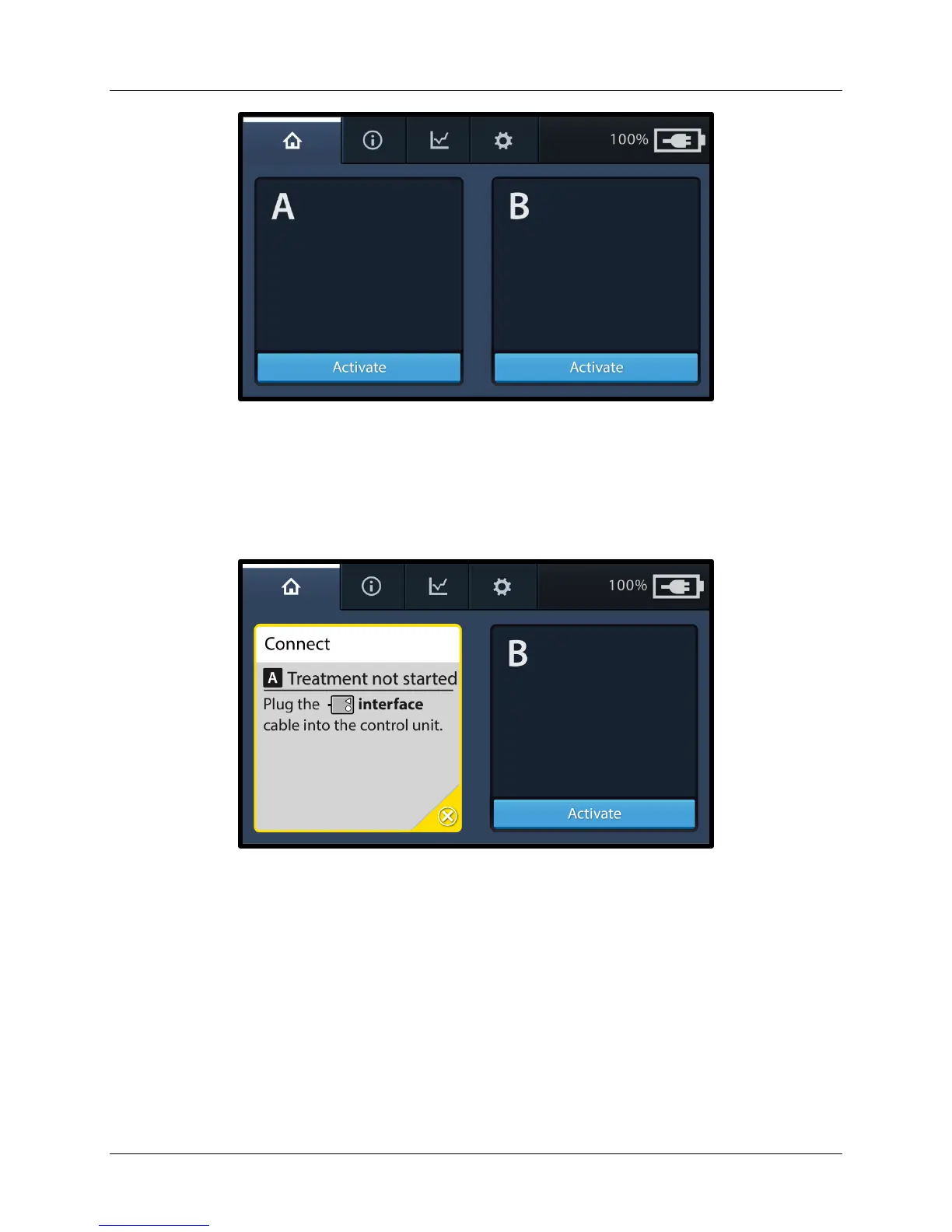
Figure 14. Activate Screen
Pressing the Activate button for either channel displays a connect message
indicating to plug the Connector Interface Cable into the Control Unit (see
Figure 15).
Figure 15. Connect Interface Cable Screen
Note: If the Connector Interface Cable is already connected when the Control
Unit is turned ON, the channel is automatically activated and a connect
device cables message is displayed (see Figure 17). Similarly, if the
Connector Interface Cable is connected after the Control Unit is turned ON,
the channel is automatically activated and a connect device cables message
is displayed (see Figure 17).


 To Next Page