Ultrasound Operation
27
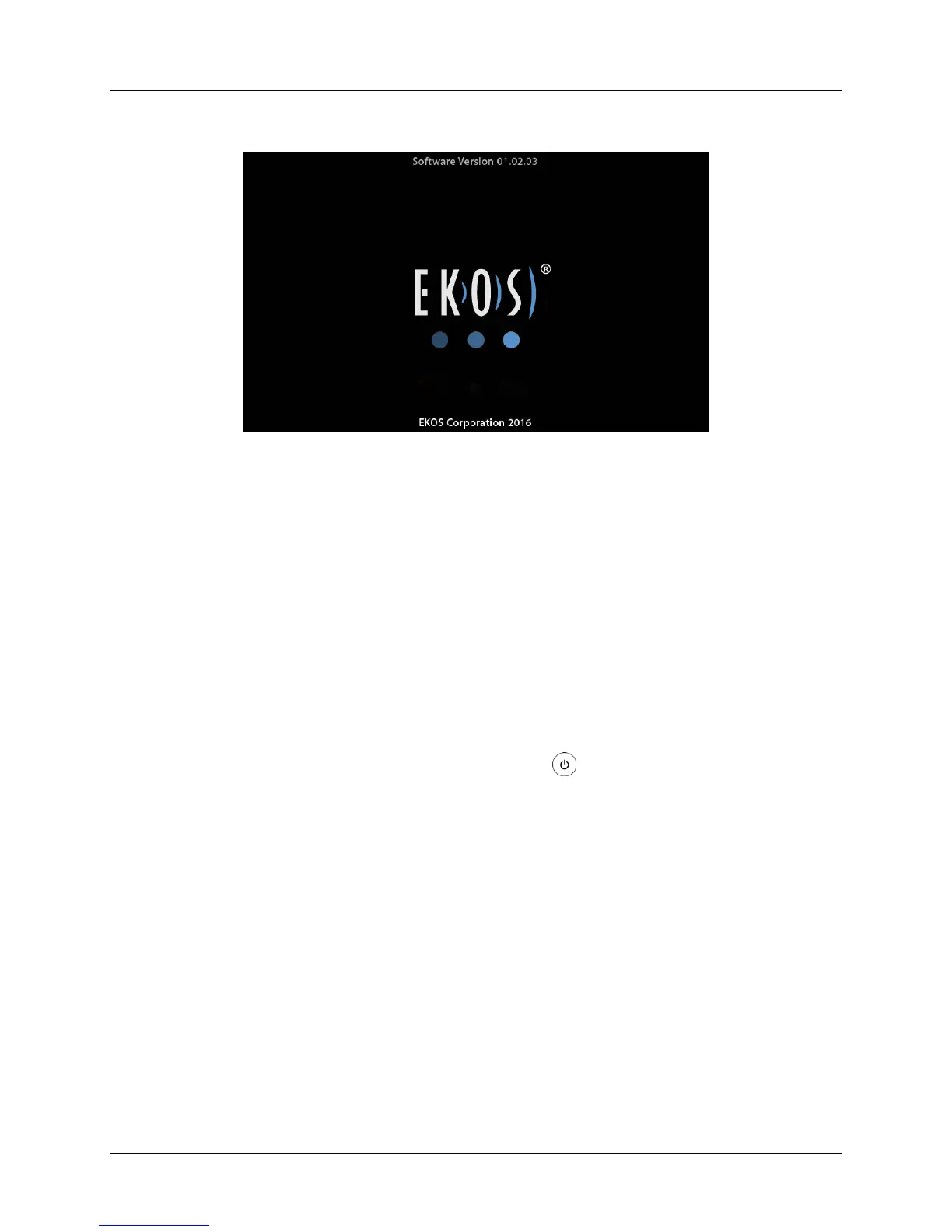
Figure 13. Logo Screen (Starting)
Starting Ultrasound
The sterile, disposable EkoSonic™ Device is sold separately. Carefully read the
Instructions for Use that is provided with the device for a complete description,
instructions, warnings, cautions and specifications specific to the EkoSonic™ Device.
The Instructions for Use packaged with the EkoSonic™ Device may still reference the
previous Control System (PT-3B) and terminology. All EkoSonic™ Devices will function
as intended whether connected to a model PT-3B Control System or a Control System
4.0.
After the physician has placed the EkoSonic™ Device into the patient, do the following:
1. If not already ON, press the Power button on the front of the Control
Unit.
When the Control Unit start-up is complete and if the Connector Interface
Cable is not connected, both channels are available to Activate (see Figure
14).


 To Next Page