Ultrasound Operation
35
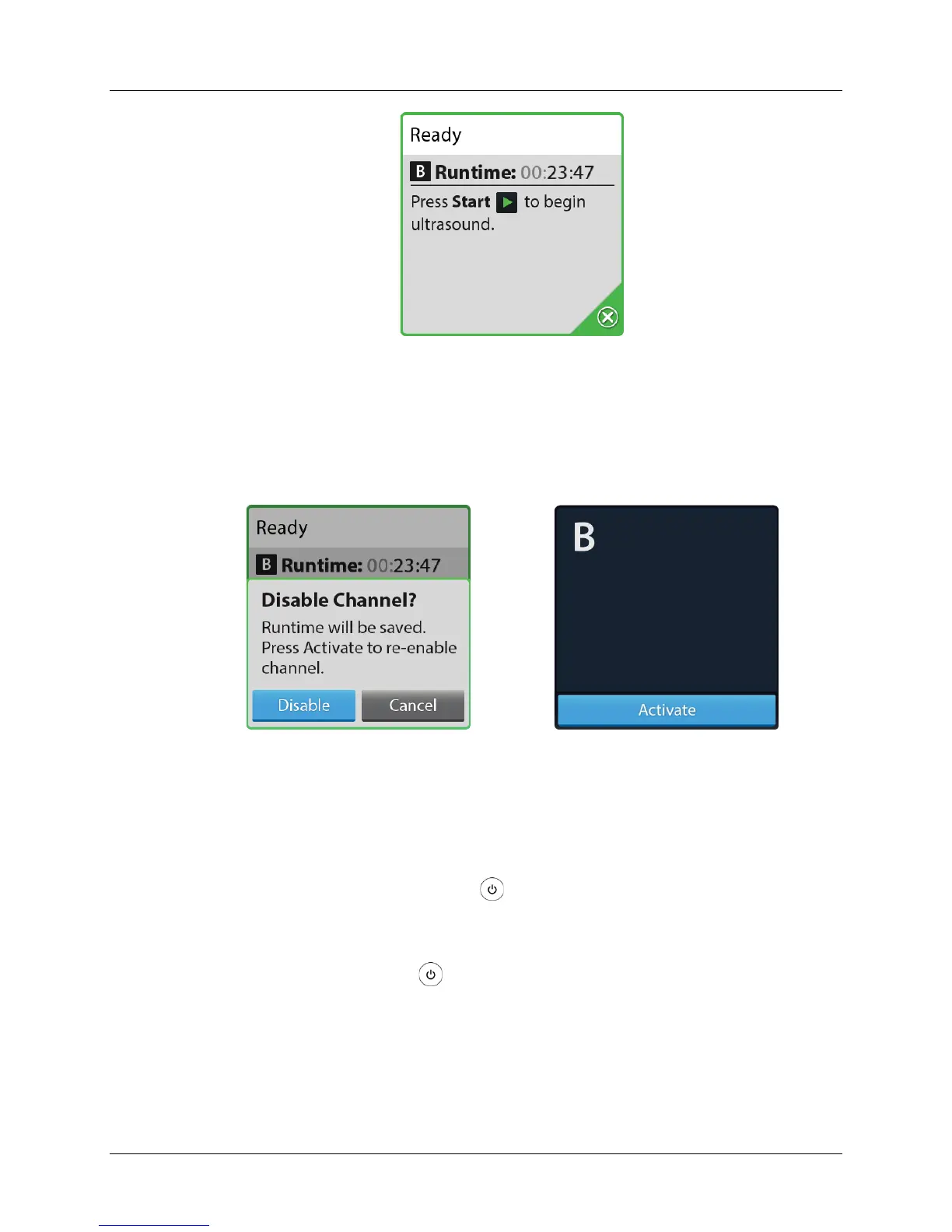
Figure 27. Ready Screen Showing Disable Button
Press the Disable icon on the confirmation screen and the channel becomes inactive
(see Figure 28 and
Figure 29).
Figure 28. Disable Confirmation
Screen
Figure 29. Disabled/Ready to
Activate Screen
3. Disconnect the Infusion Catheter and Ultrasonic Core from the Connector
Interface Cable.
4. Press and hold the Power button for 3 seconds to turn OFF the Control
Unit. The shutdown screen displays as the Control Unit shuts down (see
Figure 30).
Note: If the Power button is pressed and held for 10 seconds or more it
will force the Control Unit into a low power/battery saving mode and data may
be lost. In this mode the battery charging indicator on the front panel will not
illuminate. Connecting the Control Unit to an AC power source and turning
the Control Unit on will bring it out of the low power/battery saving mode.


 To Next Page