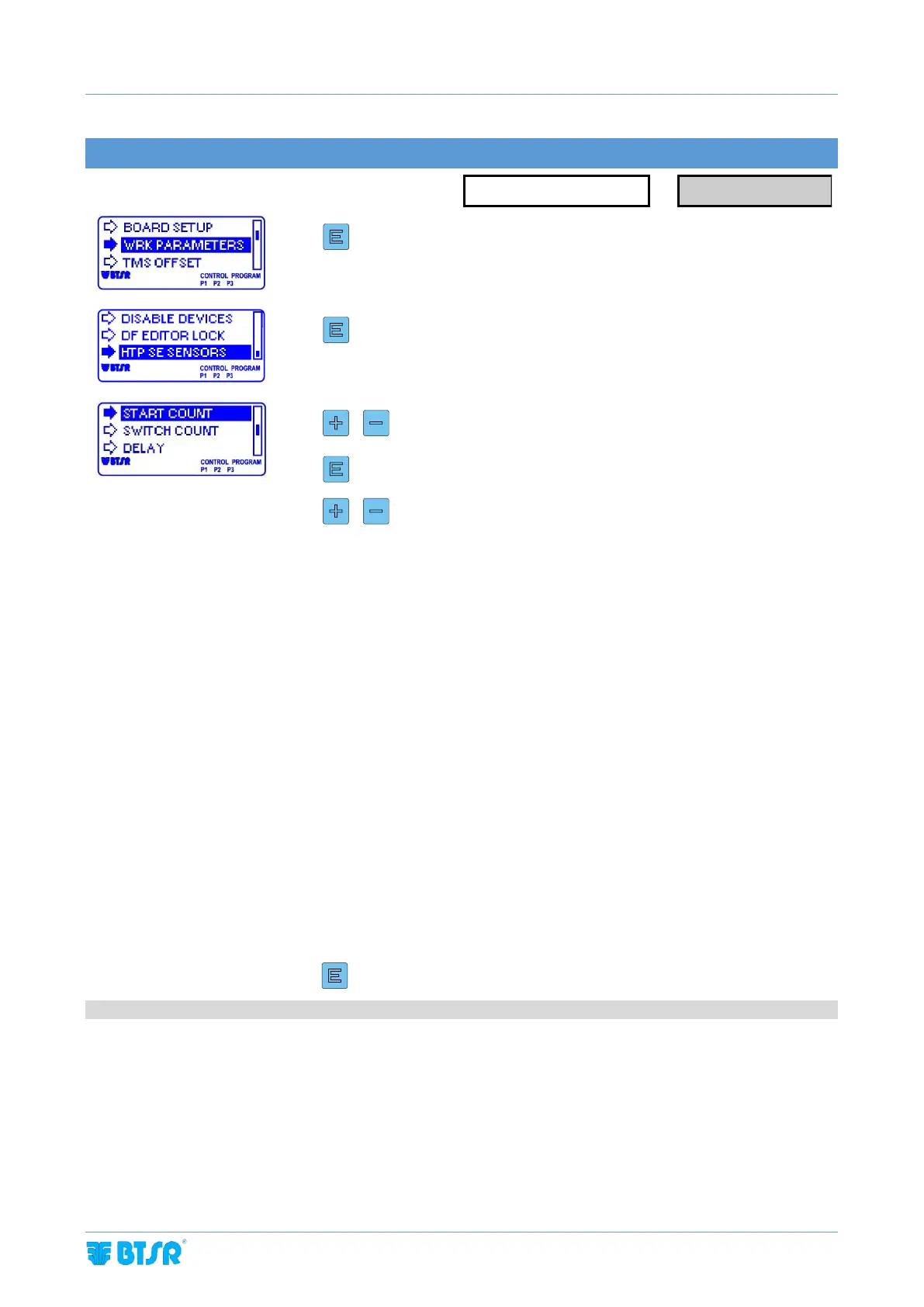
SENSITIVITY = sensor sensitivity level
SWITCH TIME = analysis time (The sensor detects alternately the yarn image to the
left and to the right for the time set on this parameter)
START COUNT = Start threshold
SWITCH COUNT = Detection threshold
DELAY = sensor reaction time prior to detect an anomaly
SENSITIVITY = sensor sensitivity level
DELAY = sensor reaction time prior to detect an anomaly
F START = minimum frequency of image variation, beyond which the sensor signals
that the yarn runs normally
F STOP = minimum frequency of image variation, below which the sensor signals
that the yarn is stationary
3 sec to confirm and go back to WRK PARAMETERS menu



 To Next Page