Basic functions
6
Logamatic 4321/4322 - Technical specifications are subject to change without prior notice.
17
6 Basic functions
In this chapter you will find information about the standard functions of the MEC2
remote control and their use. The standard functions are:
– Selecting the operating mode
– Setting the room temperature
– Setting the DHW temperature
– Loading DHW once
6.1 Simple operation
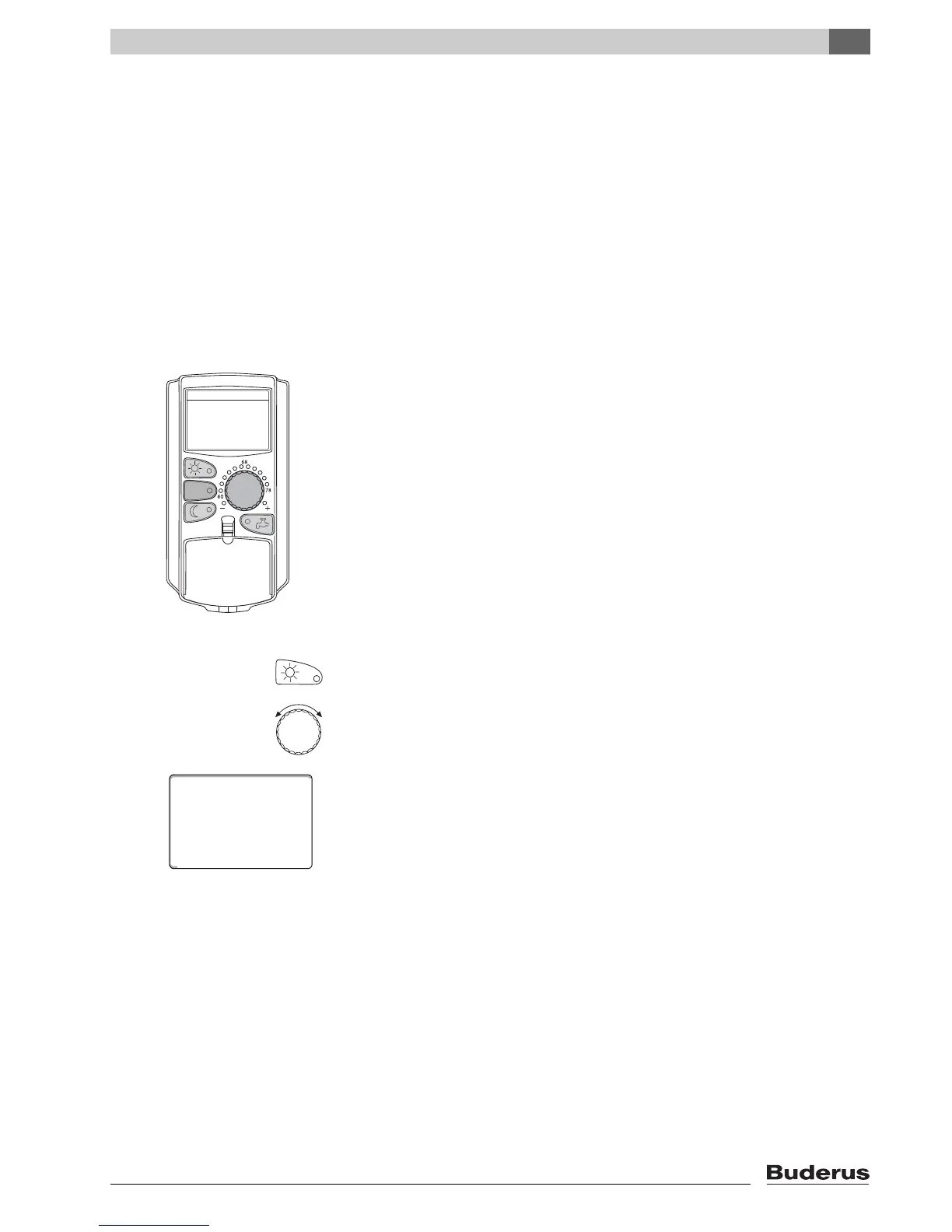
The standard functions are controlled by pressing one of the buttons on the
"Standard functions" keypad or by turning the dial.
Example: Adjusting the room temperature for day mode
Press "Day mode" to select the standard heating mode (day mode). The LED of
the "Day mode" button lights up; day mode is enabled.
Set the desired room temperature by turning the dial.
(Condition: For this, the flap must be closed.)
The display shows the set value.
room temp set
day mode always
70°F



 To Next Page