Extended functions
7
Logamatic 4321/4322 - Technical specifications are subject to change without prior notice.
29
7.5 Setting the date and time
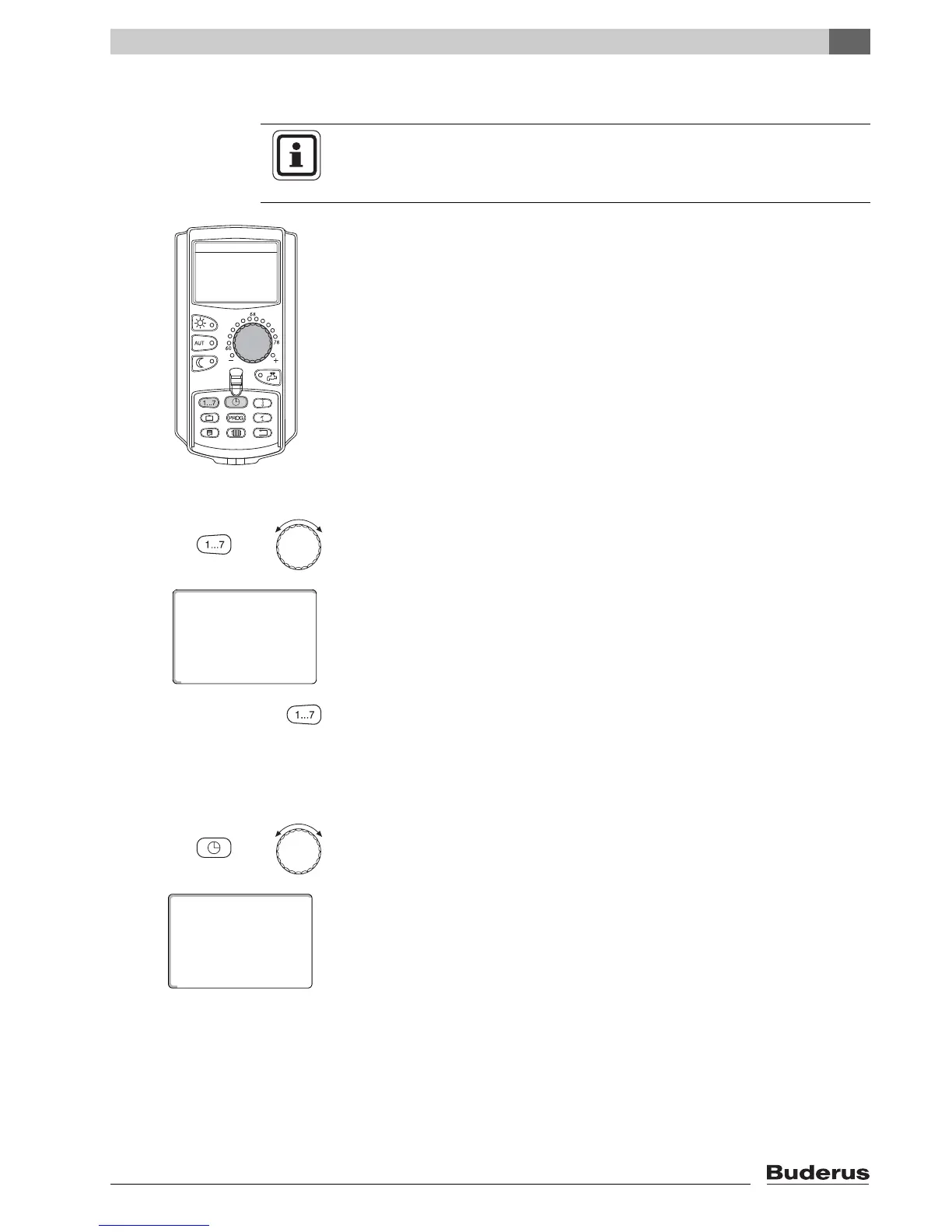
Setting the date
Hold "Weekday" down, and select the desired date with the dial (here: "20").
The name of the day automatically changes (here "Monday") if you set the date
using the dial (here "20").
Release "Weekday" to save your input.
Press "Weekday" again to enter the month.
Press "Weekday" again to enter the year.
The flashing item can be modified with the dial.
Setting the time
Hold down "Time", and select the desired time with the dial.
The time is set in one-minute steps.
Release "Time" to save your input.
USER NOTE
Date and time are preset at the factory. This function is backed up by battery
power independent of the mains power supply.
+
set date
Monday
08/20/2009
+



 To Next Page