Extended functions
7
Logamatic 4321/4322 - Technical specifications are subject to change without prior notice.
27
7.2 Controlling the extended functions
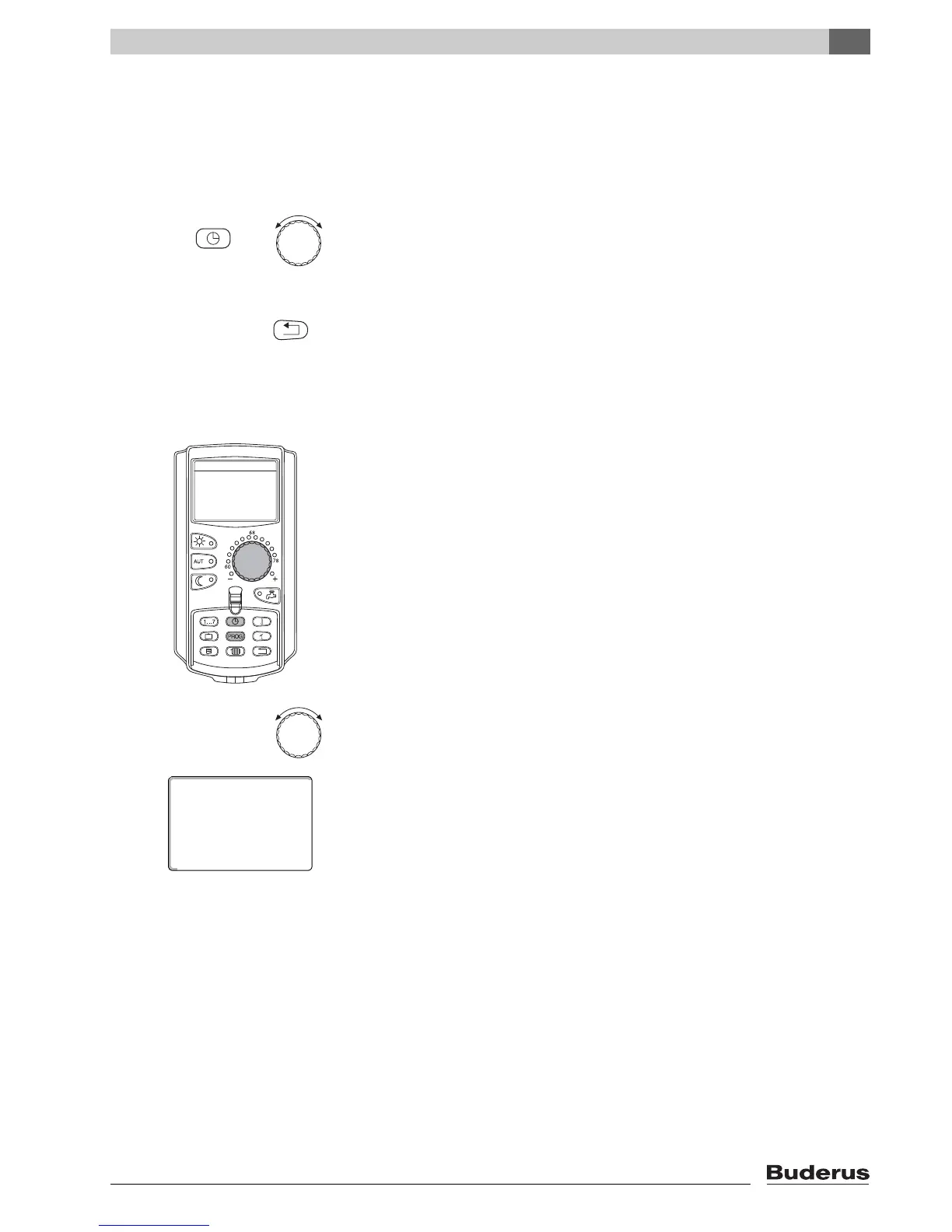
The extended functions provide access to an additional control level. At this
level, proceed according to the "Push and turn" principle. The control procedure
is always similar:
z Open flap.
Hold the desired button down, e.g. the "Time" button, and simultaneously turn
the dial.
By turning the dial, you modify the values that flash on the display.
Release the button. Modified values are saved.
7.3 Displaying operating values
You can display and control the various operating values of the boiler, of the
selected heating zone, and the system.
Only the operating values of the selected heating zone, e.g. heating zone 1, are
displayed (Æ Chapter 7.6).
z Open flap.
Turn the dial clockwise without pressing any other button.
Depending on the modules, various of the following operating displays can be
called up:
– Burner and run time
– Actual heating zone room temperature
– Set room temperature of heating zone
– Operating status of heating zone
– Measured supply temperature of heating zone
– Measured DHW temperature*
– Set DHW temperature*
– DHW operating mode*
– Operating status of recirculation pump and tank primary pump*
* Only if a DHW module has been installed.
+
"Back" button = Exit menu.
heating zone 0
68°F
room temp set



 To Next Page