Extended functions
7
Logamatic 4321/4322 - Technical specifications are subject to change without prior notice.
28
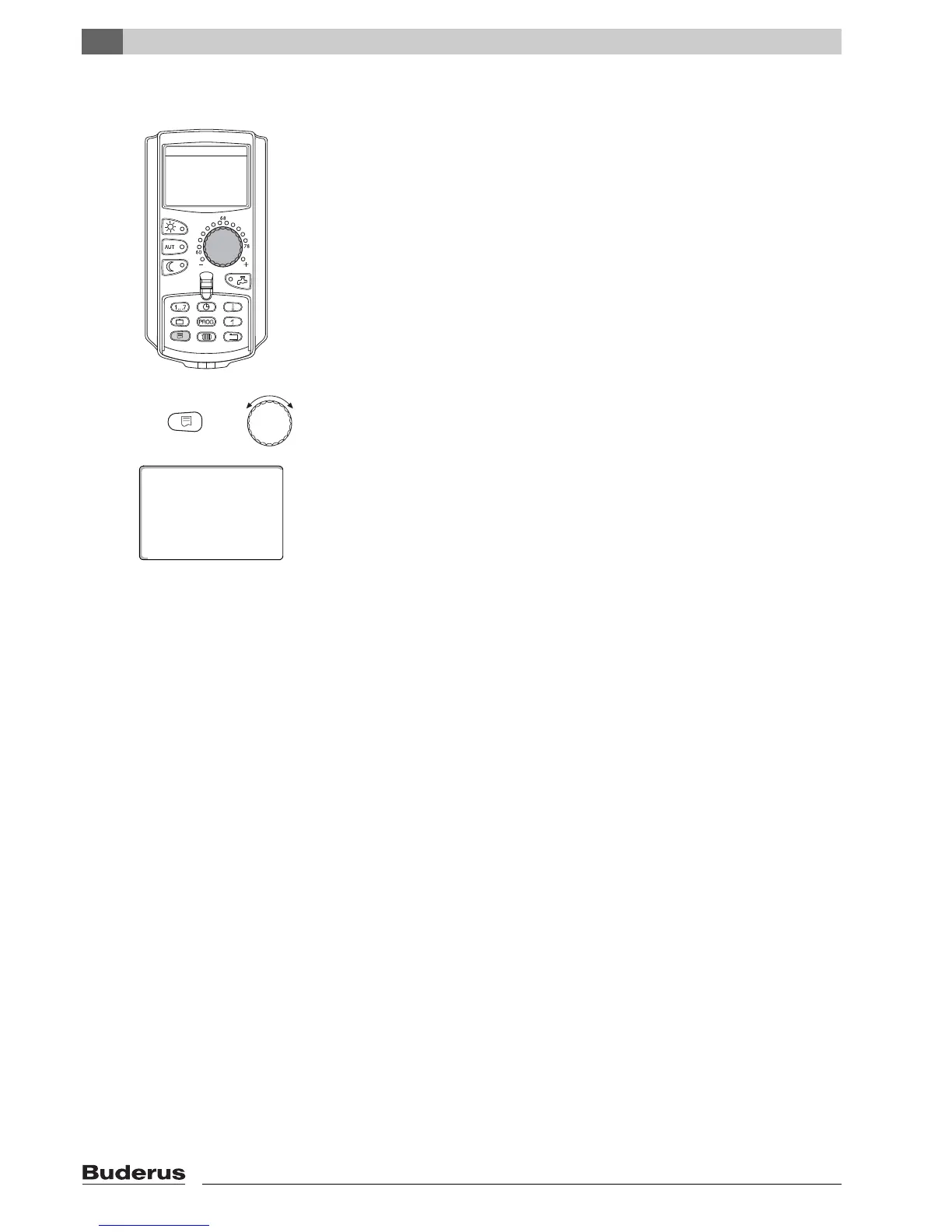
7.4 Changing the permanent display
You can determine the permanent display of the user interface.
The following permanent displays are available:
– Boiler temperature or system supply (if MEC2 is wall-mounted)
– Outdoor temperature
– DHW*
– Time
– Date
* Only if a DHW module has been installed.
Hold the "Display" button down, and select the desired permanent display with
the dial (here: "date").
Release the "Display" button. The selected permanent display has now been
saved.
+
system supply
date
08/20/2009
113°F



 To Next Page