Basic functions
6
Logamatic 4321/4322 - Technical specifications are subject to change without prior notice.
21
6.3.2 Selecting manual mode
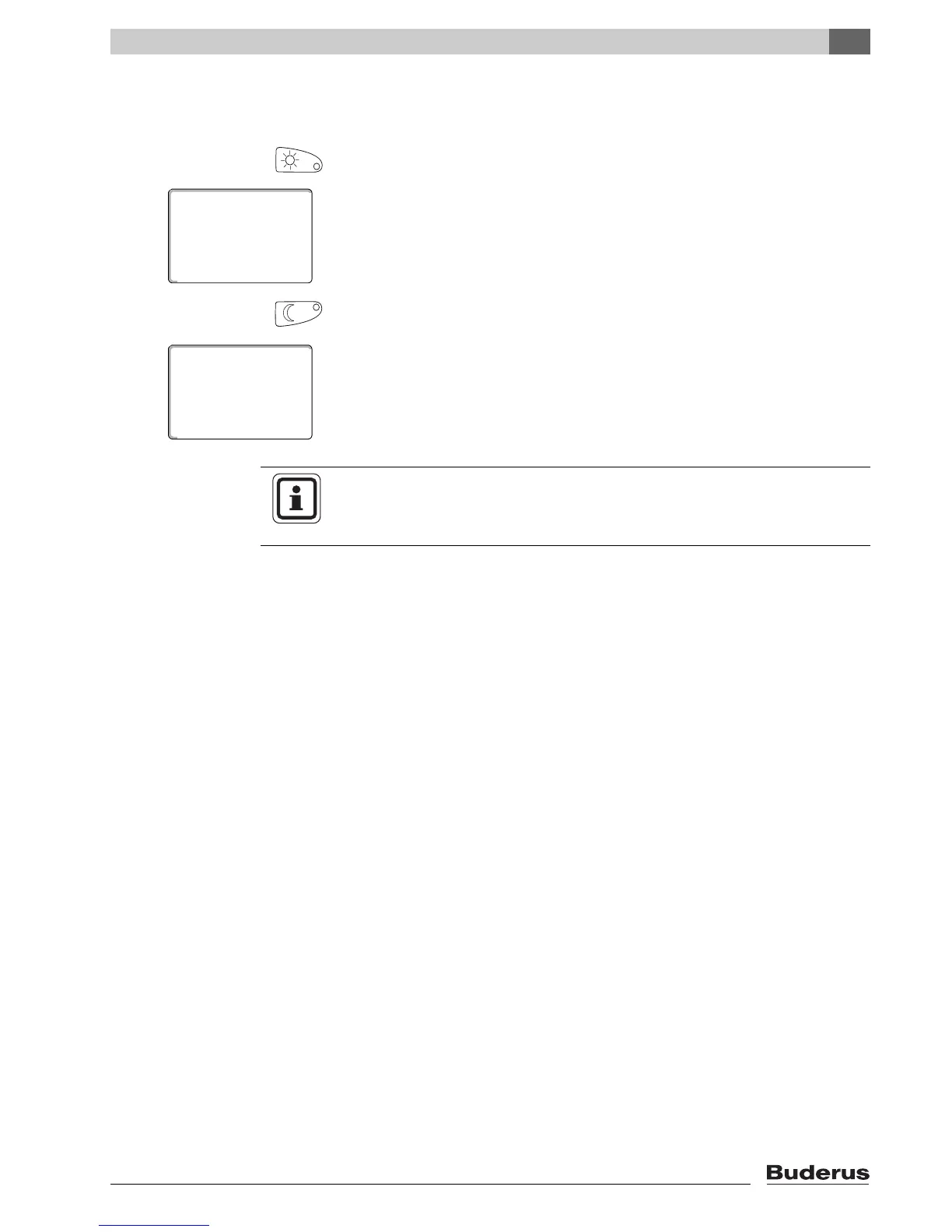
Press either "Day mode" or "Night mode" to change to manual mode.
Press "Day mode".
The LED of the day mode button lights up. Now your heating system is in
constant day mode (standard mode).
Press "Night mode".
The LED of the night mode button lights up. Now your heating system is in
constant night mode (setback heating mode), and operates at a lower room
temperature.
room temp set
day mode always
70°F
room temp set
night mode alwys
63°F
USER NOTE
If you have selected manual mode, other automatic controls will also be
switched off, e.g. the summer/wintertime changeover (Æ Chapter 7.13).



 To Next Page