Basic functions
6
Logamatic 4321/4322 - Technical specifications are subject to change without prior notice.
23
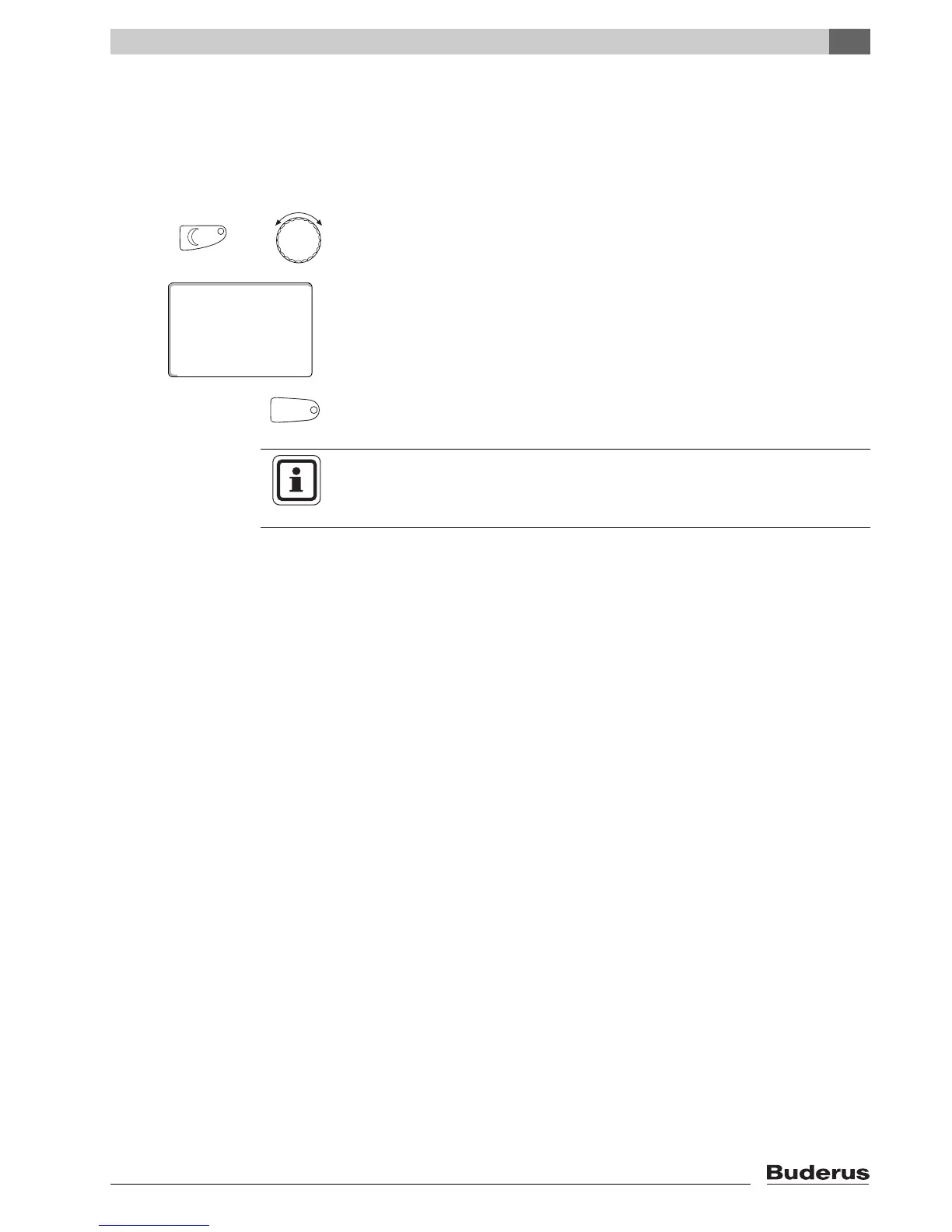
6.4.2 For the operating mode not currently enabled
You may also adjust the room temperature for an operating mode that is
currently inactive.
For example, you are currently in automatic day mode and would like to change
the set night temperature.
Hold down "Night mode", and select the desired night room temperature with the
dial (here: "61°F" (16°C)).
Release the "Night mode" button.
The selected night temperature is now set to 61 °F (16 °C). The selected
permanent display will then appear again.
Press "AUT".
The "AUT" LED lights up; automatic mode is re-enabled.
+
room temp set
night mode alwys
61°F
AUT
USER NOTE
If you are currently in automatic night mode, and you wish to adjust the day
mode, proceed as described above, but instead hold down "Day mode".



 To Next Page