Basic functions 7
27
We reserve the right to make any changes due to technical modifications.
Operating instructions RC30 programmable room thermostat • Issue 02/2006
If you regularly need large amounts of hot water in the evening, you
can also set up a separate DHW program (see Chapter 8.16
"Entering a DHW program", page 51).
7.4.1 Setting the DHW temperature
You can check or change the DHW temperature setting:
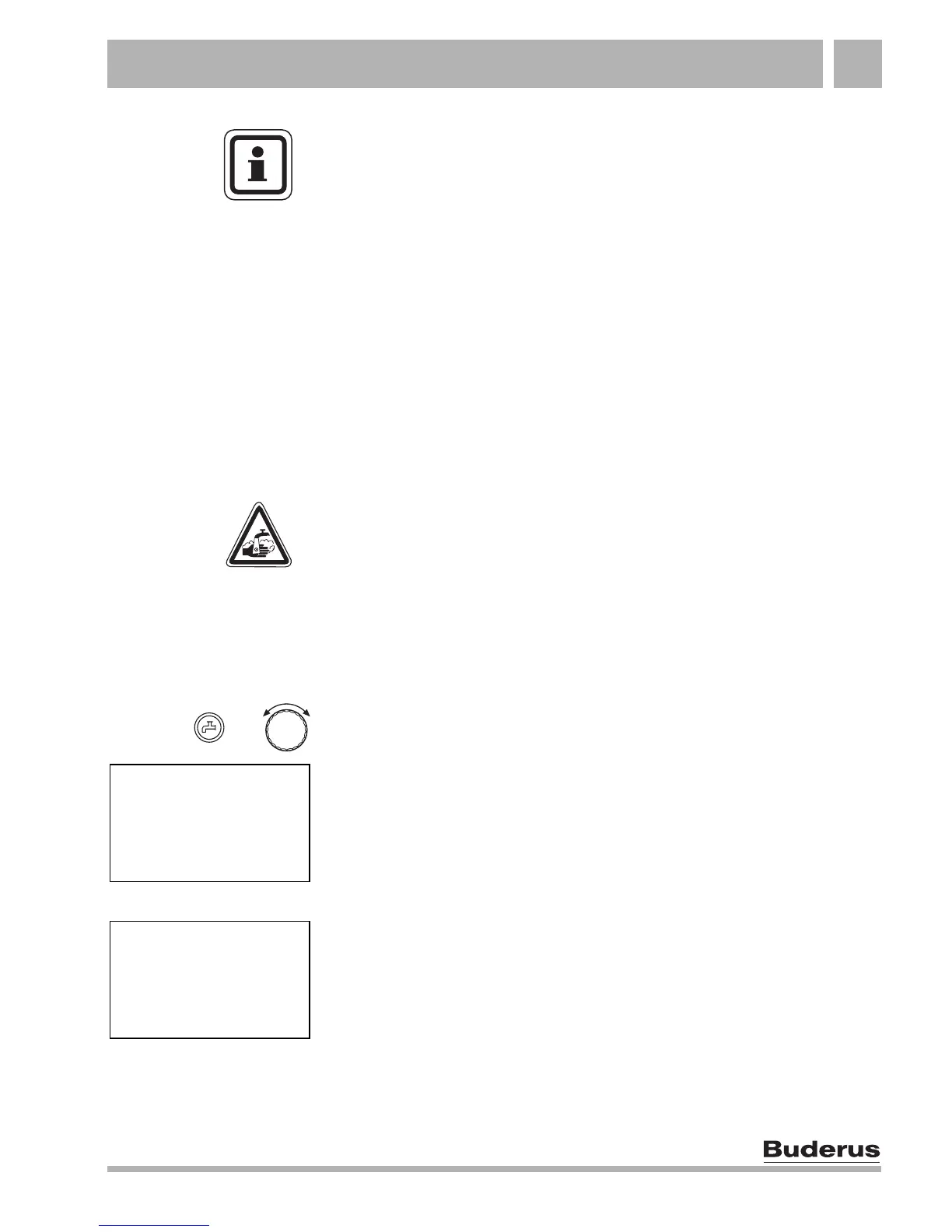
Hold down the "DHW" button and select the required DHW
temperature with the dial (max. 80 °C).
Release the "DHW" button. The new DHW temperature setting is
saved immediately. Then the standard display is shown again.
"BLOCK" message
If the display reads "SET DHW TEMP – BLOCK", the DHW
temperature can only be changed via the boiler and not via the
RC30.
z Check the setting on the BC10 boiler base controller. Select the
setting "Aut" using the dial for the DHW temperature.
USER NOTE
In a modern Buderus DHW cylinder, the water only cools down at
a rate of around 0.5 °C per hour when not being drawn, i.e.
reloading only occurs after 10 hours. If necessary you can
manually reload the DHW to 60 °C (see Chapter 7.4.2 "Single
DHW loading", page 28).
WARNING!
RISK OF SCALDING
The factory-set DHW temperature is 60 °C. There is a risk of
scalding at the taps if the temperature is set to above 60 °C.
z If the DHW temperature is set to above 60 °C, you should only
draw off mixed hot and cold water.
+
SET
DHW TEMP
60
°
SET
DHW TEMP
BLOCK



 To Next Page