23
MA201435_13.1 [Original Instructions] 6/25/2012
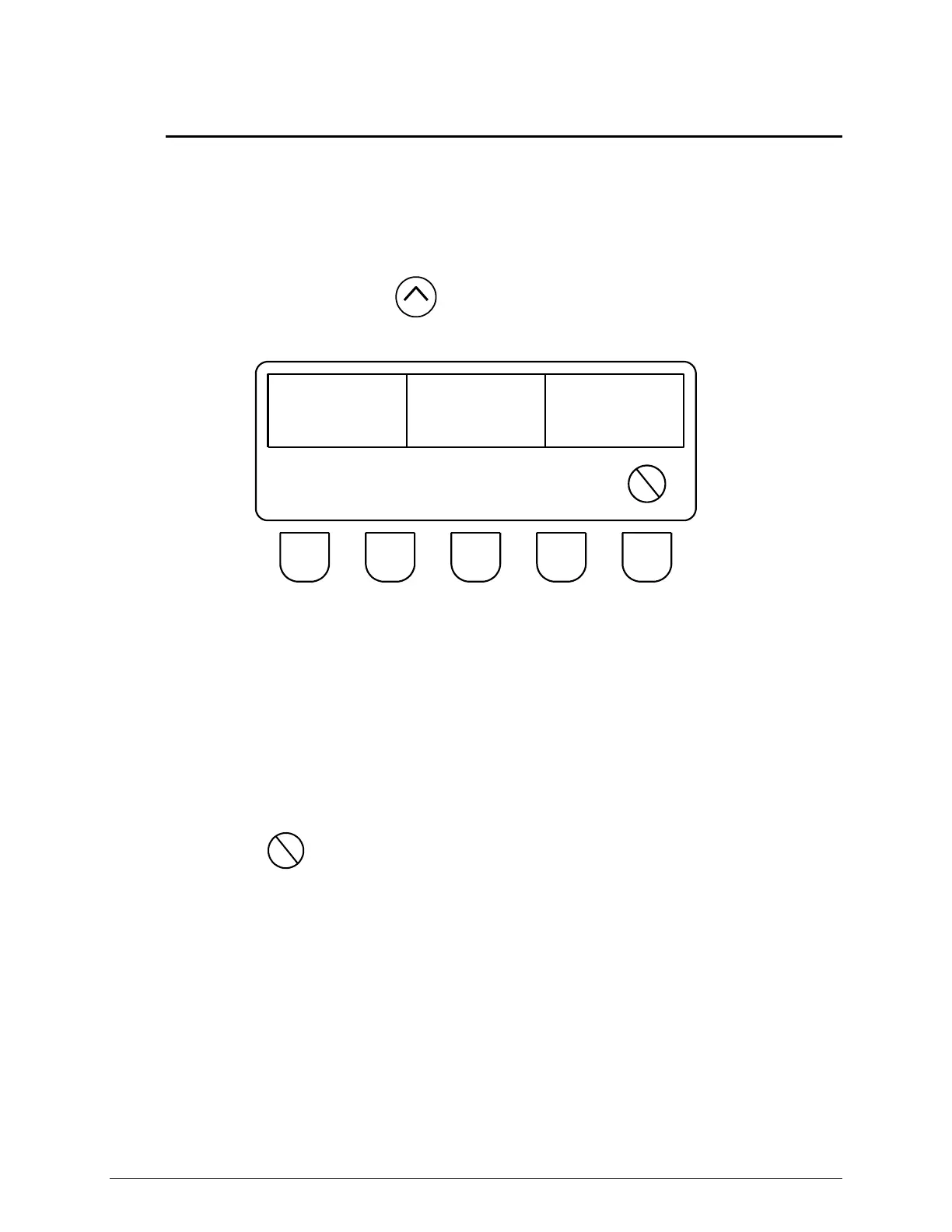
SimpliMet 3000 Diagnostic Screen
To check the total cycle hours, total cycles, and maximum voltage exposed to the SimpliMet
3000:
1. Press the Power OFF button on the front control panel.
2. Press and hold the Increase button and press the Power ON button. The LCD screen
will change and display the CYCLE HOURS, TOTAL HOURS, and MAX VAC.
CYCLE
HOURS
TOTAL
HOURS
MAX
VAC
MOLD
SENSE
ON
Figure 18 SimpliMet 3000 Diagnostic Screen
CYCLE HOURS Displays the amount of time accumulated between Cycle Start and Cycle
Stop.
TOTAL CYCLES Displays the amount of cycles accumulated when the CYCLE START
button is pressed.
MAX VAC Displays the largest amount of voltage exposed to the unit.
3. Press the button to change to the L1 screen.
MOLD SENSE During normal operation this function must be ON.
Select OFF only if the automatic sensor malfunctions. Scroll to the
MOLD SIZE parameter value and select the proper mold size.


 To Next Page