EasyManua.ls Logo

Buehler SimpliMet 3000 - User Manual

Buehler SimpliMet 3000
45 pages
Print Icon
To Next Page IconTo Next Page
Loading...
MA201435_13.1 6/25/2012
www.buehler.com
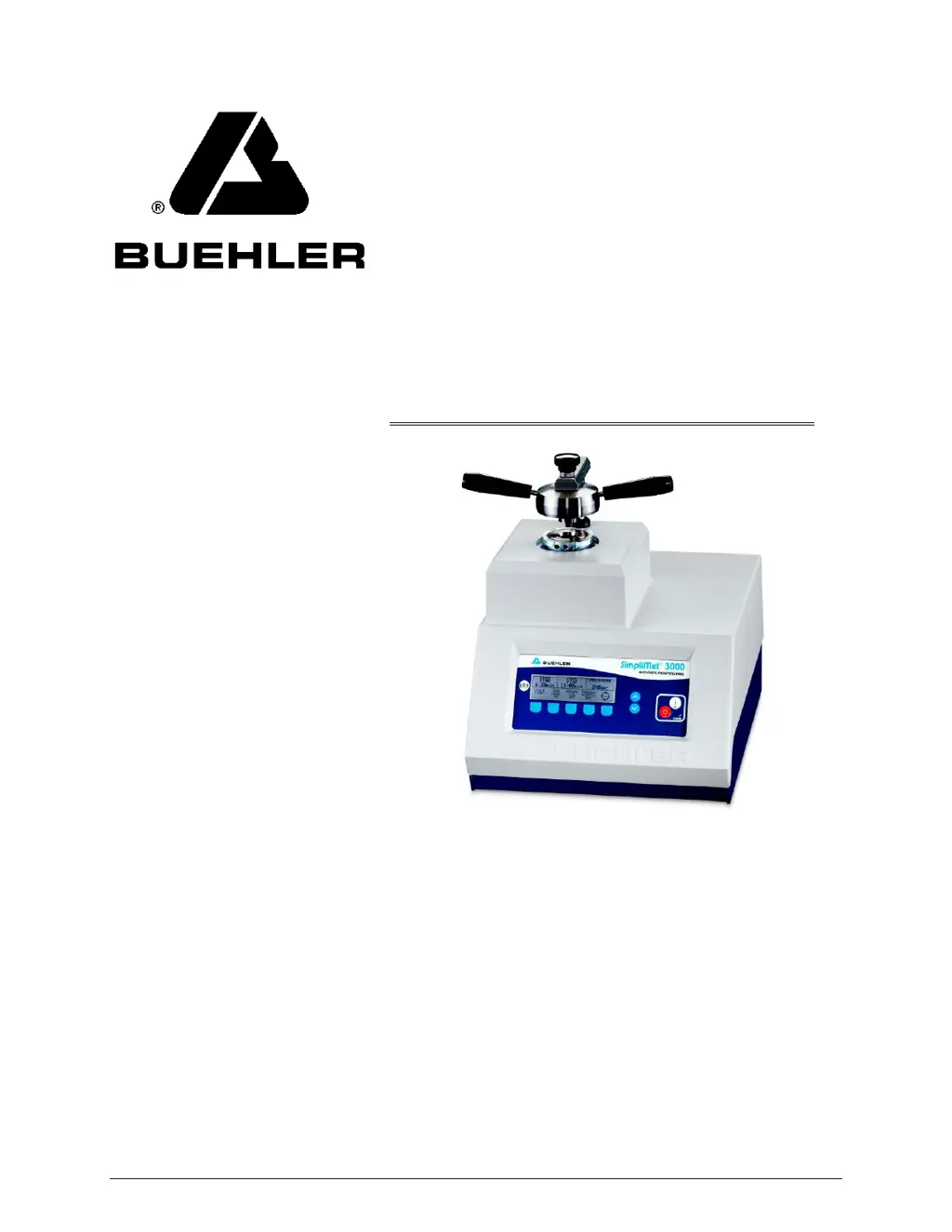
SimpliMet 3000
Automatic Mounting Press

Questions and Answers

  • J
    jonesjefferyAug 12, 2025
    Why does the LCD screen on my Buehler SimpliMet 3000 not show the mold size or show the wrong size?
    • W
      wgonzalezAug 12, 2025
      If the Buehler Power Tool LCD screen doesn't show a mold size or displays the wrong one, it might be due to a mold sensor malfunction. To fix this: 1. Activate the Diagnostic Screen and turn the MOLD SENSE function to ON. 2. Go to the MOLD SIZE parameter and choose the correct mold size.
  • M
    Meghan RoachAug 16, 2025
    What to do if my Buehler SimpliMet 3000 mold is hot after a full cycle?
    • L
      lrodriguezAug 16, 2025
      If you find that your Buehler Power Tool gets too hot after a full cycle, it could be due to a lack of cooling water or insufficient cooling time. Ensure the unit is connected to a water supply and adjust the cooling time as needed.
  • D
    Dawn SullivanAug 20, 2025
    What to do if the Buehler Power Tool display shows all dashes?
    • T
      Timothy LeeAug 20, 2025
      If your Buehler Power Tool displays all dashes, it means that no mold cylinder is installed. Install a mold cylinder.
  • A
    Amy ThomasAug 23, 2025
    Why am I not able to close the mold closure on my Buehler Power Tool?
    • B
      bwongAug 23, 2025
      If you're unable to close the mold closure on your Buehler Power Tool, it's likely due to a buildup of molding material flash around the upper ram. Clean the flash from the upper ram and from the top of the cylinder.
  • P
    Patricia PrattAug 27, 2025
    What to do if RAM sticks when lowered in Buehler SimpliMet 3000?
    • T
      terrance37Aug 27, 2025
      If the RAM sticks when lowered in your Buehler Power Tool, it's probably due to a buildup of molding material flash around the lower ram. Eject the ram and clean the flash off the lower ram.
  • M
    Martin GarciaAug 31, 2025
    Why will the mold cylinder not fit in my Buehler Power Tool?
    • R
      Ricky BrooksAug 31, 2025
      If the mold cylinder doesn't fit in your Buehler Power Tool, it might be because the heater/cooler isn't sufficiently unclamped. Unclamp the heater/cooler by turning the clamp screw clockwise.
  • B
    Bryan BarberSep 3, 2025
    How to fix no display on Buehler Power Tool?
    • R
      Robert BellSep 4, 2025
      If there is no display on your Buehler Power Tool, it indicates that the unit is not powered. Connect the power to the unit and flip the power switch to the ON position.
  • S
    Sarah LaraSep 7, 2025
    Why is the heating or cooling cycle time extended on my Buehler SimpliMet 3000?
    • J
      Jared JohnsSep 8, 2025
      If the heating or cooling cycle time is extended on your Buehler Power Tool, it could be because the mold cylinder is not tightly held in the thermojacket. Back off the mold cylinder clamp screw until a stop is reached.

Summary

Product Overview and Specifications

Warranty

Unit guaranteed against defective materials and poor workmanship for 24 months or 2000 hours.

Specifications

Details dimensions, electrical requirements, pressure, temperature, and other technical specs.

Safety and Installation

Safety Guidelines

Read manual, use safety glasses, dress properly, avoid hazards for safe operation.

Safety Terms

Defines DANGER, WARNING, CAUTION, and NOTICE for hazard communication.

Installation Steps

Covers location selection, water connections, drain connections, and electrical setup.

Operation and Control

Mold Assembly

Instructions for assembling the mold, including installing the upper ram.

Front Control Panel and Parameters

Overview of the control panel, parameter fields (Heat Time, Cool Time, Pressure, etc.), and screen navigation.

Making and Starting a Mold

Guide to setting parameters, saving methods, preparing the RAM, and starting a molding cycle.

Maintenance and Troubleshooting

Maintenance Procedures

Guidelines for monthly and periodic maintenance to ensure optimal performance.

Diagnostic and Troubleshooting

Accessing diagnostic screen and using the troubleshooting chart for common issues.

Reference and Parts Information

Recommended Parameters

Table of recommended heat/cool times and pressures for different materials.

Technical Drawings and Parts List

Diagrams of assemblies and a comprehensive list of all parts with numbers and quantities.

Buehler SimpliMet 3000 Specifications

General IconGeneral
CategoryPower Tool
TypeMounting Press
Mounting Diameter1 to 2 inches
CoolingWater Cooling
Cooling TimeVariable
Power Requirements50/60Hz
Mounting CapacitySingle Mount
Mold Size1.25 inch (32 mm)