17
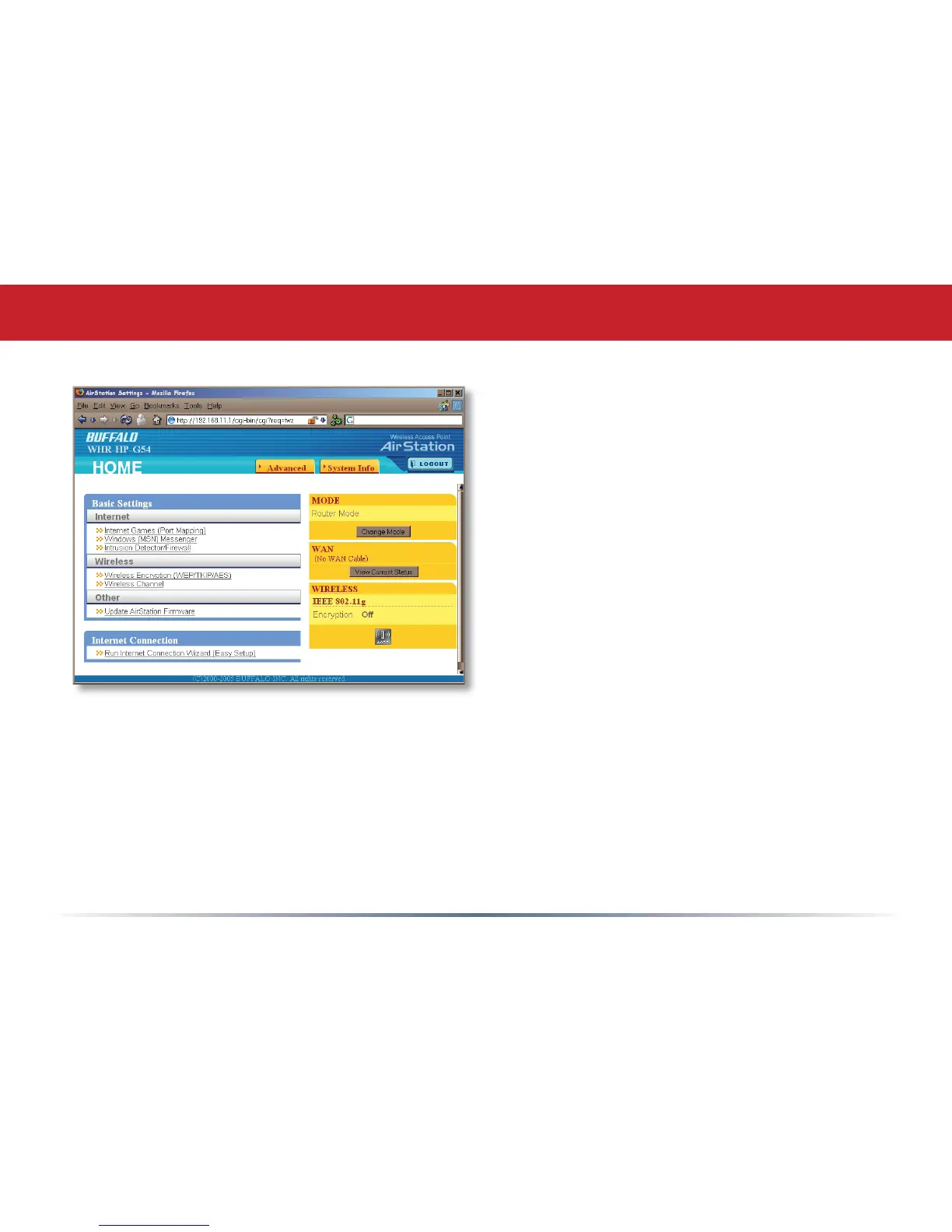
AirStation Configuration Tool (Home)
When you rst open your AirStation
Conguration Tool, it will take you to Home
(see also page 11). From Home, you can
congure port mapping for your internet
games, set UPnP for Windows (MSN)
Messenger, congure your rewall, setup
encryption, choose your wireless channel,
update your AirStation’s rmware, and reset
your Internet Connection’s conguration.
Clicking the Advanced tab gives you access
to all of the AirStation’s conguration tools.
You can get back to Home from anywhere
in the management tool by clicking on the
Home button at the top left of the screen.
Let’s begin exploring advanced settings by
clicking on Internet Games (Port Mapping).



 To Next Page
 Loading...










