47
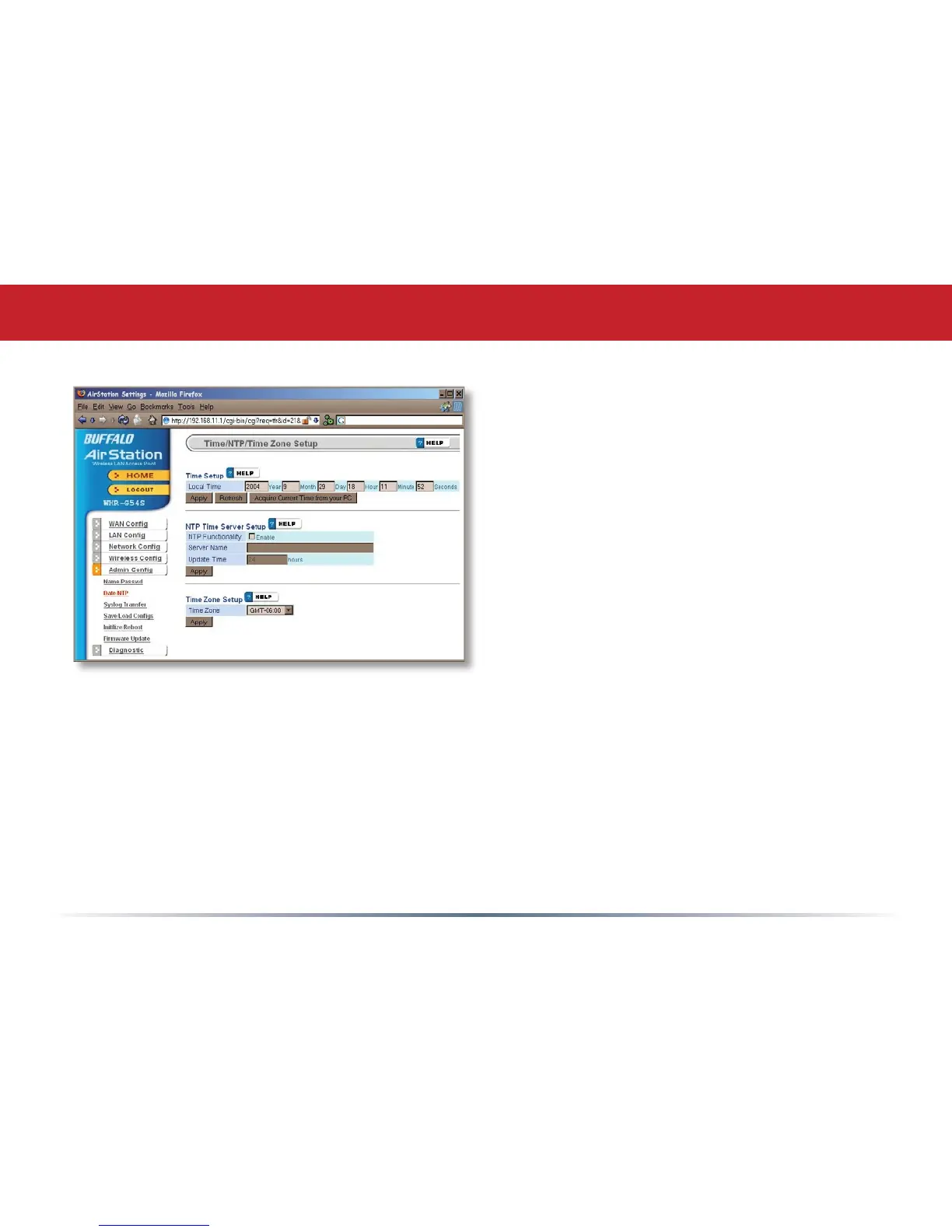
You may set the time and date on your
AirStation by entering it manually, and
then clicking Apply.
You may also click Acquire Current
Time from your PC to set time and date
automatically to match the PC you’re
using to set it up.
If you have an NTP time server on your
network, Enable NTP functionality and
enter your NTP Server Name. Choose how
often you want time updated and click
Apply.
If you’re setting time manually, you’ll need
to select your Time Zone and click Apply.
Admin Config (Date/NTP)


 To Next Page
 Loading...











