23
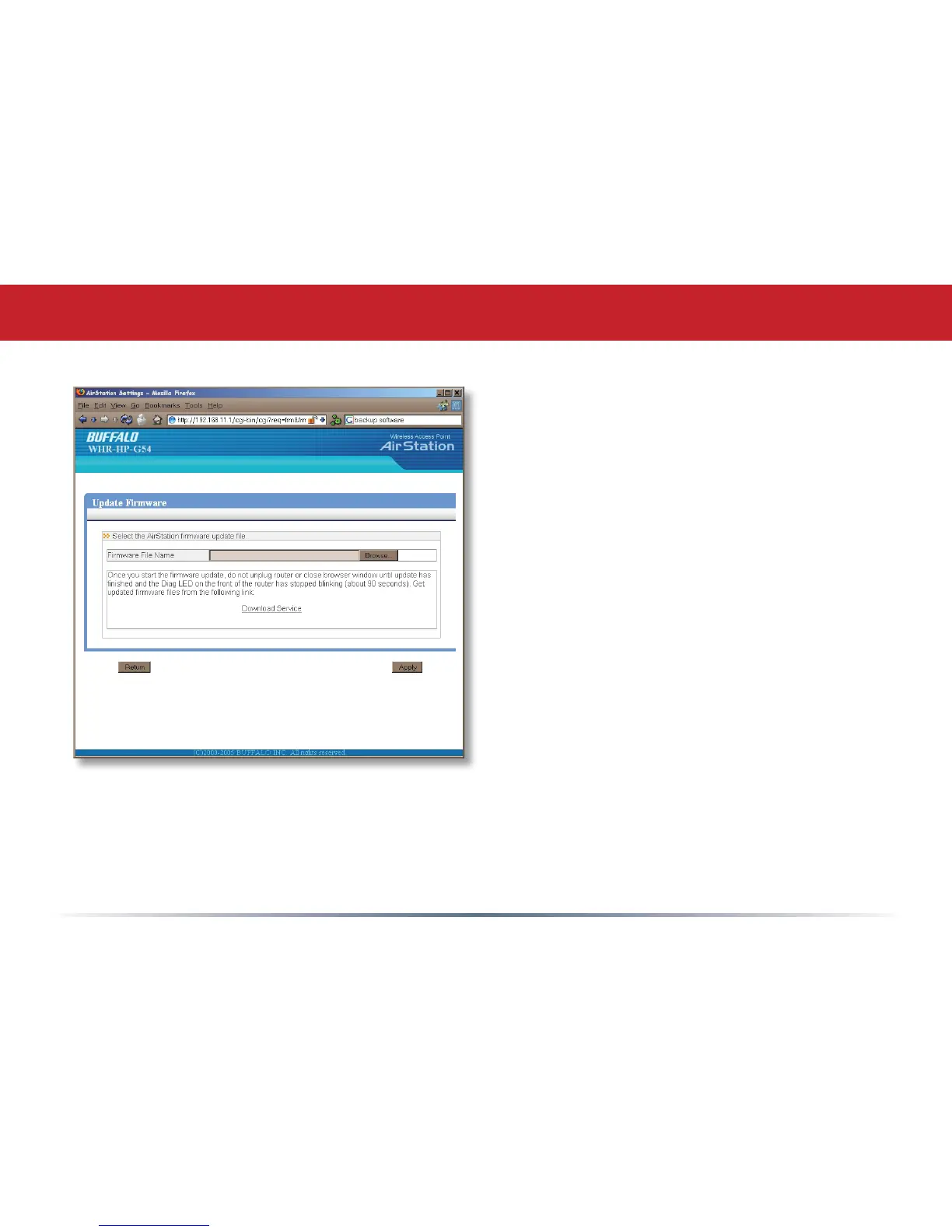
This page is available from Home
by selecting Firmware update. Use
Browse to select your rmware
update le, and then click on Apply.
Firmware update may take several
minutes to complete. Don’t power
down your AirStation until the diag
LED has gone out.
Firmware Update


 To Next Page
 Loading...











