56
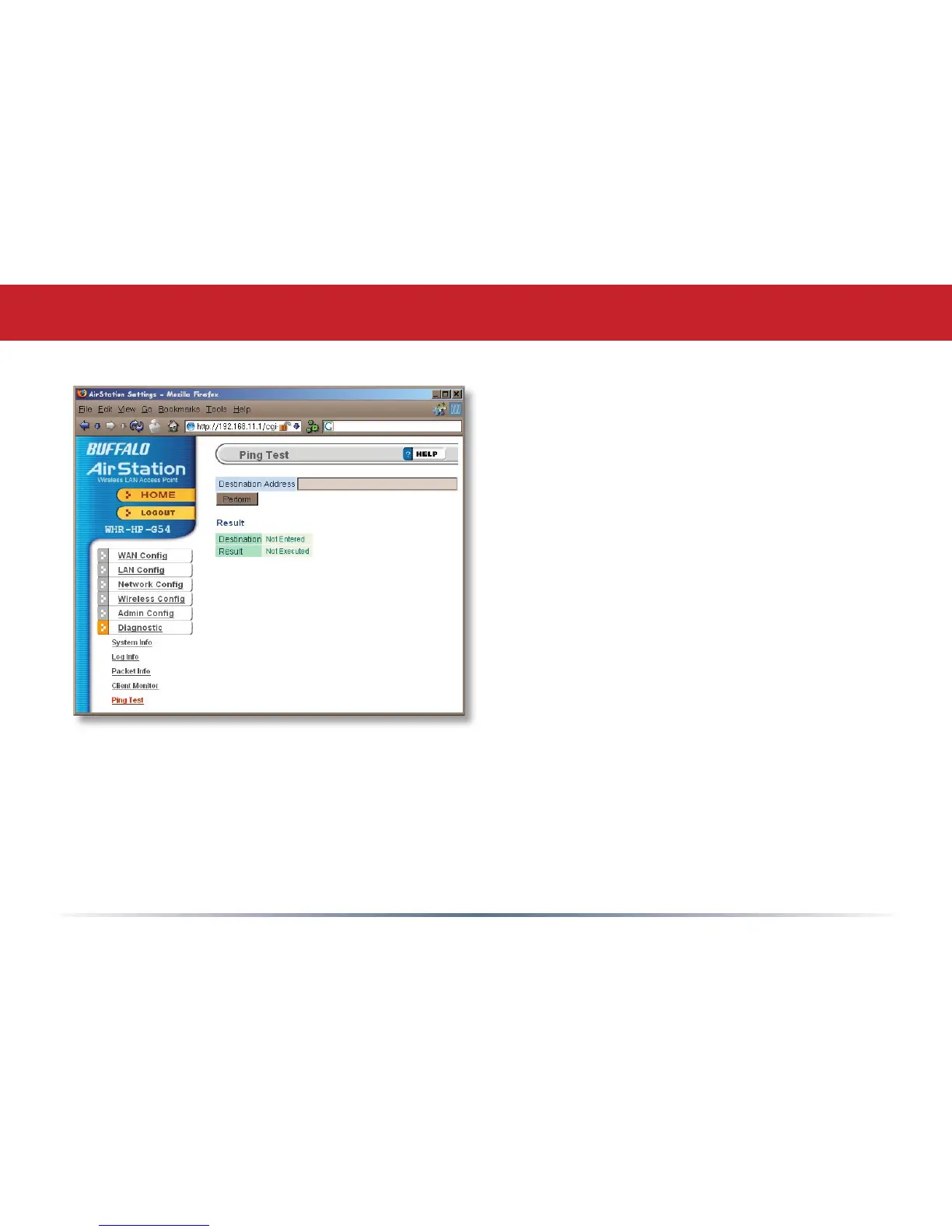
To perform a Ping test, enter a target
(such as 192.168.11.2 or www.
buffalotech.com) and click Execute.
Successful pings return “64 bytes
from . . .” messages. If the ping
returns “Connection failed” or other
errors, something is preventing you
from communicating successfully with
your target.
Ping Test


 To Next Page
 Loading...











