30
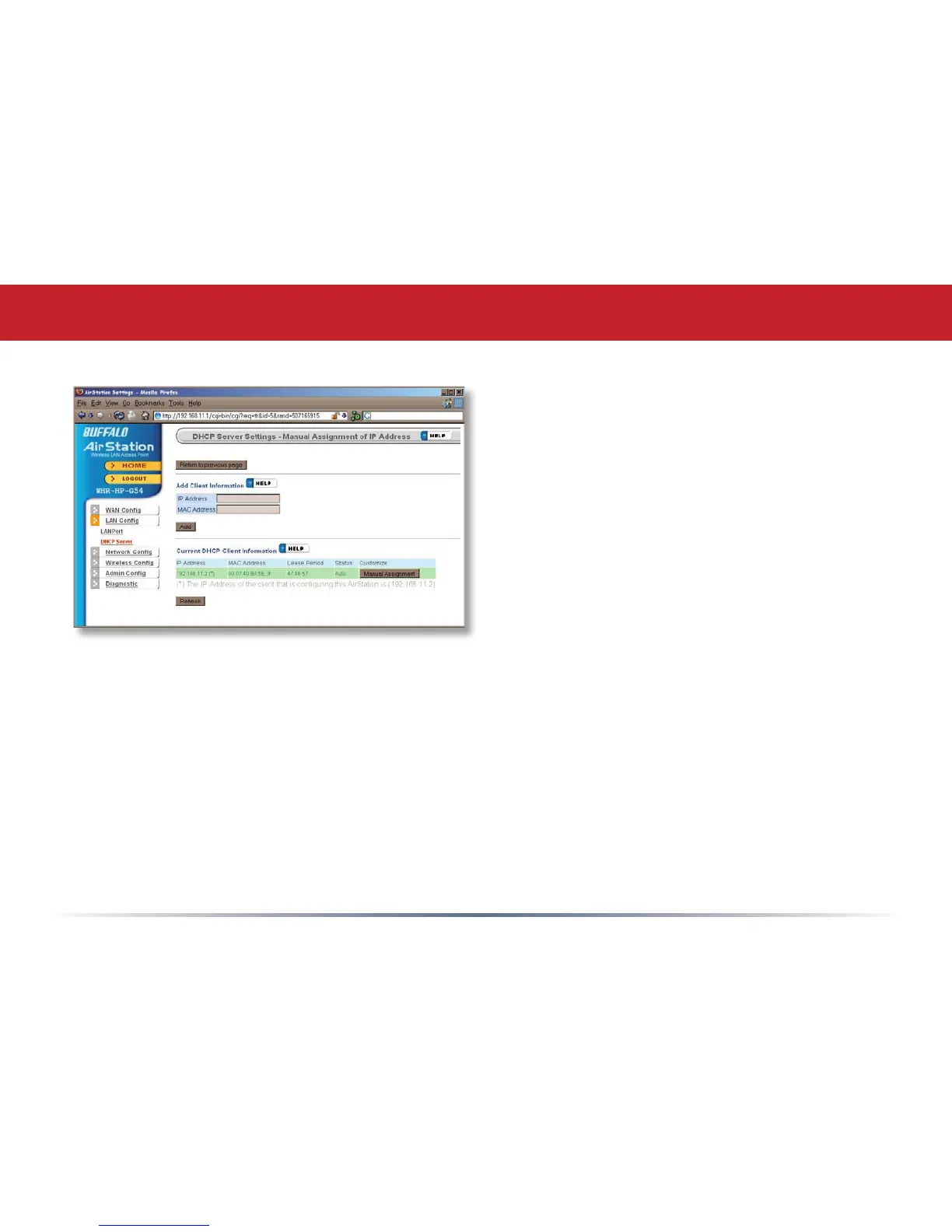
To manually link a LAN address to a MAC
address, enter them under Add Client Infor-
mation and click Add.
Current DHCP Client Information shows
all LAN addresses currently assigned by
AirStation’s DHCP. You may congure a
specic client to always recieve the same
IP address by clicking Manual Assignment
to the right of its MAC Address. Clicking
Delete returns a manually assigned client
to normal DHCP operation. Edit allows
you to manually adjust a linked IP Address
and Mac Address in the Client Information
window above.
DHCP Server (Manual Assignment of IP Address)


 To Next Page
 Loading...











