40
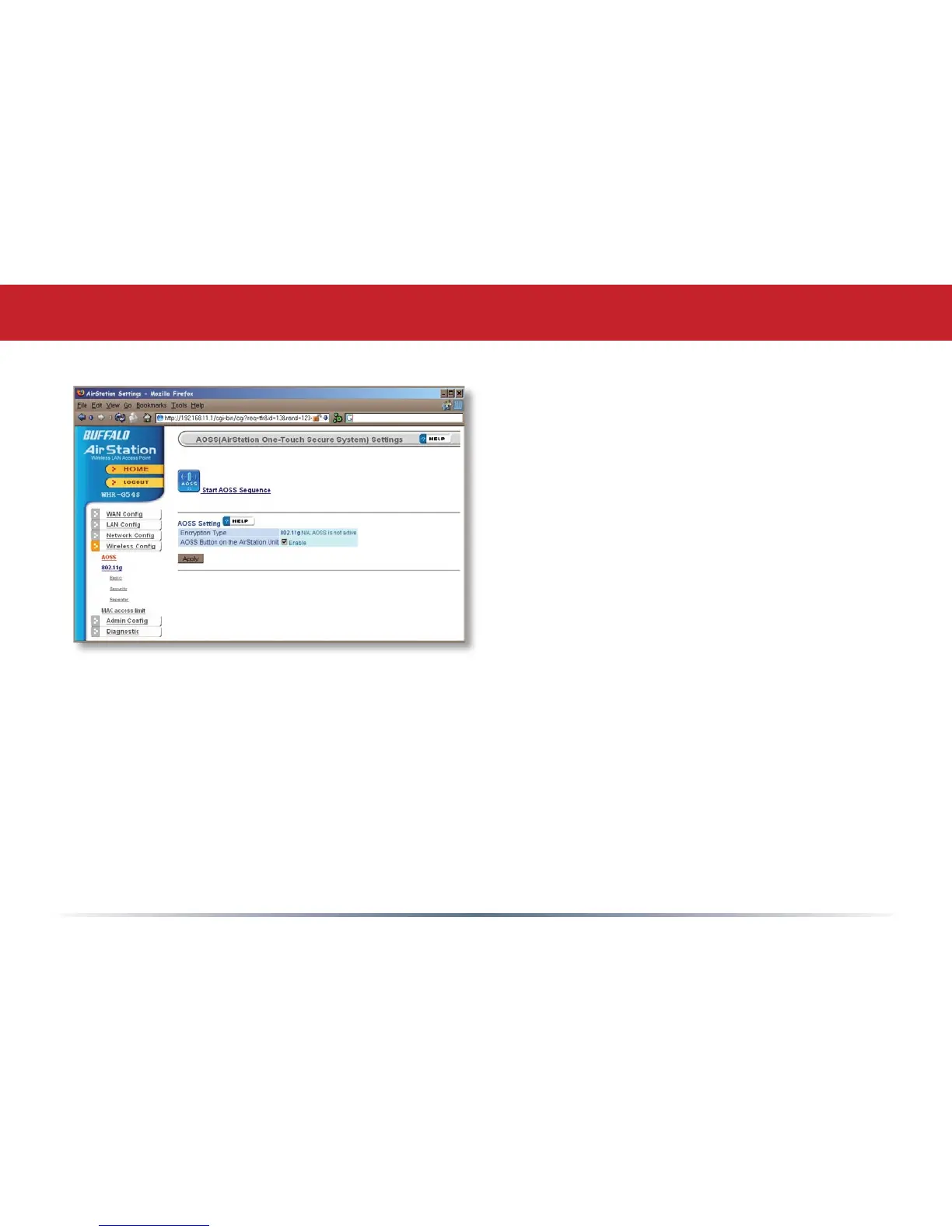
Clicking Start AOSS Sequence has the same
function as pushing the AOSS button on the
router: it initiates the AOSS process.
If all your clients support AOSS, it’s very
simple to set them up. Press the AOSS
button on the router, or the one on this
page, and then push the AOSS button on
the client device.
Each client device will have to be set up
seperately. Wait for each AOSS process to
nish before starting the next one.
Consult your client device’s documentation
for the location of its AOSS button.
AOSS


 To Next Page
 Loading...











