6
Begin by nding a good place to set up your router/access point. Some things to
consider:
• You’ll need to be able to plug your internet connection into it, so it should go within
reach of the LAN cable from your DSL or Cable modem. You’ll also want a power outlet
nearby.
• Keep the access point as central in your work area as possible. Signal strength and
speed fall off with distance.
• Higher is often better. For instance, set it up on the top shelf of a bookcase rather than
the bottom one, if possible.
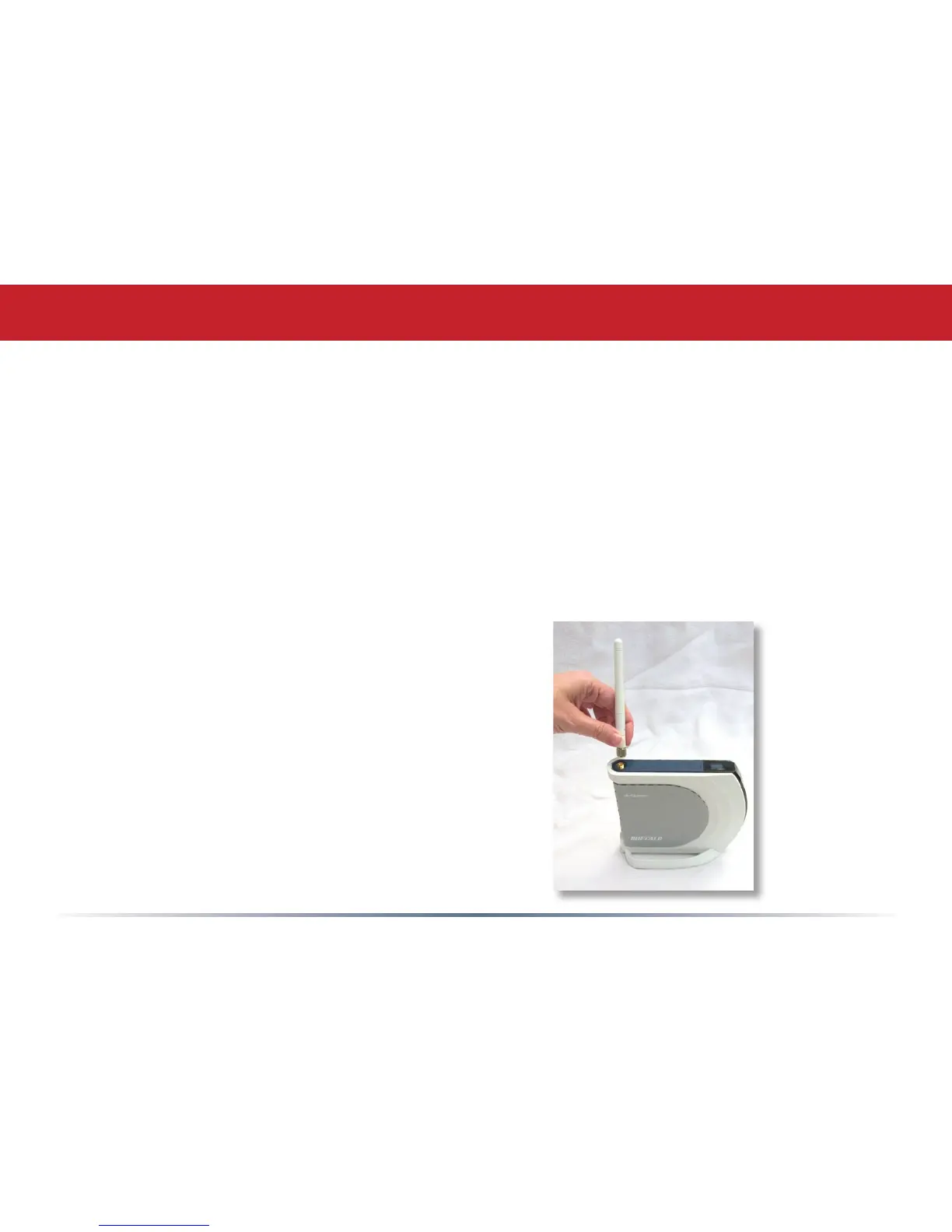
Screw the antenna into the top of your AirStation.
Basic Setup


 To Next Page
 Loading...











