42
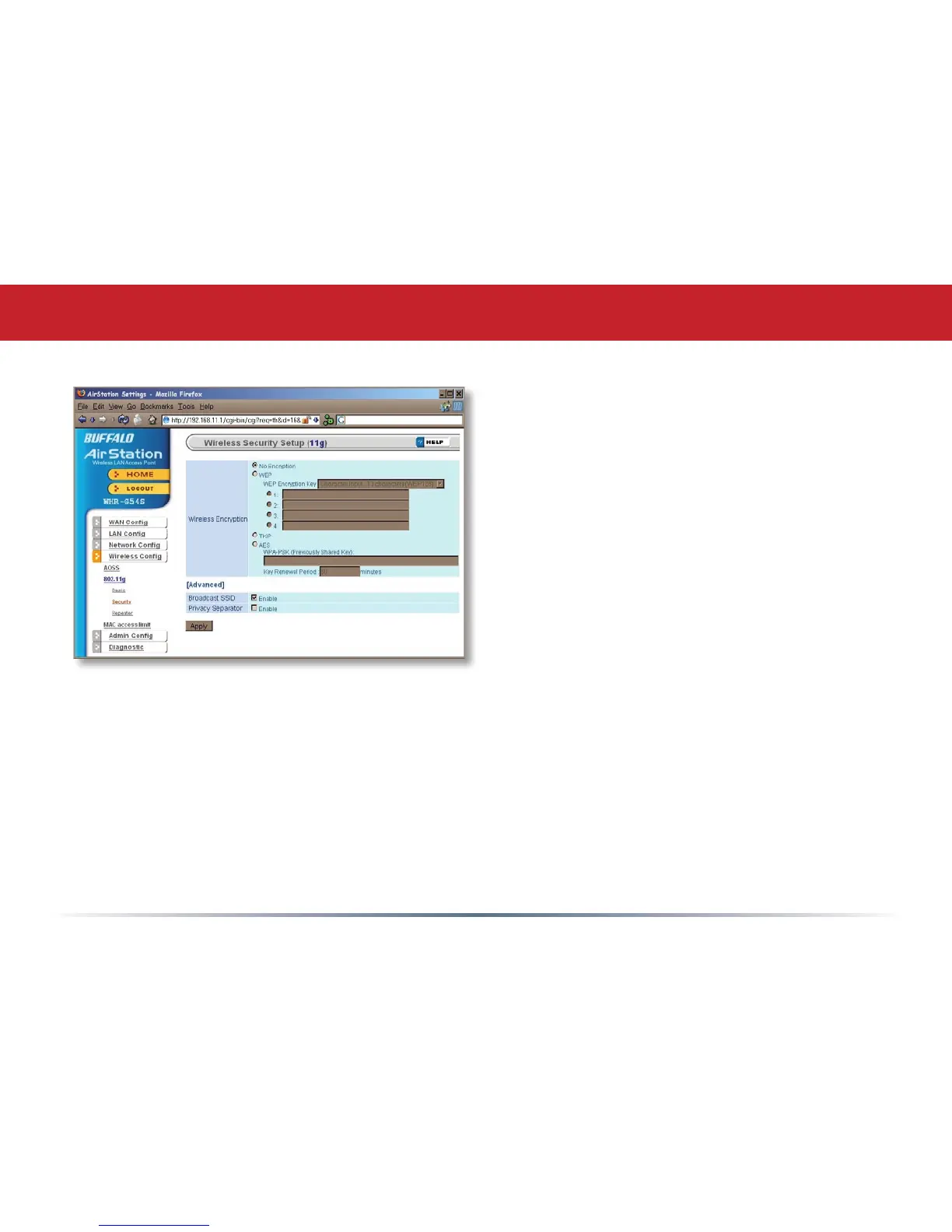
Buffalo recommends that you choose
the strongest form of encryption that’s
supported by all your client devices.
• WEP is a lot better than nothing, and
almost every wireless device ever made
supports it.
• TKIP is slower than WEP but much more
secure.
• AES is the most secure of all, and the
quickest as well. Use it if you can.
Setting the key renewal period too short
can decrease network performance.
802.11g (Security)
By default, the AirStation broadcasts its SSID. This makes it easier for clients to connect
to the AirStation. To disable broadcasting, uncheck this box.
Privacy Seperator prevents wireless clients from being able to browse each other’s
computers. Check Enable to turn it on.


 To Next Page
 Loading...











