22
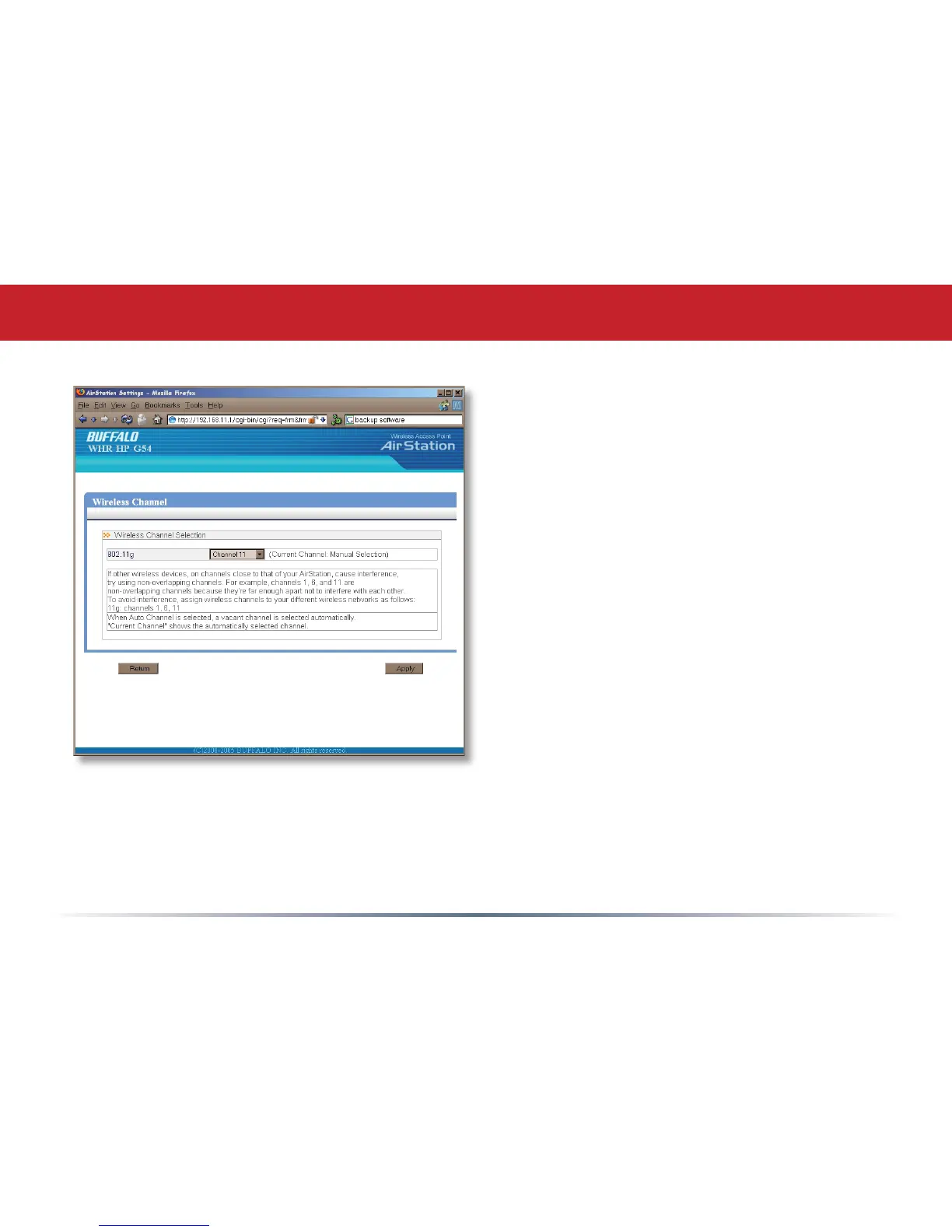
This page is available from Home by
selecting Wireless channel. With Auto
Channel selected, your AirStation will
choose the best channel available.
Current channel will show the channel
that your AirStation is currently using.
You may also select any channel from
1-11 manually. Channels 1, 6, and
11 are non-overlapping. If multiple
channels are in use in an area, select
a different channel for your AirStation,
as far away from the other channels
being used as possible.
Wireless Channel


 To Next Page
 Loading...











