36
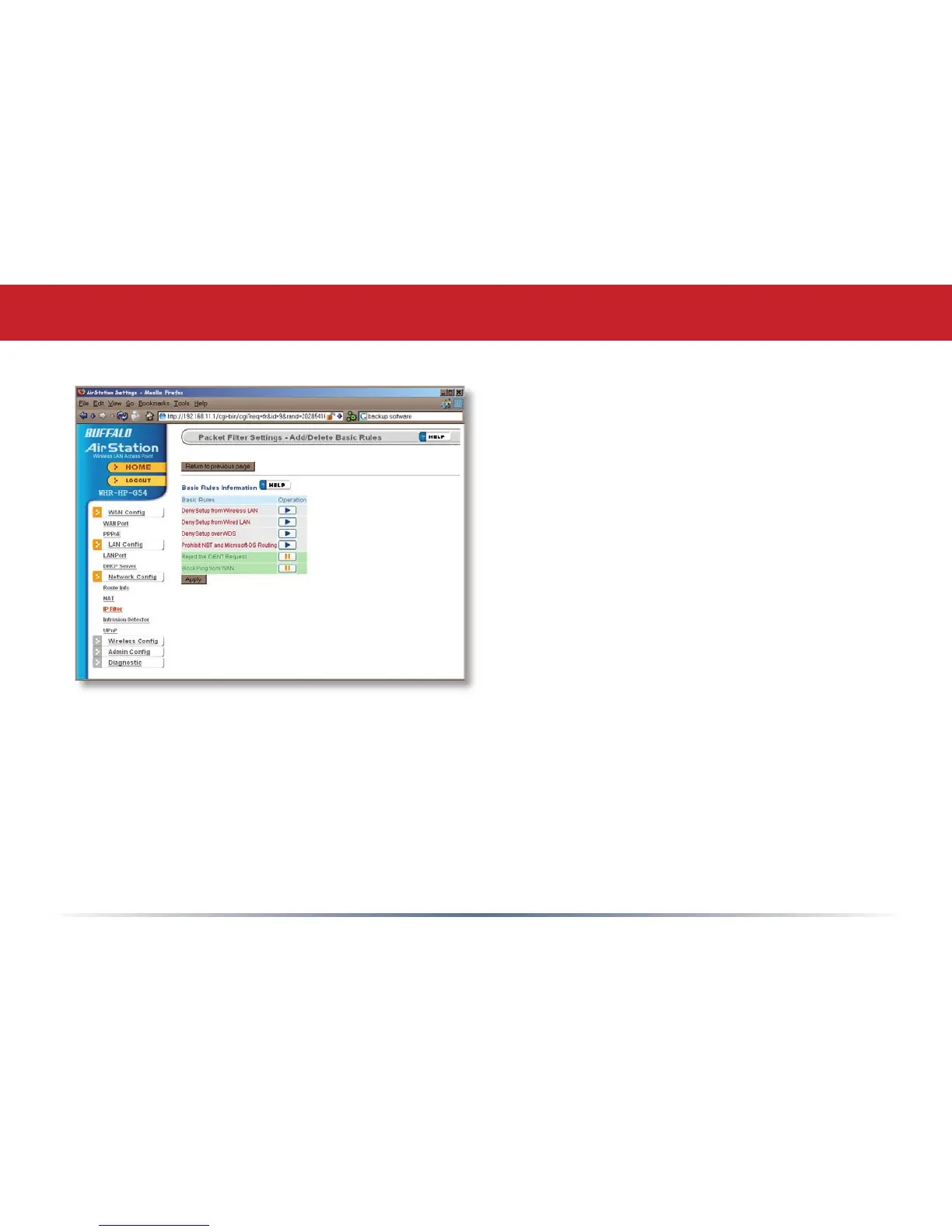
Get here by clicking on Add/Delete Basic
Rules (see page 35). You may choose which
of AirStation’s precongured basic rules
are enabled or disabled. Active rules are
displayed with a green background, and
disabled rules are shown in red. Choose
the rules you want to use by clicking under
Operation. When your choices are complete,
click on Initialize.
IP Filter (Add/Delete Basic Rules)


 To Next Page
 Loading...











