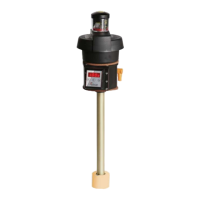
Nivotemp NT MD
5.7.7 Change status LED display function
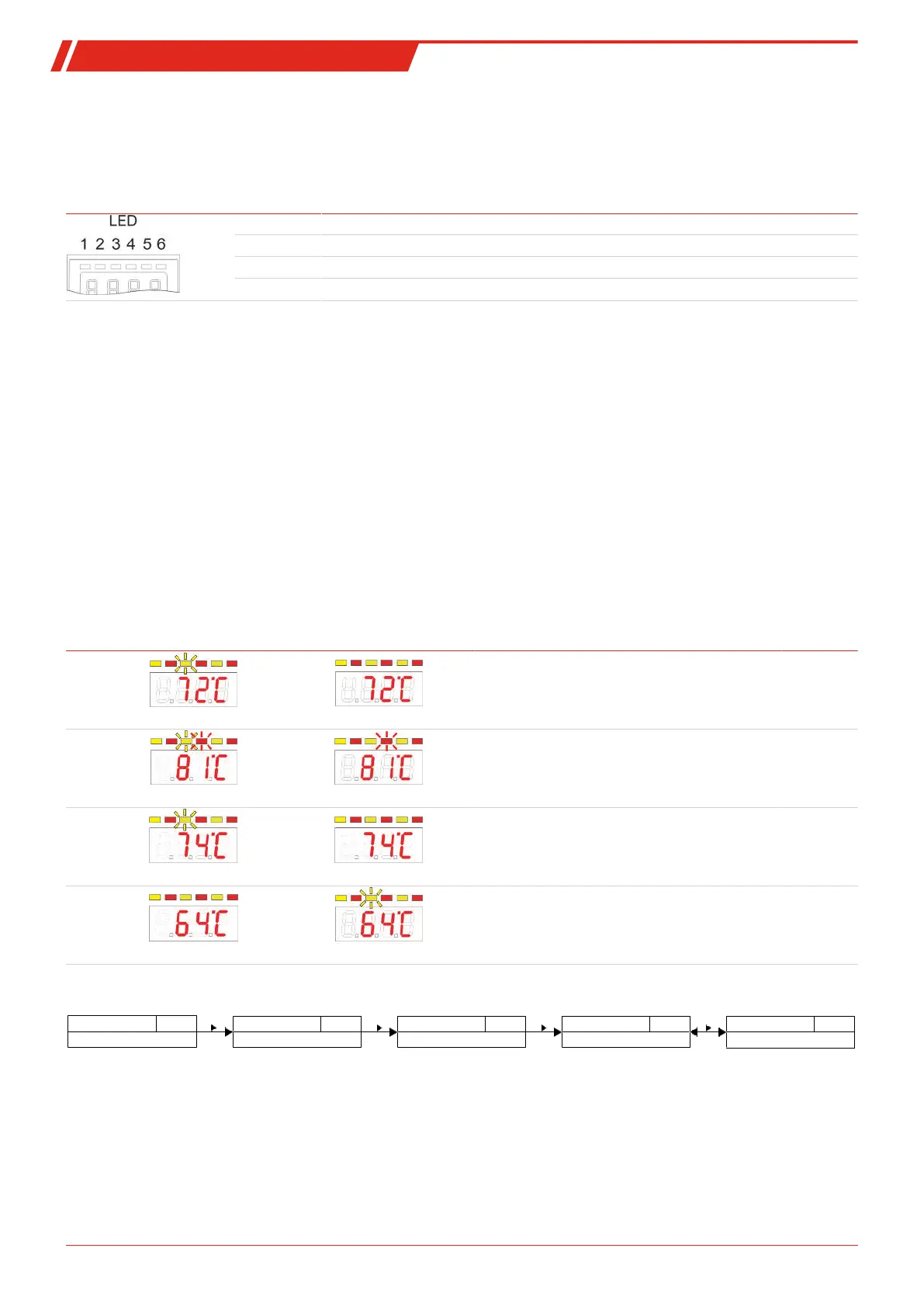
The LEDs in the display indicate the switching status of the output. The following table shows how LEDs are allocated to the
switching output:
Numbering
LED
Switching
output x
Assignment for
1 switching output
Assignment for
2 switching outputs
Assignment for
4 switching outputs
1 LED 1 - yellow LED 1 - yellow LED 1 - yellow
2 LED 2 - red LED 2 - red
3 LED 3 - yellow
4 LED 4 - red
In the factory setting the LED indicates the physical status of the PNP switching output (switching output closed – LED on).
The logical indicator function may need to be different from the physical signal on the switching output. You can therefore also
reverse this indication with this menu (switching output open – LED on).
Example:
You have 2 switching outputs for the temperature, configured as:
–
Switching output 1:
Max contact, rising NO contact. The LED lights up when exceeding the maximum temperature and the
temperature is higher than the desired range. So this LED lighting up indicates an “Error” status.
–
Switching output 2:
Min contact, rising NO contact. So in the factory setting, the LED lights up when exceeding the minimum
temperature. So in this case the LED would light up if the status is okay.
The table shows an example with the factory setting and with inverted status function for LED3. The switching points are
defined as:
SP3 = 70 °C, rP3 = 65 °C
SP4 = 80 °C, rP4 = 75 °C
Factory setting Status function
LED 3 inverted
State Status
A
Temperature rises to > 70 °C
PNP switching output 3 closed
OK
B
Temperature rises to > 80 °C
PNP switching output 4 closed
Error
C
Temperature falls to < 75 °C
PNP switching output 4 open
OK
D
Temperature falls to < 65 °C
PNP switching output 3 open
Error
Here you can reverse the LED status function for a contact: the LED lights up if the contact is open, so below the minimum tem-
perature, and the LED lighting up again indicates an “Error” status.
Measured variable
____
out_
Measured variable main menu
Out X
EF_
EF X
Advanced Functions
LEd_
LED Out X
Function status LEDX
L=__
Selection menu
L= o - L=_o
Settings menu OUTX
21Bühler Technologies GmbHBE100022 ◦ 11/2020



 To Next Page