Configuration
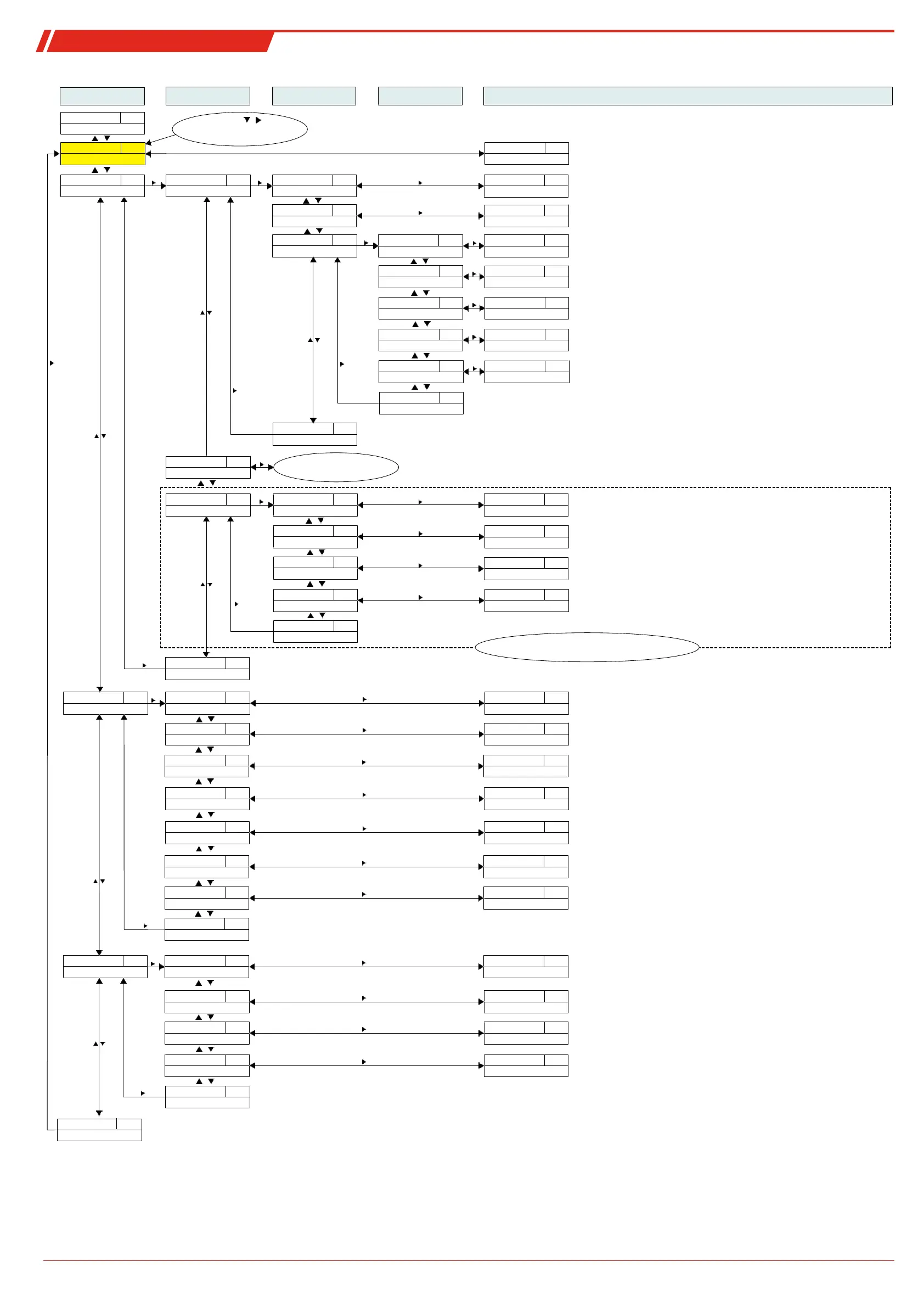
Equipment configuration
t___
____
Display
Measurement display
Main menu
Submenu 1
Submenu 2 Submenu 3
Sets a value for frequency 100 Hz (only OUT1 and OUT2)
Settings and Display Menu
SP1
FI.Hi
____
____
Temperature
Temperature main menu
tEMP
____
Out 1
Settings menu OUT1
out1
____
SP1
Switching point 1
____
____
Selection menu
0°C - 100°C
____
____
Switch-back point 1
____
____
Selection menu
____
Amount of time the signal must be present for output OUT1 to trigger.
Setting range: 0...100 seconds (for frequency output without function)
____
EF 1
Advanced Functions
EF1
____
Delay SP 1
Delay OUT1 On
dS1
____
Selection menu
0 - 100
___
Amount of time the signal must be present for output OUT1 to switch back.
Setting range: 0...100 seconds (for frequency output without function)
____
Delay RP 1
Delay OUT1 Off
dr1
____
Selection menu
___
Frequency output 1-100 Hz
____
Set Out 1
Definition OUT1
ou1
____
Selection menu
Hno - FM
___
Definition of switching characteristics for output 1:
FM
____
Check Out 1
Functional test OUT1
C.ou1
____
Selection menu
n.op - on
____
Normal switching output operation
Switching output Off /
Switching output On /
n.oP
oFF
on
F1
F100
Simulation 1 Hz
Simulation 100 Hz
____
Exit
Exit menu level
E
____
LED Out 1
Function status LED1
LEd1
____
Selection menu
L= o - L=-o
L=__
FH1
Define maximum window limit
Setting the switching point /
Sets a value for frequency 1 Hz (only OUT1 and OUT2)
rP1
FI.Lo
FL1
Define minimum window limit
Set switch-back point /
Hno Hnc
Hysteresis function NO contact or NC contact
Fno Fnc
Window function NO contact or NC contact /
LED = -output: inverted to switching output
L= o
L=-o
LED = output: follows switching output
0°C - 100°C
0 - 100
FH1 F1.Hi
rP1
FL1 F1.Lo
____
Exit
Exit menu level
E
See menu structure Out1
Not applicable for version with
analogue output
____
Out x
Settings menu OUTx
out_
____
Analog Max1
Set maximum value
A1.Hi
____
Selection menu
0°C - 100°C
____
Sets the maximum analogue output signal to a defined value.
(Note: Max. – Min >= 10 % of the measuring range)
____
Analog Min1
Set minimum value
A1.Lo
____
Selection menu
0°C - 100°C
____
i I
____
Set A.Out1
Output function
A.ou1
____
Selection menu
i 1 - u 3
_ _
u 1
4...20 mA
Selecting the analogue output function:
Output mean analogue value /
n.oP
HALF
____
Check An1
Functional test Analog 1
C.An1
____
Selection menu
n.oP - Lo
____
Hi
Output maximum analogue value
Analogue output normal mode /
____
Analog Out1
Settings menu Analog 1
An1
____
Exit
Exit menu level
E
Exit menu level
E
Exit
Sets the maximum analogue output signal to a defined value.
(Note: Max. – Min >= 10 % of the measuring range)
2...10 V
u 2
0...10 V
u 3
0...5 V
Lo
Minimum analogue value output
Alternate menu for version with analogue output
Not applicable when ordered with 2 or more switching outputs
b.EF
Basic Adv. Functions
Basic EF
Factory setting
rES
Reset
____
Confirm
no - YES
___
Resets the device to factory settings
Temperature unit
t.uni
Set Unit Temp
____
Selection menu
°C - °F
°_
°C
[Celsius],
Selecting the temperature unit displayed:
Display rate
di5
Display Rate
____
Selection menu
FASt - off
____
Keylock
Loc
Lock Device
____
Selection menu
0 - 999
___
Exit menu level
E
Exit
°F
[Fahrenheit]
Selecting the display refresh rate:
FASt
[fast],
Medi
[medium],
SLo
[slow],
Activating the keylock by entering a numerical code >
0
Master code
287
oFF
[Display off]
diA
Diagnostics menu
Diagnostic
Logs output
J.out
Journal Out
____
Jor I - ---
____
Displays the last 6 alarms + delete function.
Max/Min memory
t.MM
Max/Min Temp
____
Selection menu
____ - ---
Output monitoring
SJ.ou
Set Journal Out
____
Selection menu
Out1 - Out_
out_
Selecting the alarm output to be logged
Min/Max Delay
dt.MM
Delay MM
____
Selection menu
0 - 100
___
Amount of time the signal must be present before saving the maximum /
minimum value. Setting range: 0...100 seconds
Displays the limits + delete function.
Selection menu
Display:
X – amount of time passed in hours/days; scroll through journal with ▲▼
JorX
Display: Value – amount of time passed in hours/days; scroll through journal with ▲▼
____
Exit menu level
E
Exit
E
Exit menu level
Exit
or 60s no action:
Exit main/submenu
Shortcut
+
____
Switch
Switch view
____
Switches the measurement display level/temperature
Error handling
Errh
Set error handling
´no - YeS
___
Selection menu
Assignment Out 1
r.ou 1
reassign O1
____
Selection menu
____
Assigns switching outputs to function or to error signal
Set Out 2
r.ou 2
reassign O2
____
Selection menu
____
Assigns switching outputs to function or to error signal
Disable/enable normal error handling and analysis
Err - oil - tEMP
Err - oil - tEMP
Selection menu



 To Next Page