40417 GT PLATINUM
24
UPDATING THE GT PLATINUM
Basic Steps to Update (Short Version)
1. Run the Update Agent.
2. Connect the Micro SD card to your computer.
3. Choose the vehicle application and let the Agent search.
4. Click the Update button.
5. When the Update is nished, put the Micro SD card in the GT Platinum.
6. Update the GT Platinum from the SD card by choosing Update GT Software on the Main Menu.
What You Need to Update the GT Platinum
1. A computer with internet access.
• Currently, it is most convenient to update if you have a Microsoft Windows computer.
If you only have access to an apple computer, check the "Updating your GT Platinum (Detailed
Steps for Apple)" section in this manual.
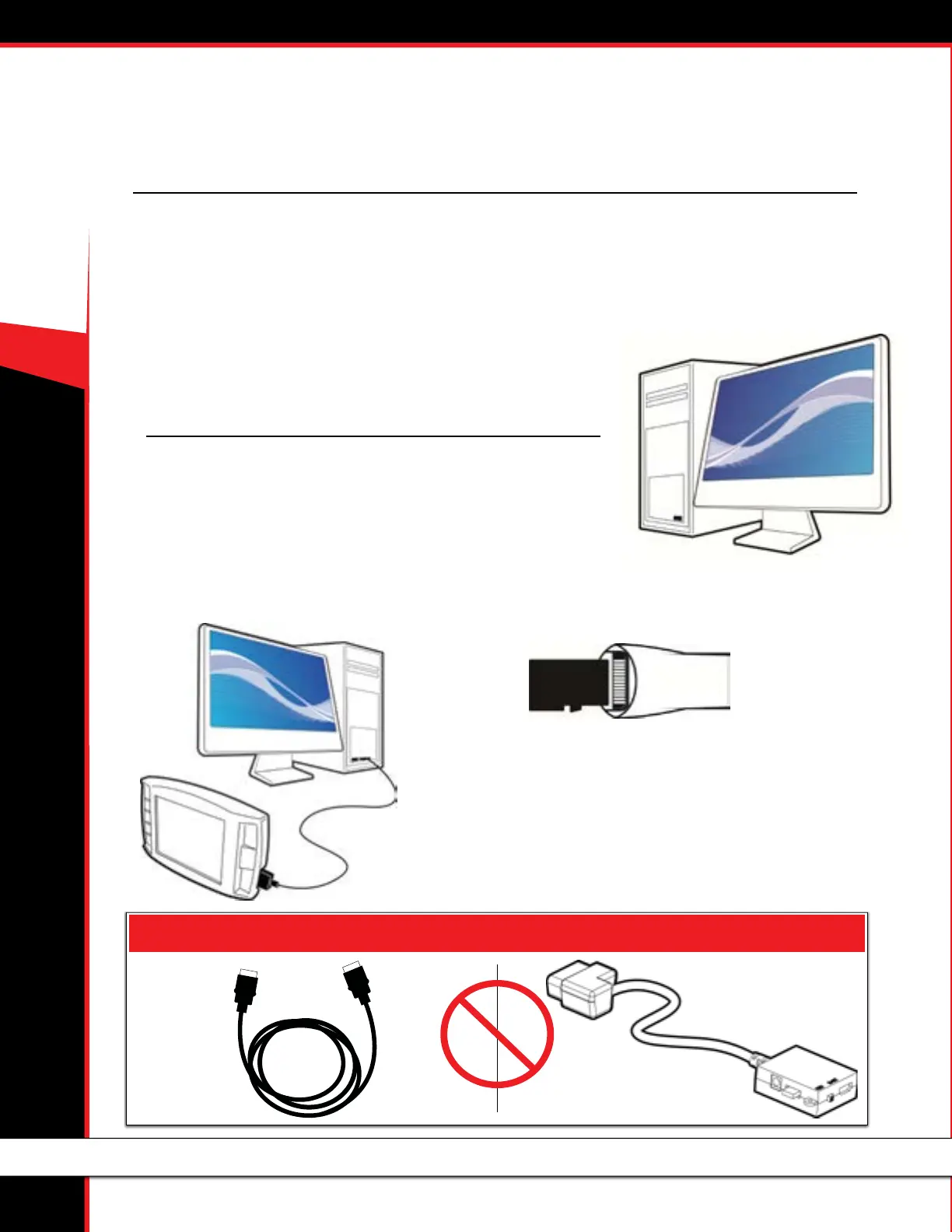
• A USB cable to connect the GT Platinum to the
computer (with the Micro SD card installed in the GT
Platinum).
• A Micro SD card reader to connect it directly to the
computer.
2. A way to connect the Micro SD card to the computer.
There are two dierent options:
Note: Do not try to connect use the HDMI cable or the OBDII adapter plug to update the GT Platinum.



 To Next Page