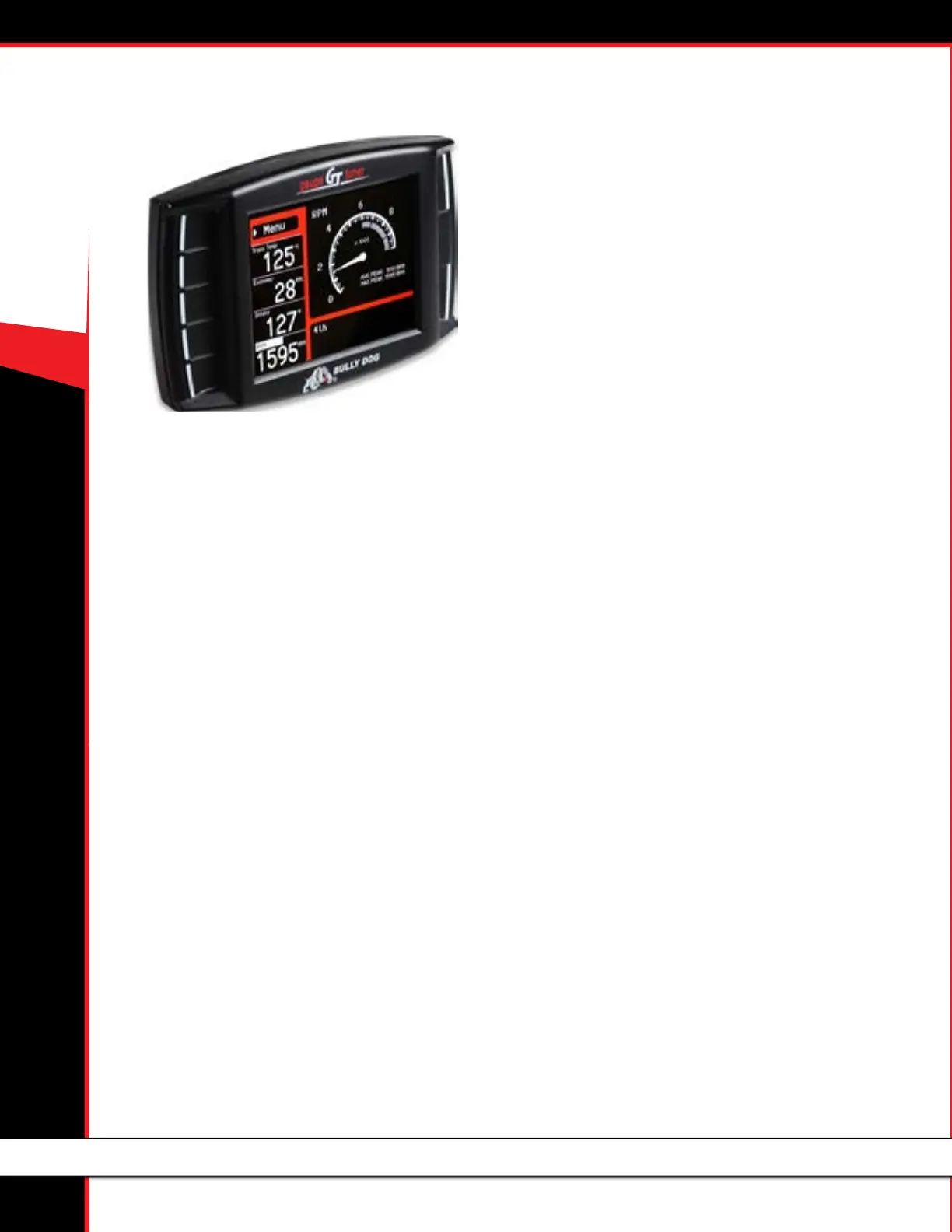
40417 GT PLATINUM
1
CONTENTS
About the GT ......................................................... 2-22
Preview of Basic Installation Steps .............................................2
Tuning Information .................................................................... 2
Vehicle Applications ...................................................................3
Parts List .................................................................................... 4
Parts Description .....................................................................5-6
Button Navigation .....................................................................7
The Main Screen.........................................................................8
Available Options – All Models .............................................9-22
Change Vehicle ..............................................................................................9
Install Download ........................................................................................... 9
Gauge Setup ............................................................................................ 9-11
User Options ................................................................................................12
Reset Average Economy .............................................................................. 12
Performance Testing ....................................................................................12
Driving Coach Setup ..............................................................................13-15
Vehicle Settings ........................................................................................... 16
Special Functions ........................................................................................16
Diagnostics ..................................................................................................22
Show Settings .............................................................................................22
Uninstall GT .................................................................................................22
Update GT Software. ...................................................................................22
Important Warranty Information ...............................22
Updating the GT ..................................................23- 30
Overview ............................................................................23-24
FAQs about Updating ..................................................................................23
Basic Steps to Update (Short Version) ........................................................24
What You Need to Update the GT ...............................................................24
Updating your GT (Detailed Steps for Windows) .................25-28
Troubleshooting Updating Problems ........................................29
Updating Your GT (Detailed Steps for Apple/Mac) ....................30
Physical Installation .............................................31-34
Brief Preview ...........................................................................31
Detailed Instructions ...........................................................32-33
Using the Universal Windshield Mount ....................................33
Additional GT Mounting Options ..............................................34
Installing the Tune ...............................................35-40
Important Preparation Steps...............................................35-38
How to Install the Tune ............................................................39
Troubleshooting Installation Problems ....................................40
Uninstalling - Returning to Stock ..........................58-60
What does this mean? .............................................................58
When to Return to Stock .......................................................... 58
How to Return to Stock ............................................................58
What if I Don’t Return to Stock? ...............................................60
How Do I Know if the GT is (Still) Installed? ..............................60
More Information .................................................62-50
Changing the Power Level........................................................62
Reset Fee .................................................................................62
Performance Testing Software .................................................62
Windows Update ................................................................40-46
Contacting Technical Support ...................................................66
USB Mode ................................................................................66
Pyrometer Calibration .............................................................. 63
FAQs/Troubleshooting .........................................................64-50



 To Next Page