40417 GT PLATINUM
59
How to Return to Stock
There are two ways to return your vehicle to stock.
IMPORTANT NOTE: Both methods are very similar to installing the tune to your vehicle, so you should make the same preparations and take the same precautions.
This means choosing a good time and place, making sure the battery is charged, pulling fuses (if necessary), disconnecting aftermarket electronics, etc.
IMPORTANT NOTE: There are certain times when disconnecting or interrupting power to the GT Platinum can interfere with the engine computer programming
process. If the engine write is interrupted, the programming on your engine computer can be corrupted. This can cause your vehicle not to start and possibly even
require the ECM to be replaced.
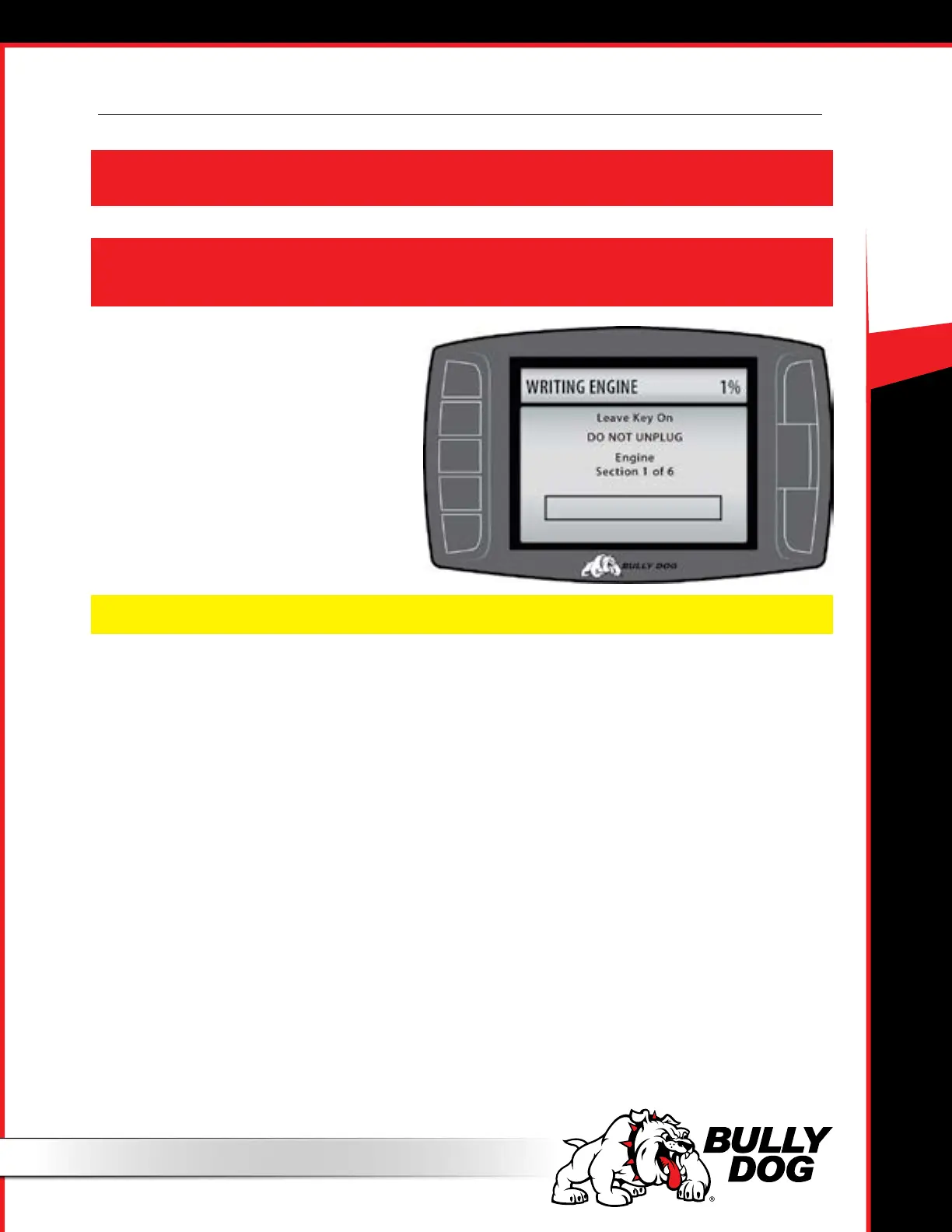
This illustration is an example of one of the times
during the uninstallation when it is vital that
the power is not interrupted and the tuner is not
disconnected from the vehicle.
Note: There may be times when our technical support team will instruct you to disconnect the tuner even though the screen tells you not to unplug.
Uninstall Download
1. Choose the Uninstall Download option from the Main Menu.
2. Follow the instructions shown on the GT Platinum screen.
3. When the GT Platinum gives you a message that the tune has been removed, disconnect the GT Platinum from your vehicle.
4. Check to make sure the tune has been removed from your vehicle.
5. Test your vehicle to make sure that it starts. If not, check the troubleshooting FAQ.
If this option is not listed on the Main Menu, use the option described on the next page.
Install Download > Return to Stock
1. Choose the Install Download option from the Main Menu.
2. Follow the instructions shown on the GT Platinum screen.
3. Choose “Return to Stock” when the GT Platinum gives you the option between “Change Settings” or “Return to Stock”.
4. Follow the instructions shown on the GT Platinum screen.
5. Check to make sure the tune has been removed from your vehicle.
6. Test your vehicle to make sure that it starts. If not, check the troubleshooting FAQ.



 To Next Page