40417 GT PLATINUM
25
UPDATING THE GT PLATINUM
DETAILED STEPS FOR WINDOWS
The following instructions are intended for Microsoft Windows computers.
Uninstall the tune from your vehicle
1. For information about uninstalling the tune, see "Uninstalling - Returning to Stock" section in this manual.
2. For information about checking to see if the tune is installed, see "Show Settings" section in this manual.
Connect your Micro SD card to a computer with internet access
1. Connect the Micro SD card using a card reader.
OR
2. Connect the GT Platinum with the Micro SD card installed by using a USB cable. Do not use the HDMI cable or the OBDII adapter plug to update the
GT Platinum.
3. Download and install the Update Agent application.
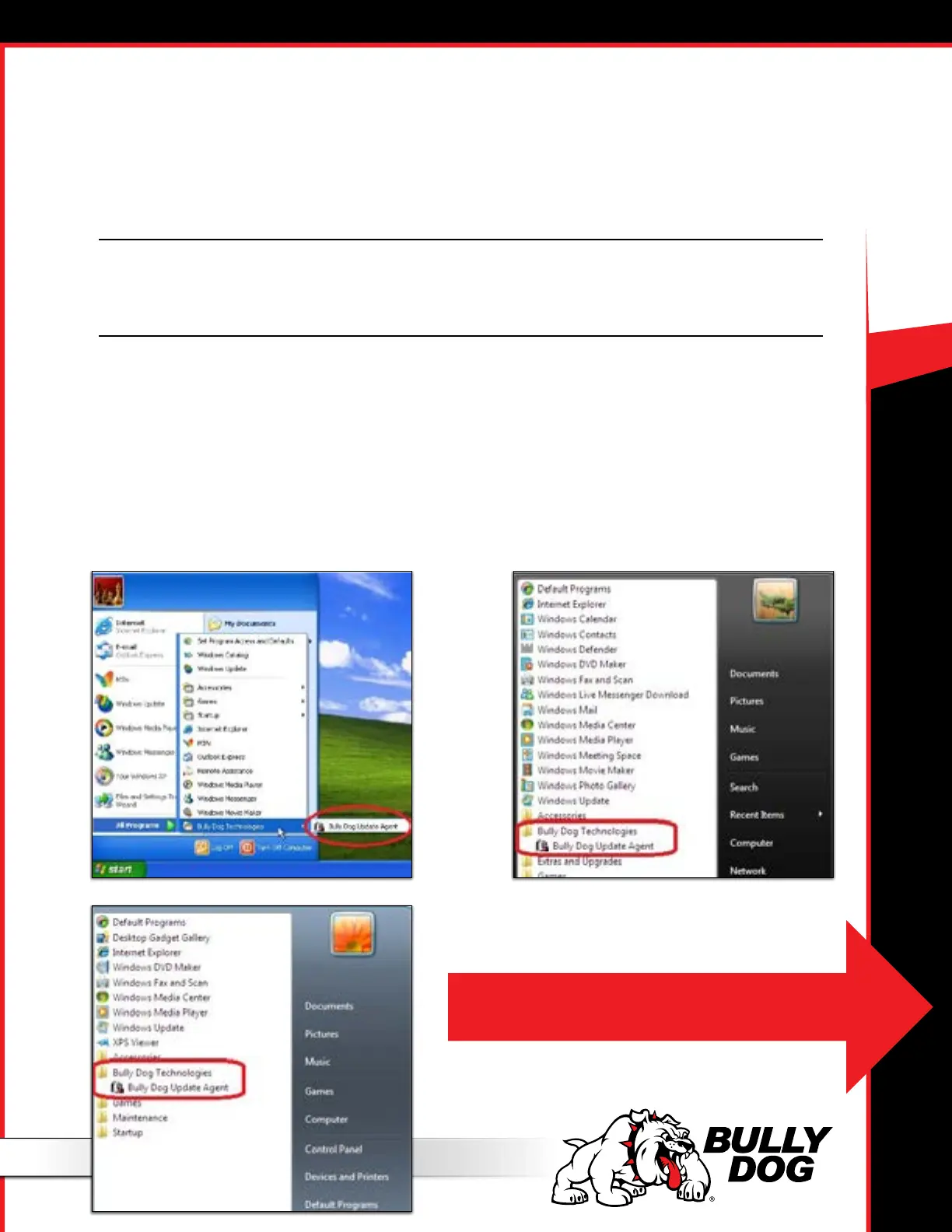
• If it is already installed, skip to step 5. You can see if it is already installed by checking your Start Menu under All Programs. The Update Agent will
be listed under the Bully Dog Technologies folder:
Windows XP
Windows 7
Windows
Vista
Note: If you don’t have the Update Agent installed see the next page for details on
how to download and install it from the internet.



 To Next Page