40417 GT PLATINUM
28
UPDATING THE GT PLATINUM
DETAILED STEPS FOR WINDOWS
8. NOTE: This step varies depending on how you have connected the Bully Dog to your computer.
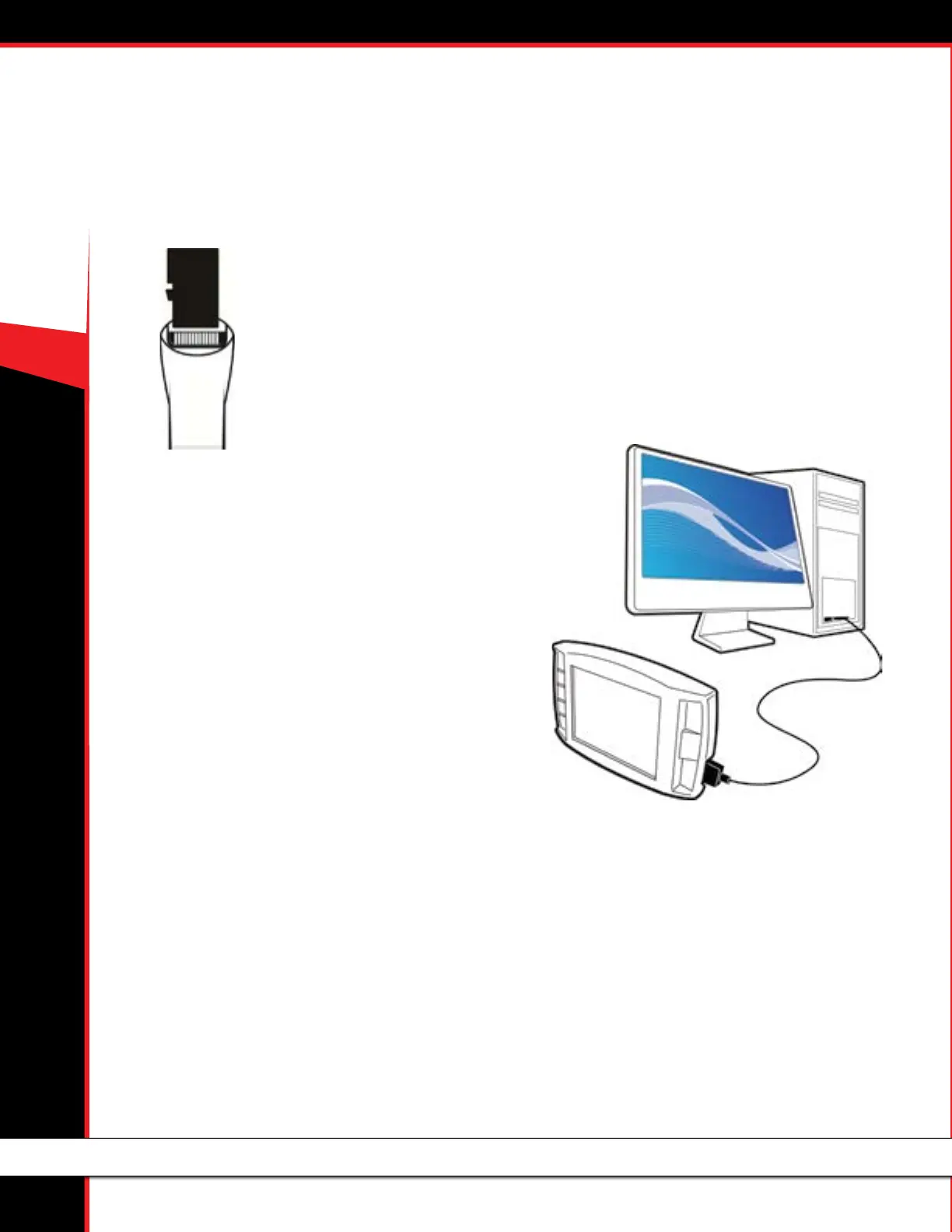
• If you have the Micro SD card connected to the computer:
- Disconnect it from the computer and put it in the GT Platinum.
- Then turn the GT Platinum on by connecting it to a computer or to a vehicle and turning the key to the Run position.
• If you have the GT Platinum connected to the computer:
- Press the second key from the top on the left side to get out of USB mode.
OR
- Disconnect the GT Platinum from the computer, plug it in to your vehicle, and
turn the key to the Run position.
9. Go to the Main Menu on your GT Platinum.
10. Go to the bottom of the menu and choose Update GT Software.
• If the Update GT Software option is not available on the Main Menu:
- Choose Update GT Firmware.
OR
- Scroll to the top and choose Change Vehicle, then select your vehicle from the list.
11. Conrm that you want to load the le.
12. Let the GT Platinum load the le and reboot. Do not disconnect it or turn it o during this part of the process.
The GT Platinum has now been updated!



 To Next Page