40417 GT PLATINUM
27
UPDATING THE GT PLATINUM
DETAILED STEPS FOR WINDOWS
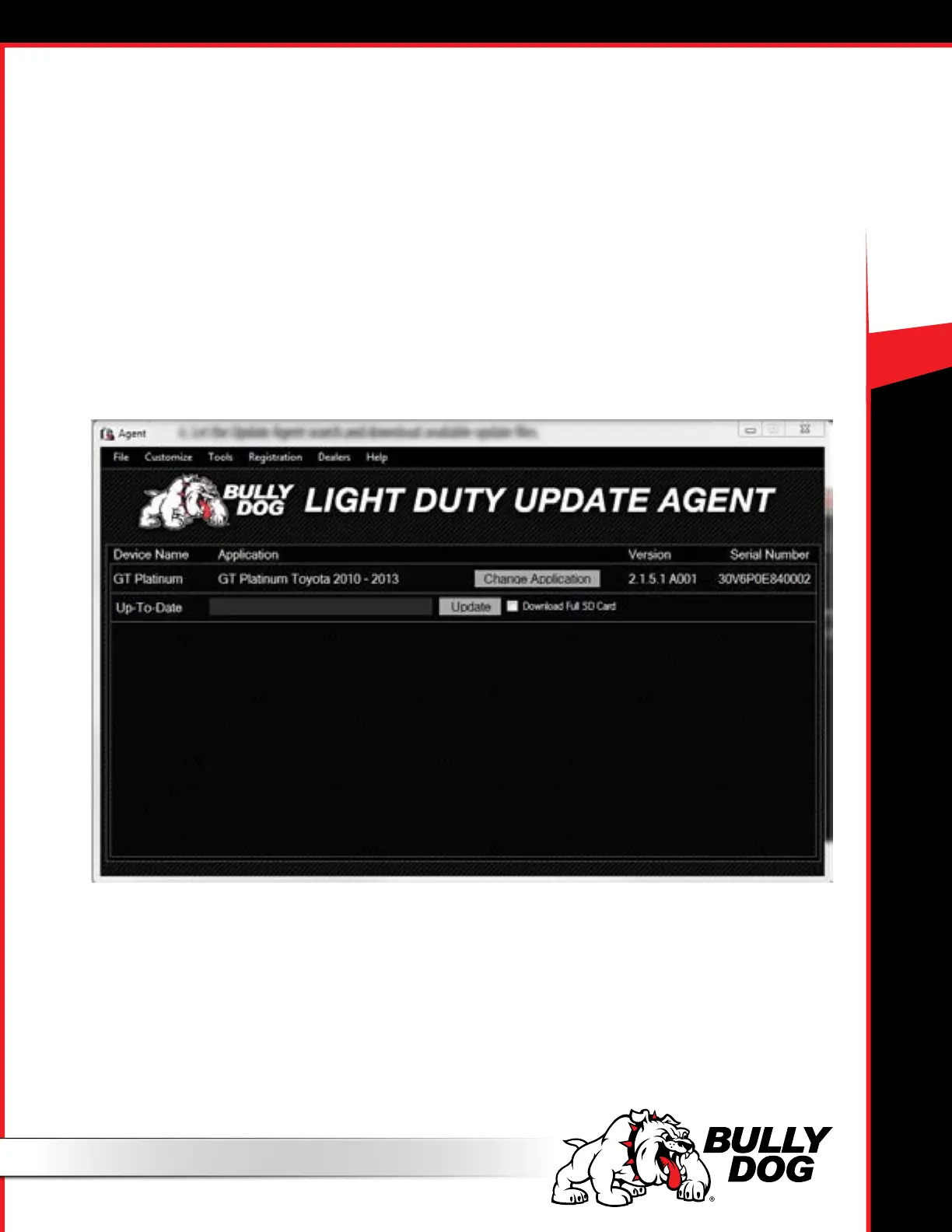
5. Run the application.
• If you have just installed it, the Agent may already be running.
- You can show the Update Agent by right-clicking the icon in the system tray at the bottom right corner of your screen, and then clicking Show Agent.
- Or you can stop the previous instance of the Update Agent and open a new one – either option is a winner.
• If you have already installed the application in the past, it should be listed under Bully Dog Technologies in your computer’s list of All Programs. Just
double-click the Update Agent icon in that folder to let it start.
6. Let the Update Agent search and download available update les.
7. Click the Update Button and let it write the update to the SD card.



 To Next Page