40417 GT PLATINUM
51
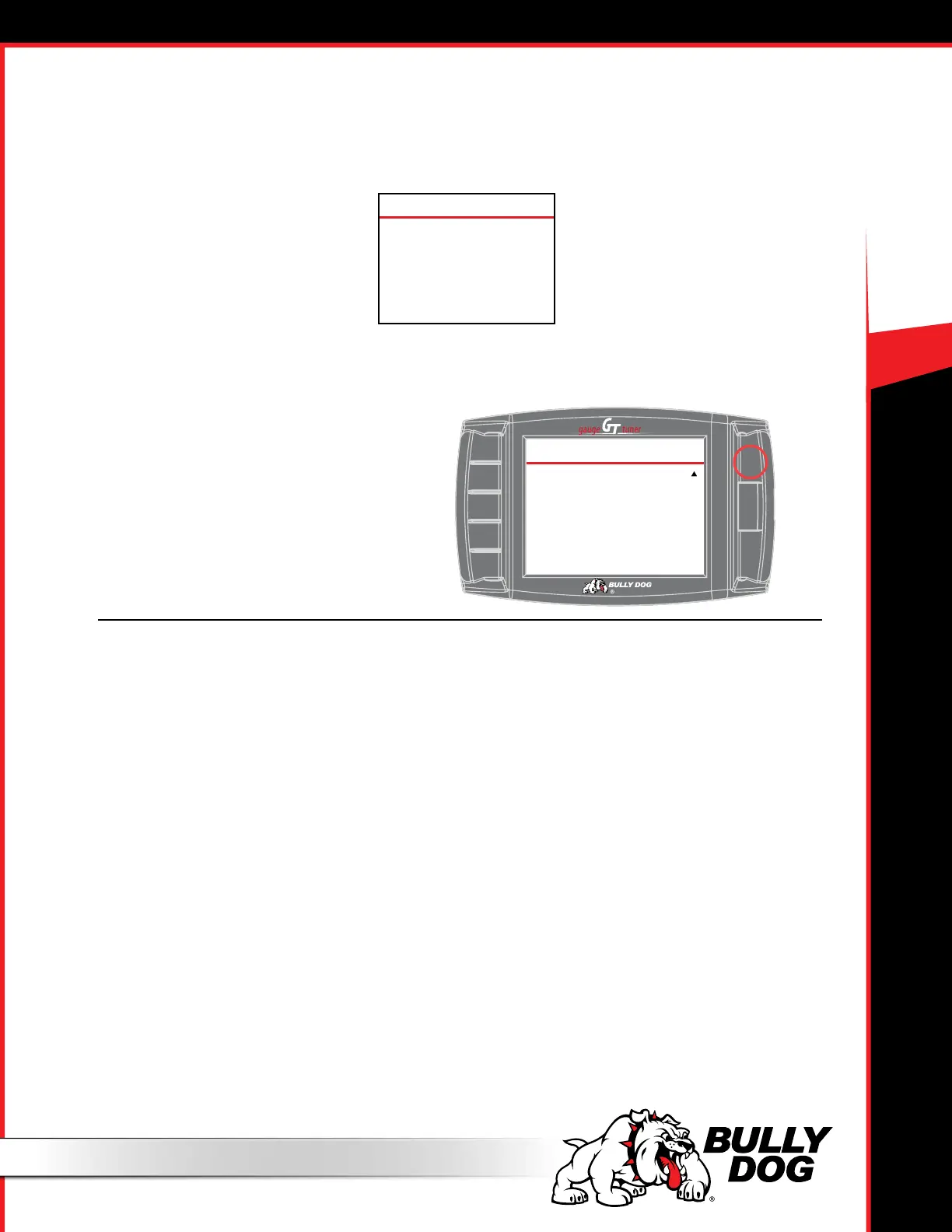
‣ Turn the key to “o” and press Continue.The GT Platinum will display
countdown timers. Follow instructions on the screen.
20. The GT Platinum will complete the download.
‣ Press Continue and wait for the GT Platinum to reboot.
The installation is complete!
10
PLEASE WAIT
Please Wait....
Seconds
DOWNLOAD FINISHED
Congratulations!
The Download is Done
Please Turn the Key OFF
And Click Continue to Finish
Continue
INSTALL THE TUNE (HEMI ENGINE VEHICLES)
Troubleshooting Installation Problems
Error During Installation
1. Make note of the code number and all information displayed on the screen.
2. Disconnect and update your GT Platinum.
3. Make sure that you have disconnected all aftermarket electronics and completed all of the important preparation steps.
4. Try to install the download again.
5. If the error occurs again, contact technical support.
6. This troubleshooting procedure applies to all errors, including the following code numbers: 0, 141, 325 (on a 2011 Duramax), 358, 393
Gets Stuck on “Turn Key to Run”
1. Make sure that the key is turned as far as possible without turning the engine on.
2. Turn the key to the O position, then turn it back to the On position.
3. Jiggle the key.
4. Disconnect the GT Platinum.
5. Update if this has not already been done.
6. Reconnect the GT Platinum.
7. Make sure that all aftermarket electronics are disconnected from the vehicle.
8. Try installing a battery charger to maintain voltage. (This step can solve many problems, even if your battery is new and fully charged).
9. Try to install the download again.
10. If the error occurs again, contact technical support.
GT Platinum Freezes in the Middle of the Download.
Try installing a battery charger to maintain voltage. (This step can solve many problems, even if your battery is new and fully charged).



 To Next Page