OPERATION
55
®
Go Back
TIRE SIZE
* Accurate only if
ECM tire size
setting are at
default factory
values.
DEFAULT
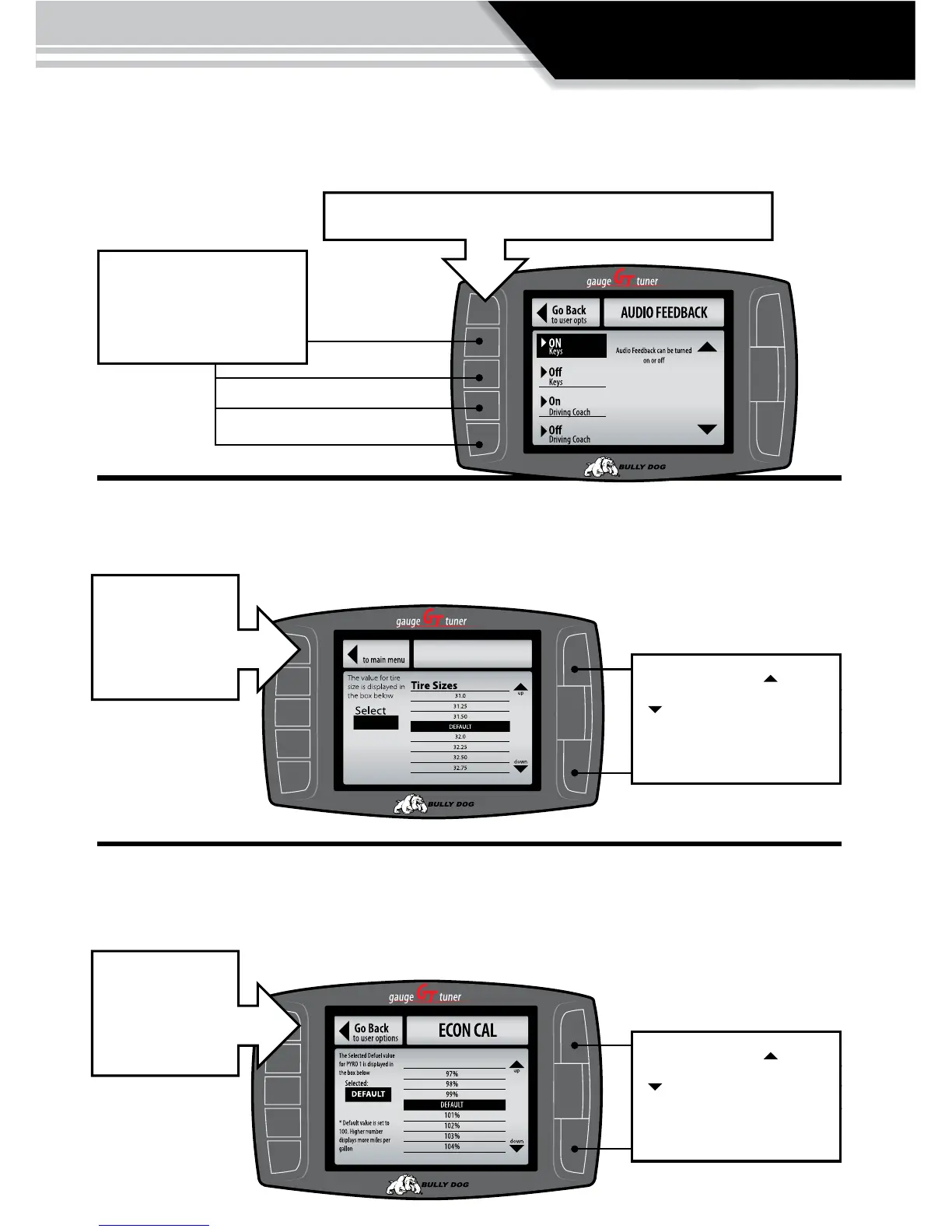
AUDIO FEEDBACK ON/OFF
The audio on the GT is either on or off, highlight the button adjacent to the on or
off area on the screen to turn audio on and off.
CALIBRATE SPEEDO
Allows the user to adjust the GT to allow for aftermarket tires and wheels.
Use the appropriate but-
ton to select the function
of the drivers preference.
Exit the menu and the selection will automatically take eect.
Exit the menu and
the selection will
automatically take
eect.
CALIBRATE ECONOMY.
Calibrate for vehicle characteristics.
Use the large Up Down
Buttons to scroll up and
down through the per-
centage options.
Use the large Up Down
Buttons to scroll up and
down through the tire size
options.
Exit the menu and
the selection will
automatically take
eect.



 To Next Page