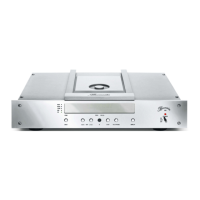
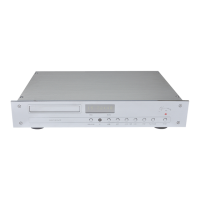
GETTING STARTED
CAUTION: Before connecting the unit please check if the input voltage of the 052 is equal to the local voltage of
your wall outlet. Make sure the ground lead in your power outlet is working correctly. A missing or faulty ground is
extremely dangerous!
• Connect the desired in- and outputs of the CD-Player with the other components of your playback system. For
details please refer to the following chapter CONNECTIONS.
• Make sure the AC mains switch (18) on the rear panel has been set to OFF.
• Connect the power cord to the AC mains terminal (19) and plug the AC plug into the wall outlet.
• Switch the AC mains switch (18) on the rear panel to ON. After a second the POWER LED (11) will illuminate
orange. The device is now in standby mode.
• Now you can switch the CD-Player on using the POWER button (15) on the front panel.
The following chapters of this Owner’s Manual will provide detailed instructions about the extraordinary possibilities
and capabilities of the 102 CD-Player.


 To Next Page