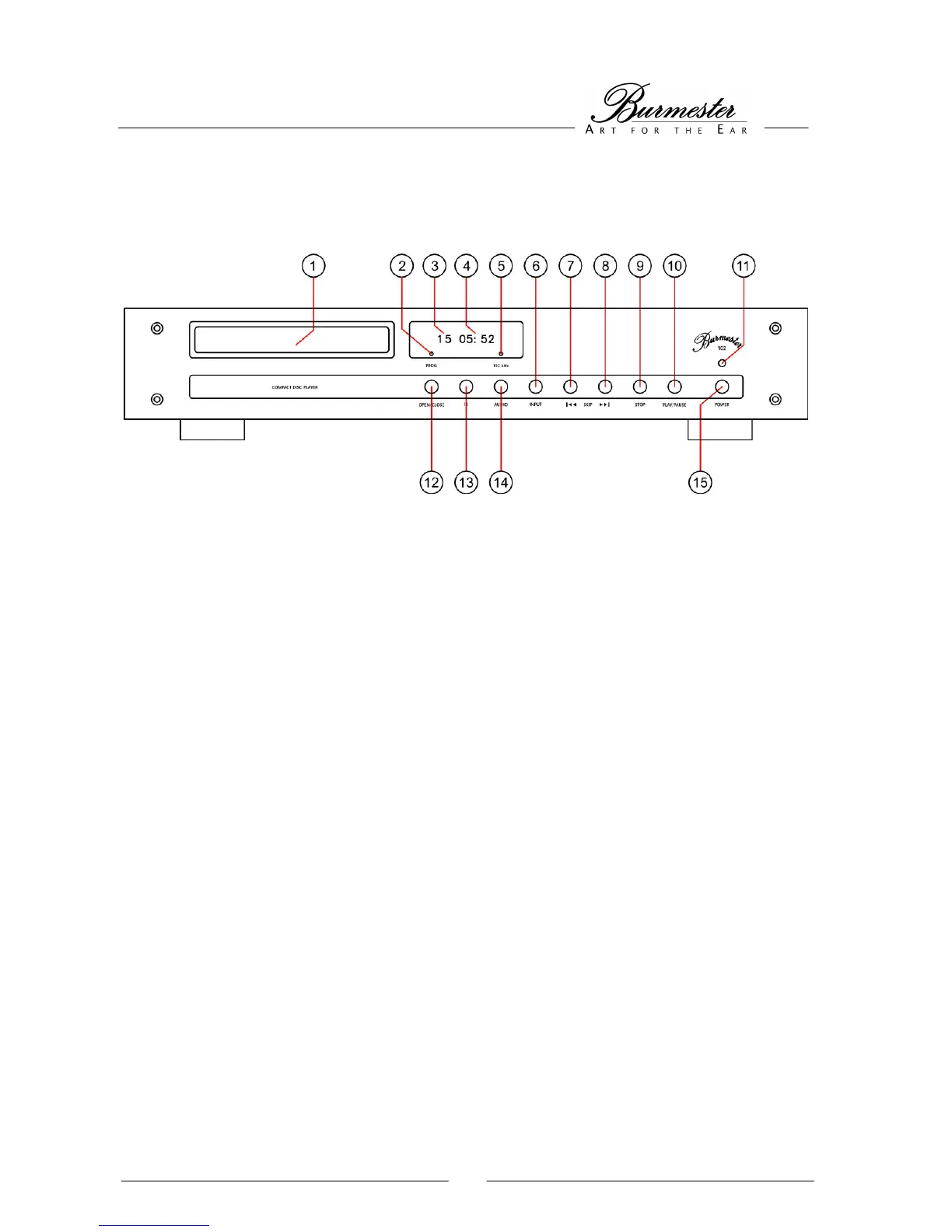
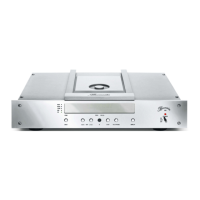
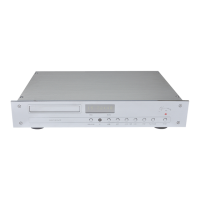
FRONT AND REAR VIEW OF THE 102
THE FRONT PANEL
(1) CD tray (9) STOP button
(2) PROGRAM LED illuminates when a music program (10) PLAY/PAUSE button
has been selected and saved (11) Power LED
(3) TRACK display indicates the current track (12) OPEN/CLOSE button for opening/closing the
(4) TIME display shows time elapsed or remaining CD tray
(5) AUDIO LED shows upsampling of 192kHz (13) IR receiver for remote control
(6) INPUT button for selecting the digital input (14) AUDIO button for switching between
(7) SKIP |<< button for selecting the previous tracks 96 kHz and 192 kHz
(8) SKIP >>| button for selecting the next tracks (15) POWER button to switch the CD player
on and off


 To Next Page