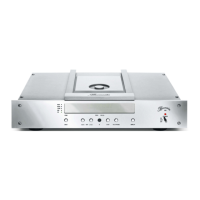
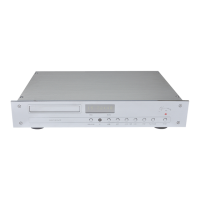
Display When the internal CD transport is selected and a CD is playing, the alphanumeric display
shows the current track of the CD in the TRACK display (3) and the playing time in the
TIME display (4).
The TIME display can be switched to
- lapsed time of the current track
- remaining time of the current track
- lapsed time of the CD
- remaining time of the CD
by pushing the MODE button on the remote control.
When an external digital input is selected, the alphanumeric display shows which input is
chosen. When the input receives no valid data, the display will blink.
AUDIO LED The AUDIO LED (5) illuminates, when the internal sample rate is switched to 192 kHz.
When the light is not illuminated, the sample rate is set to 96 kHz.
PROGRAM LED The PROGRAM LED (2) illuminates, when the PROGRAM function has been activated.
(see chapter “HOW TO PROGRAM A FAVORITE TRACK SELECTION”)


 To Next Page