9
2.9 Other settings
Dynamic range compression (DRC)
1.This function reduces the difference between the loudest and quietest audio being
broadcast. Effectively, this makes quiet sounds comparatively louder and loud sounds
comparatively quieter.
Note: DRC only works if it is enabled by the broadcaster for a specific station.
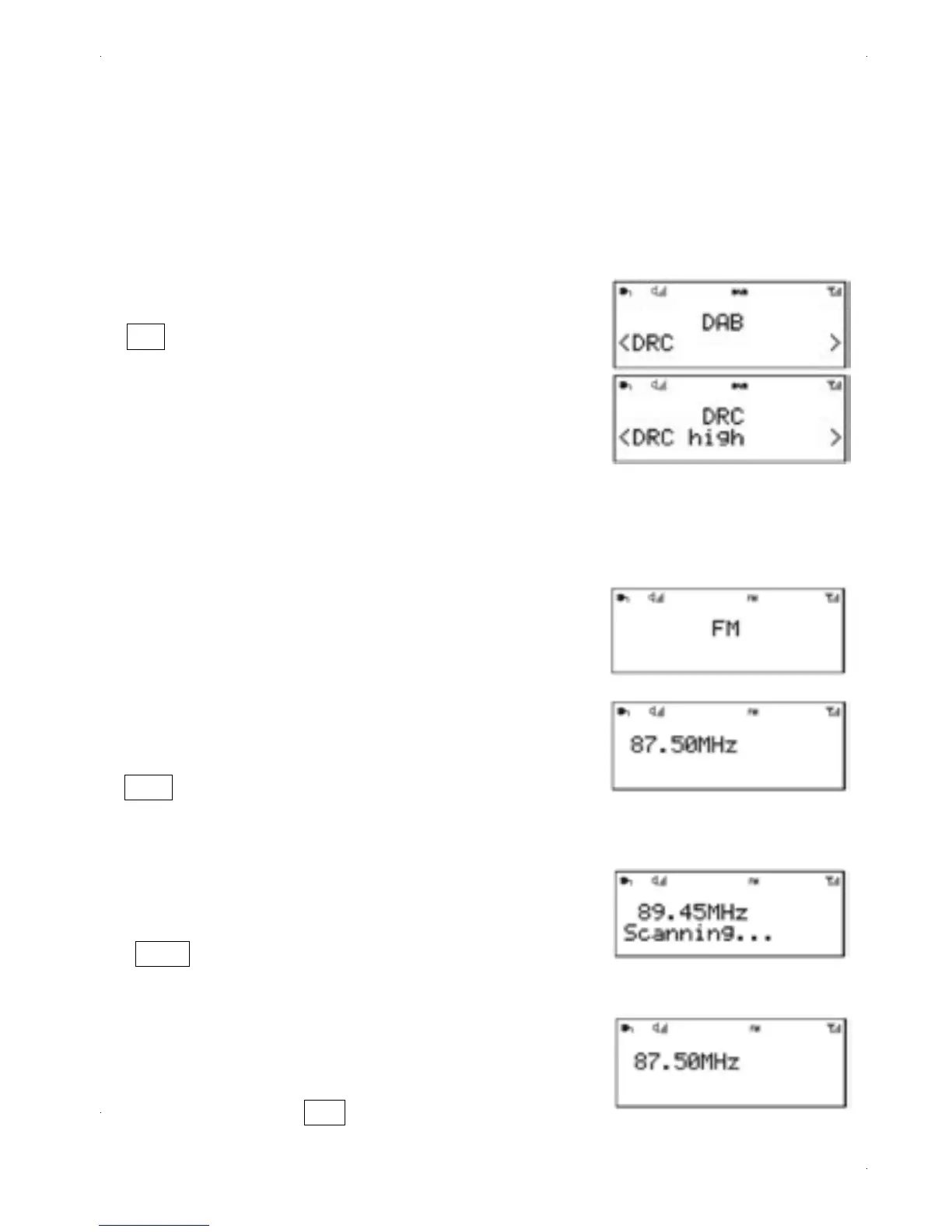
2.To change the DRC setting
Select > DRC > The options available are:
DRC off | low | high.
a) DRC off ---sound is unchanged as per the signal from
the broadcaster.
b) DRC low ---Reduces loud sounds over a certain threshhold
while quite sounds remain unaffected.
c) DRC high --- Increases the loudness of sounds below a
threshold while leaving louder passages unchanged.
Selecting stations
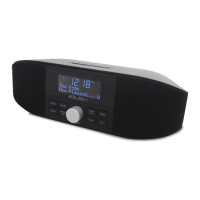
The first time you select FM radio, AURORA is set to
the lowest frequency in the FM band.
To scan for a station in FM mode
1.Press Select ,AURORA scans up through the FM
band frequencies, showing the current frequency on
the screen display.
2.A scan stops when a signal is found. AURORA can
be set to stop at each station or only at stations with
a strong signal .
3.Alternatively, you can Press tune Button , left/right rotary
control on the front panel for a manual FM selection.
Menu
Info
FM radio mode
1.FM radio mode receives analogue radio from the
FM band and displays RDS (Radio Data System)
information about the station and show (where
broadcast).
To enter FM mode
Press Mode until the display shows FM Mode


 To Next Page