7
2.4 Selecting stations
To change station
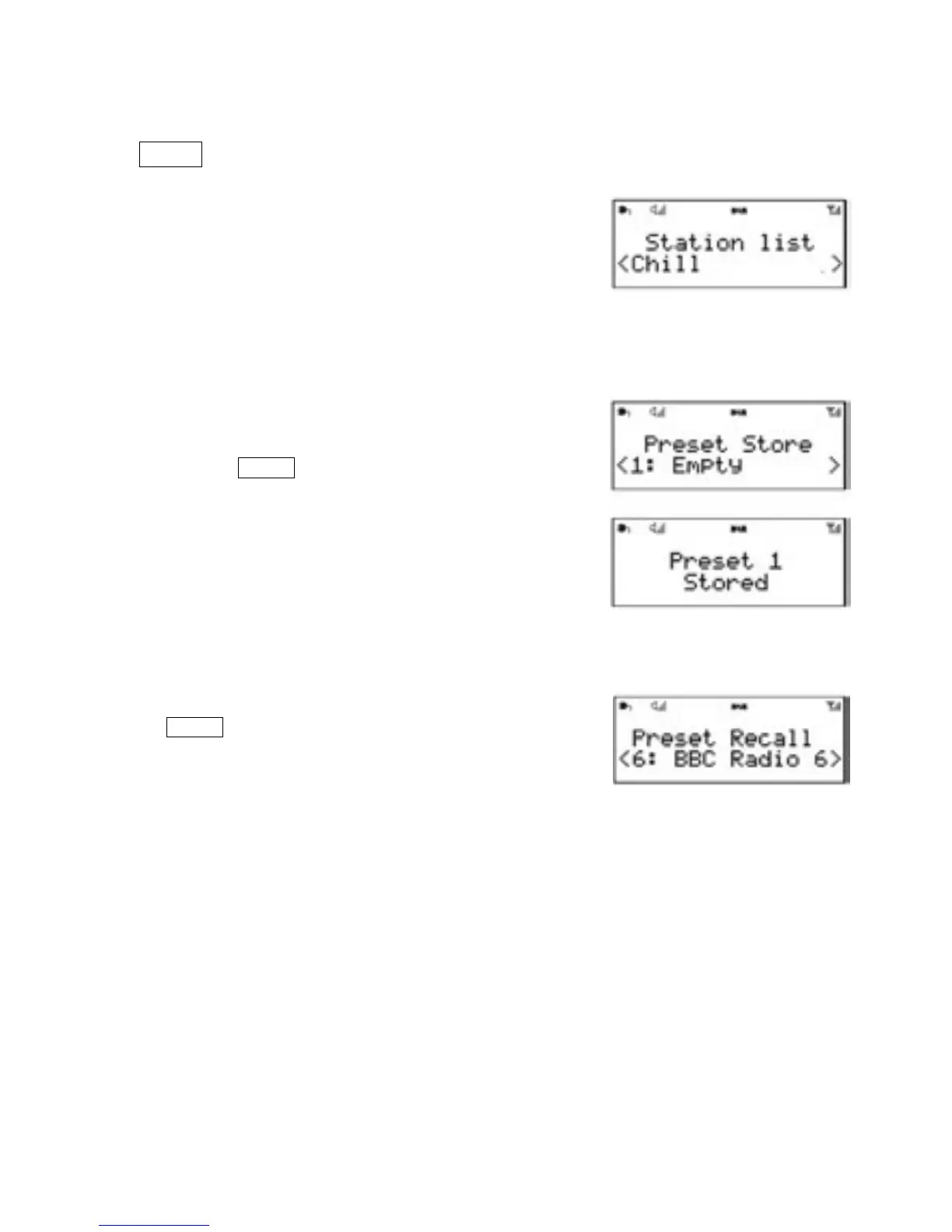
1.Press TUNE
Use the left/right rotary control to scroll through the
list of stations and press Tune to display the station.
2. The playing screen is displayed with
the new station details.
2.5 Presets
AURORA has 10 preset memories for DAB.
To store a station in a preset memory
1.Press and hold the Preset button until the display shows
Preset Store. Presets (1-10) are displayed as either
Empty or with the currently stored station name.
2.Use the left/right rotary control. Choose a preset
memory then press to store the currently-playing
station.
3.After confirming the preset station is stored the
display reverts to the Now playing screen.
To recall a preset station
1.Press the Preset button briefly, (the display will show Preset
Recall).
2.Select one of the listed preset stations by using the
left/right rotary control and press Select to choose the
displayed preset station.


 To Next Page