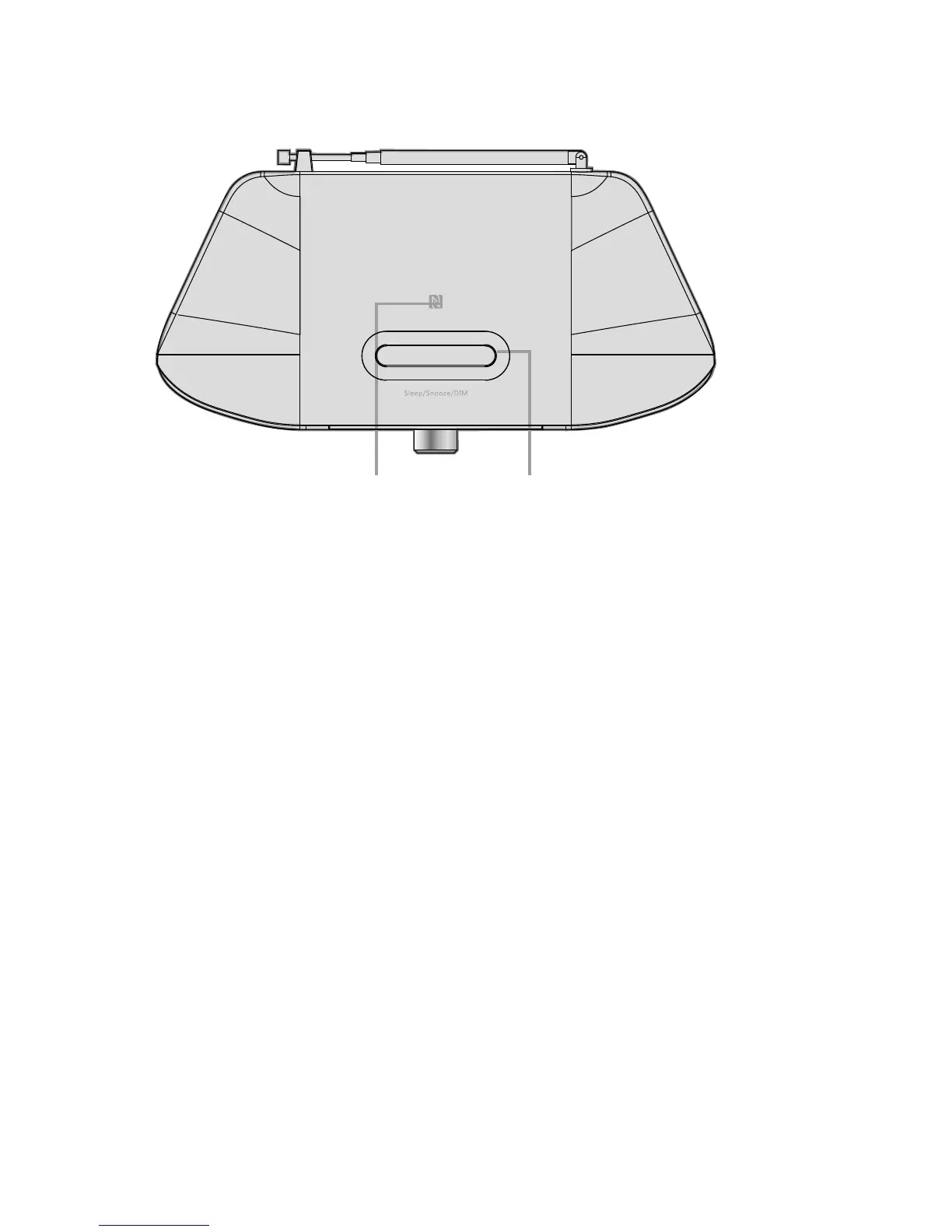
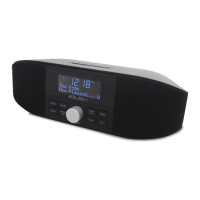
1.3 Top view
5
18: NFC Area---NFC function contact area
When in Standby Mode you may connect a NFC enable device by tapping the
device on the NFC area for at least 1.5 sec .
19: SLEEP/SNOOZE/ DIM
SLEEP -------When playing, opens the sleep menu to set the time interval before the unit goes into
Standby mode.
SNOOZE ----When alarm is sounding, Allows you to set the snooze interval.
DIM -----------When Power is on, allows you to Set Backlight Setting.
18 19


 To Next Page