11
3.4 Bluetooth mode
A Bluetooth connection can be set up manually or using the NFC tag attached to the top of the
AURORA device.
3.5 To pair a Bluetooth device using the NFC tag
1. Tap your NFC equipped smart device on the NFC tag on the AURORA device.
A dialogue box will appear on your smart device asking you to confirm you wish
to pair with theAURORA.
2. Choose to continue with the pairing and the connection is
completed. The AURORA device is switched to Smart Device mode ready for
Bluetooth audio streaming.
3.6 To manually pair the AURORA with an available Bluetooth device
1. Press MODE button, Enter Bluetooth, Automatic entry ‘Pairing’ Status
2. setup on your smart device to pair and connect with the AURORA.
3. Note: 1. the Bluetooth discoverable message is only displayed for a short time but the
Unit remains in the discoverable state for two minutes. After 2 minutes, AURORA Connection
to the state of dormancy , Can be connected by clicking on the smart device AURORA device
name (each press displays the next device in the paired list),
4. After 10 minutes without operation AURORA automatically into Power shutdown
3.7 Switching between Bluetooth connected and docked devices
1.The AURORA radio device can maintain a list of up to 8 paired Bluetooth devices.
2. A short press on the TUNE button shows the current/first device in the paired list. To change
which device is connected, press the TUNE button , Rotating Navigation knob to choose the device
you need to connect. Press Select to confirm.
3. If your device does not appear in the list, you will need to pair with the radio device as above.
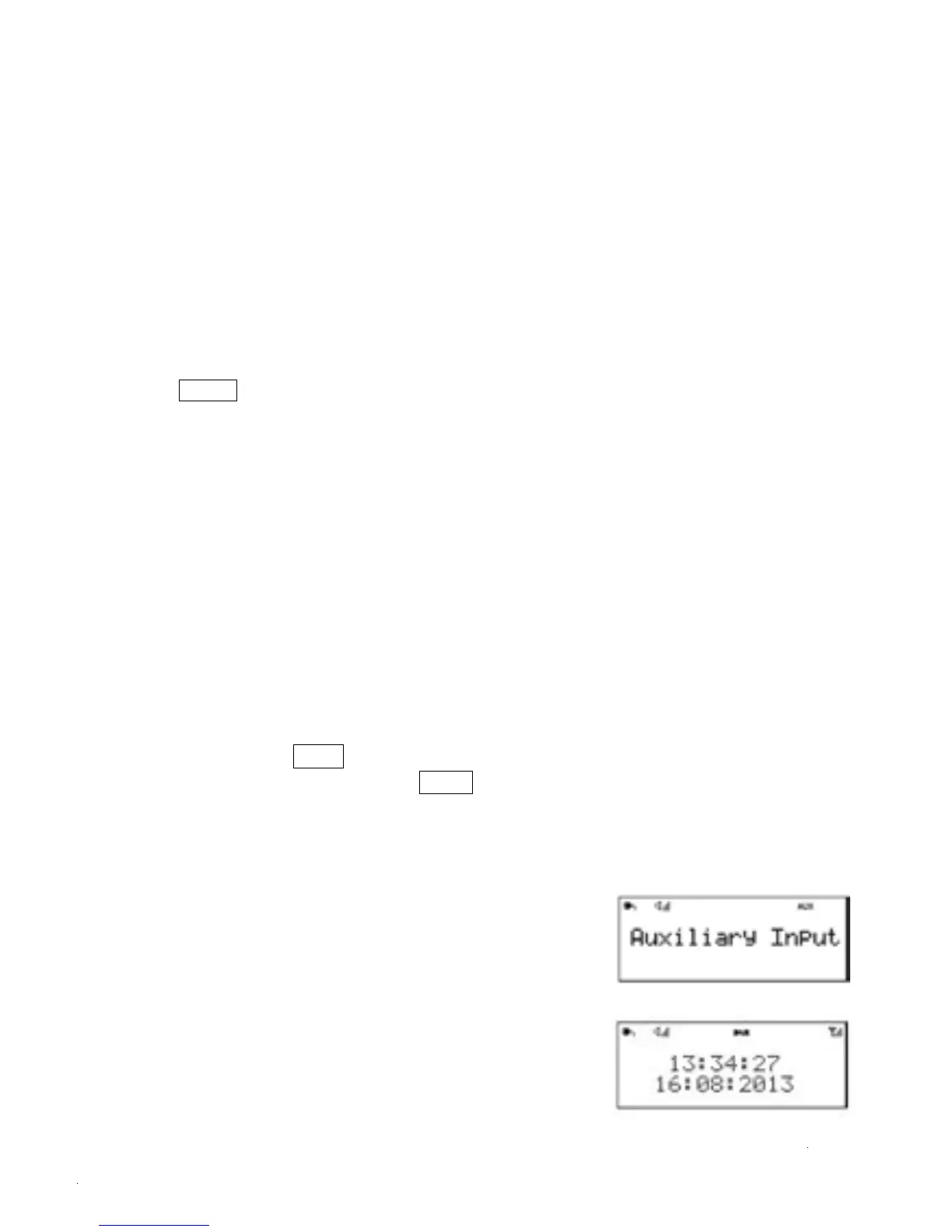
3.8 Aux In mode
Aux In mode plays audio from an external source such as
an MP3 player. Connection can be found on the back of the
product.
3.9 Alarms, snooze and sleep
1.There are two versatile wake-up alarms with snooze facility,
and a sleep function to turn the system off after a set period
of time.
2.The alarm sound for each alarm can use a buzzer or a selection
from the audio sources(except any Bluetooth connected source and Aux In mode)


 To Next Page