15
6.2 Equaliser
1. This presents a number of preset settings plus a My Equaliser option to allow you to
create your own equaliser settings.
My EQ… | Normal | Classic | Jazz | Pop | Rock | Speech
6.3 My EQ
1. This option allows you to set a bias in the treble and bass audio frequencies. Values
can be set between -7 (Minus 7) and +7 (plus 7).
2.Treble – (Use the left and right keys to choose a bias value between -7 and +7) Bass –
(Use the left and right keys to choose a bias value between -7 and +7)
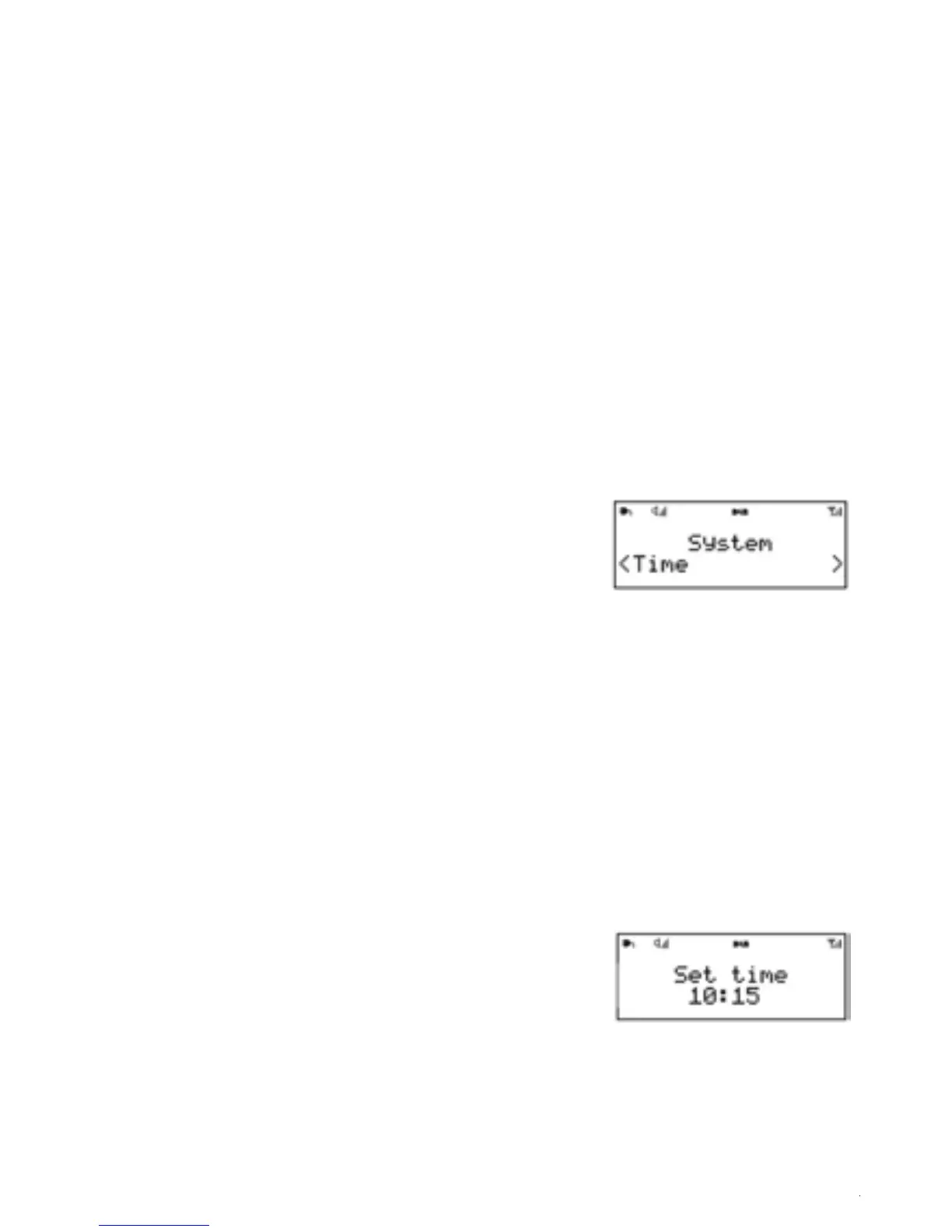
6.4 Time
1. The time and date can be updated manually or
automatically.
2. With auto-update, the time and date are automatically
synchronised with national time signals broadcast over DAB
and FM (when available).
3. You can also select the display format for the time and date.
4. The Time menu contains the following g options:
• Set Time/Date – (see below)
• Auto update - Update from Any | Update from DAB | Update from FM | No Update
• Set 12/24 hour - 12 | 24
• Set date format - dd-mm-yyyy | mm-dd-yyyy.
5.Set time/date
This option is for manually setting the time and date
displayed. The time displays as hh:mm AM/PM, with
the first value, hh, active (flashing). Adjust each value
using the left/right rotary control and press Select to
confirm. The next value then becomes active and flashes.
The date values follow and are set in the same way.
6.
Note: The date displays as dd-mm-yyyy or mm-ddyyyy
depending on your choice of date format (see above).


 To Next Page