Getting to know your TV
You’ll be up and running in no time
Getting to know your TV
15
or online at www.argos-support.co.uk If you still require further assistance, call one of our experts on 0345 604 0105.
Buttons on
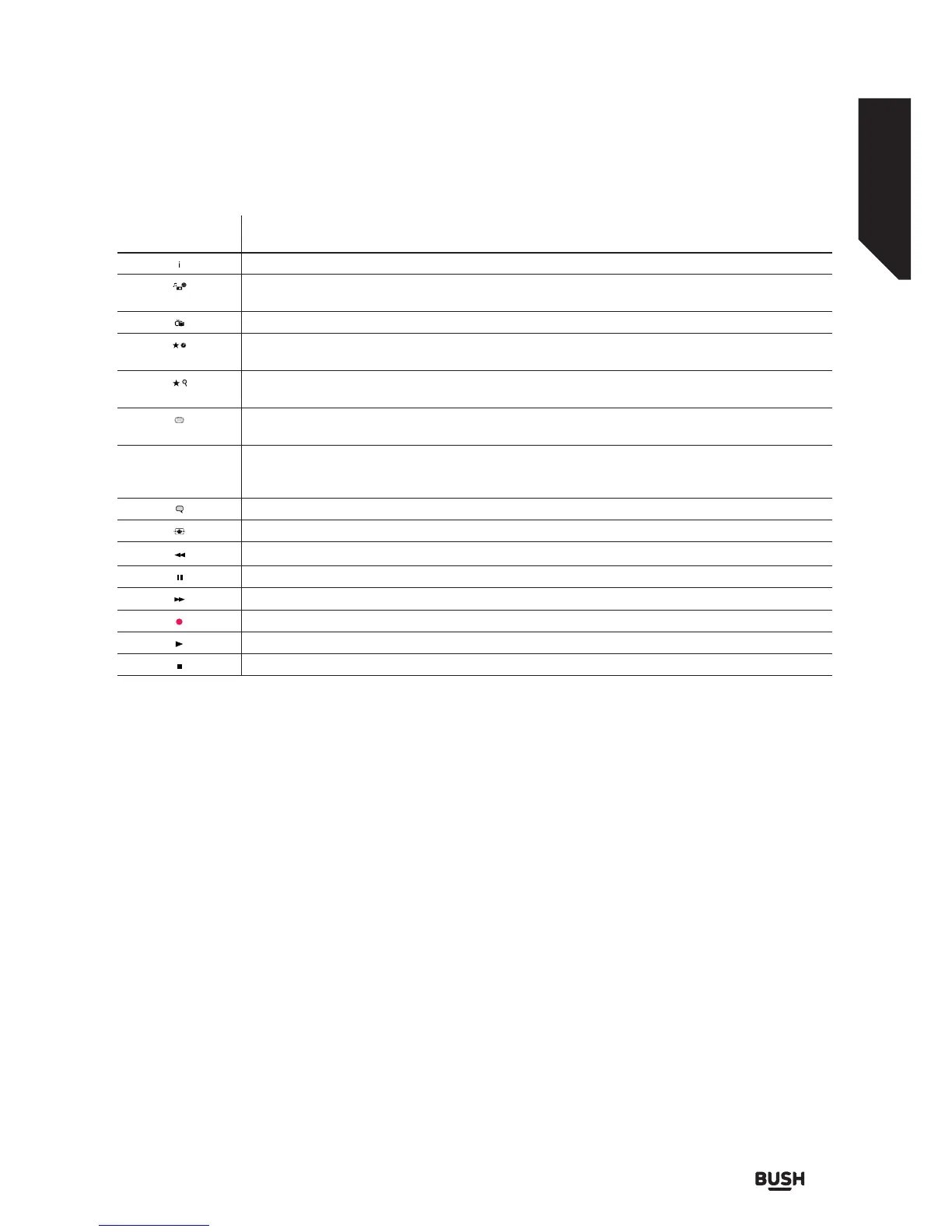
Remote Control Description
Info: Displays information about on-screen content, shows hidden information (reveal - in TXT mode)
Media browser: Opens the media browser screen
Angle (in DVD mode)
EPG (Electronic Programme Guide): Displays the electronic programme guide
/
My button 1*
Display/DVD menu (in DVD mode)
/
My button 2*
Search (in DVD mode)
Text: Displays teletext (where available), press again to superimpose the text over the normal broadcast
picture (mix)
LANG.
Language:
Switches between sound modes (analogue TV)
Displays and changes audio /subtitle langugage (digital TV - where available)
Subtitles: Turns subtitles on and off (where available)
Screen: Changes the aspect ratio of the screen
Rapid reverse: Moves frames backwards in media such as movies
Pause: Pauses the media being played
Rapid advance: Moves frames forwards in media such as movies
Button not used
Play: Plays selected media
Stop: Stops the media being played
(*) MY BUTTON 1 & MY BUTTON 2:
These buttons may have default functions depending on the model. However you can set a special function to
these buttons by pressing on them for five seconds when on a desired source or channel. A confirmation message
will be displayed on the screen. The selected MY BUTTON is associated with the selected function.
Note that if you perform a First Time Installation, MY BUTTON 1&2 will return to their default function.
Coloured Buttons
When using the TV, follow the on-screen instructions for coloured button functions.
When using the DVD, the coloured button functions are:
• Red: Zoom
• Green:Repeat
• Yellow: Root
• Blue: Title














 To Next Page