29
BUSH HD Ready LED LCD TV User Manual Helpline: 0845 604 0105
04 Using the features
TIME
Clock _ _ _ _ _ _ _ _
2II7LPH RII ŻŹ
2Q7LPH RII ŻŹ
6OHHS7LPHU RII ŻŹ
$XWR6OHHS RII ŻŹ
7LPH=RQH &DQDU\*07 ŻŹ
EXIT
Quit Back Select
OK
nPress the button to turn the LED LCD TV on.
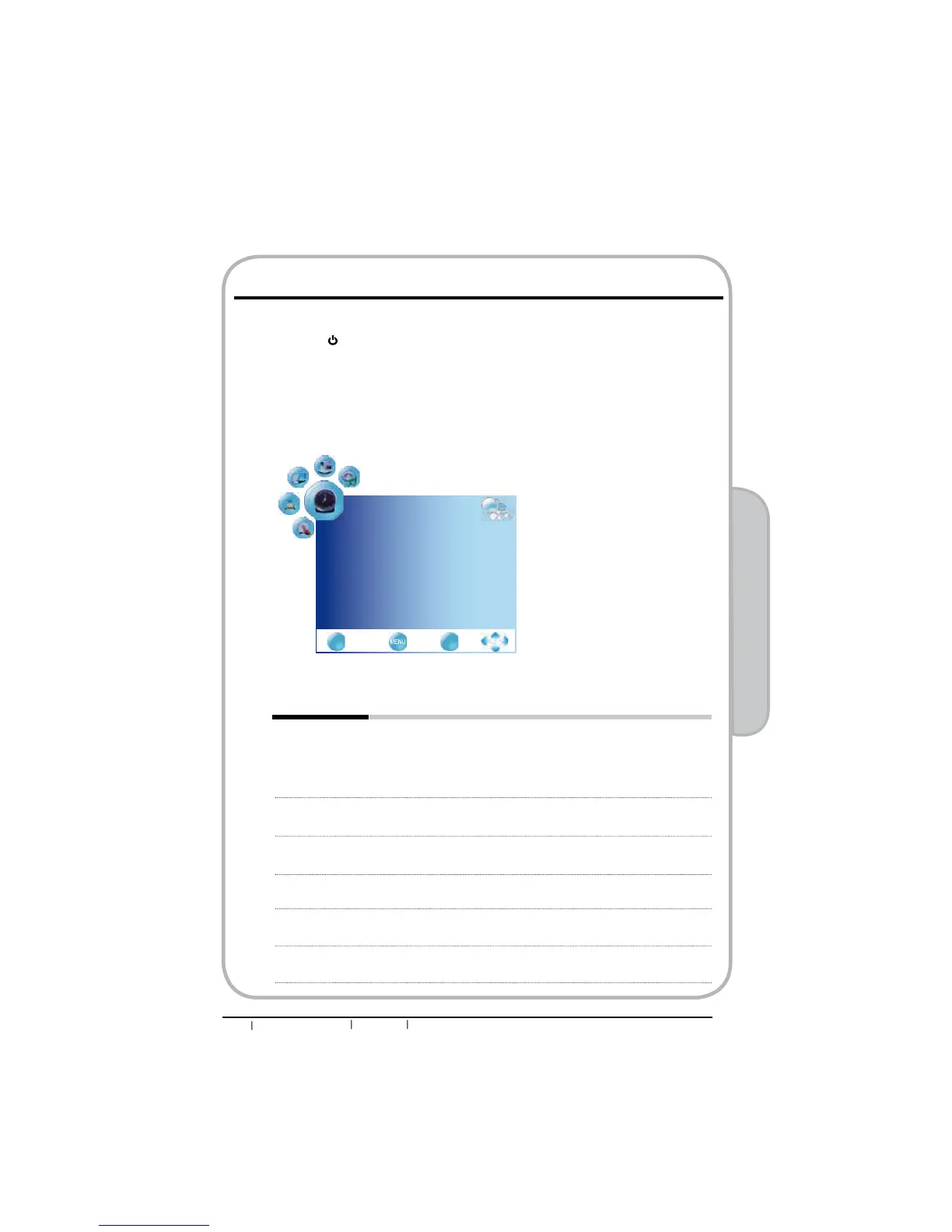
oPress the MENU button on the remote control to display the Main menu, and use the
ŻŹEXWWRQVWRVHOHFWWKHTIME.
pUse the ŸźEXWWRQVWRKLJKOLJKWDQLQGLYLGXDOWLPHRSWLRQXVHWKHŻŹEXWWRQVWR
change the setting, and press the MENU to exit the menu.
qThe TIME menu includes the following options:
Clock Selects to set the current clock.
nPress the OK button to display the Clock menu:
oPress the ɕɞ buttons to move to Date, Month, Year, Hour and
Minute.
p 3UHVVWKHŻŹEXWWRQVWRVHW
Off Time Allows to set the Off timers that the TV will switch off automatically at
the time you select.
On Time Allows to set the On timers that the TV will switch on automatically
and tune to the mode of your choice at the time you select.
Sleep Timer 8VHŻŹEXWWRQVWRVHOHFWDSHULRGRIWLPHDIWHUZKLFKWKH79
automatically switches to standby mode:off/10min/20min~/240min.
Auto Sleep Select on, the TV will be automatically turned off, in case of no signal
inTV & input source or no remote control input.
Time Zone 8VHŻŹEXWWRQVWRF\FOHWKURXJKWKHDYDLODEOHWLPH]RQHVLQWKH
country.
Customizing the TIME Settings


 To Next Page